
















CHAPTER 01 / BEFORE YOU BEGIN
Prepare your materials. Define the deliverables.
Business owners, marketers, designers and developers who are designing new websites or tidying up old websites.
Starting materials
- List of services and customer segments
- Questions frequently received by sales
- List of URLs that are still active
What you will prepare
A map of the pages, the destination of each URL, and the relationships between services, evidence, and contacts.
Use it as material for decisions and discussions, then adjust the work limits to your conditions.
Starting from one page, one process, or one most important need. Note unknowns as questions; Don't force answers just to make the worksheet look finished.
CHAPTER 02 / WORK STEPS
Work in a clear order.
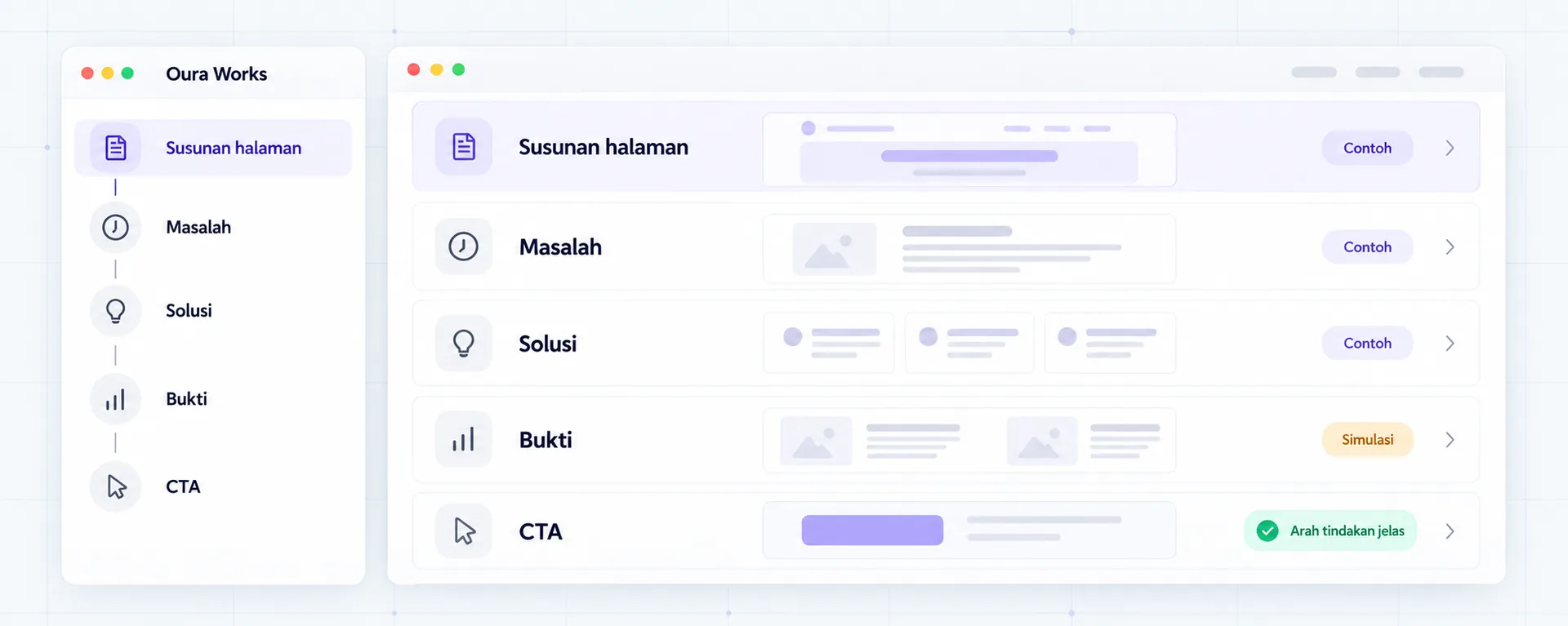
Starting from the buyer's decision
Write down three questions that arise before people are willing to discuss: is the service a good fit, what evidence is available, and what is the process. Take it from a sales conversation or short interview; don't equate internal assumptions with customer research. Group recurring questions, then order them according to the buyer's needs.
Give each page one main role
The services page explains coverage. The industry page explains the context. Case studies explain the work and evidence. Contacts help start conversations. If two URLs address the same need, determine whether they are worth separating. Keep old URLs that are still relevant; plan a redirect if it does move.
Connect pages according to the decision flow
From the service, link truly pertinent evidence and one clear contact step. From the article, point to the service only when the reader has an answer. Link labels should explain the purpose, not just “click here.” The navigation doesn't need to show all the pages; choose the most useful entrance.
Test it with real tasks
Ask someone who is unfamiliar with the business to look for a service, work limits, and how to request a quote. Observe where the confusion lies without immediately helping. Test on phone and with keyboard. Note any problems that are preventing the task, then fix them before adding new pages.
CHAPTER 03 / EXAMPLE SURGERY
Connect steps to real decisions.
Industrial equipment distributors need product pages that help procurement find specifications before requesting a quote. In this exercise, the catalog is not the place to copy an entire brochure without structure.
| Page | Buyer questions | Next step |
|---|---|---|
| Supply service | What goods and areas are served? | View product categories |
| Product details | Do the specifications match? | Download available specifications / request a quote |
| Case studies | What similar work has been done? | Check context and scope |
| RFQ form | What information do I need to prepare? | Send requirements to the sales team |
Replace the example lines with your business conditions. Mark information that already has evidence, that is still an assumption, and that needs to be asked of the person in charge.
CHAPTER 04 / REVIEW POINT
Avoid decisions that seem right, but have not been tested.
Create pages for each keyword variation
Separate pages when needs or content are different. The number of URLs is not a measure of completeness.
Making all CTAs “Contact us”
Readers who are not ready for contact may need specifications, processes, or evidence first.
If a decision impacts costs, access, data, or other teams' work, list the parties who need to approve it. Explain the evidence that is available and the extent of information that remains to be examined.
CHAPTER 05 / WORKBOOK
Make your plans here.
Fill in concisely and specifically. For information that is not yet available, write who needs to be asked for confirmation. These notes are not sent by the Playbook feature to Oura; download before the tab closes.
Do not enter passwords, access tokens, or personal customer data. Temporary storage follows the browser tab session, not the Oura account.
CHAPTER 06 / BEFORE SUBMISSION
Check your job readiness.
This checklist records the tasks you marked. It is not an audit score, certification, or automatic assessment of a website.
Frequently asked questions
How many pages are required?
Starting from buyer needs and capacity to manage content. A small but clear map of pages is more useful than dozens of repetitive pages.
Should all old URLs be replaced?
No. Assess the benefits and impact of the migration first, including links, traffic, and redirects.
Referral & usage limits
References checked on October 2, 2026. Steps, examples and worksheets are Oura editorial formulation with the help of AI and public references. Examples are not client results. The guide does not guarantee business results and does not replace a dedicated examination of your systems.