












Playbook 01 / 15
Website architecture that helps buyers
Turn page listings into pathways that help potential customers understand your services, assess fit, and contact your team.
Open the playbook →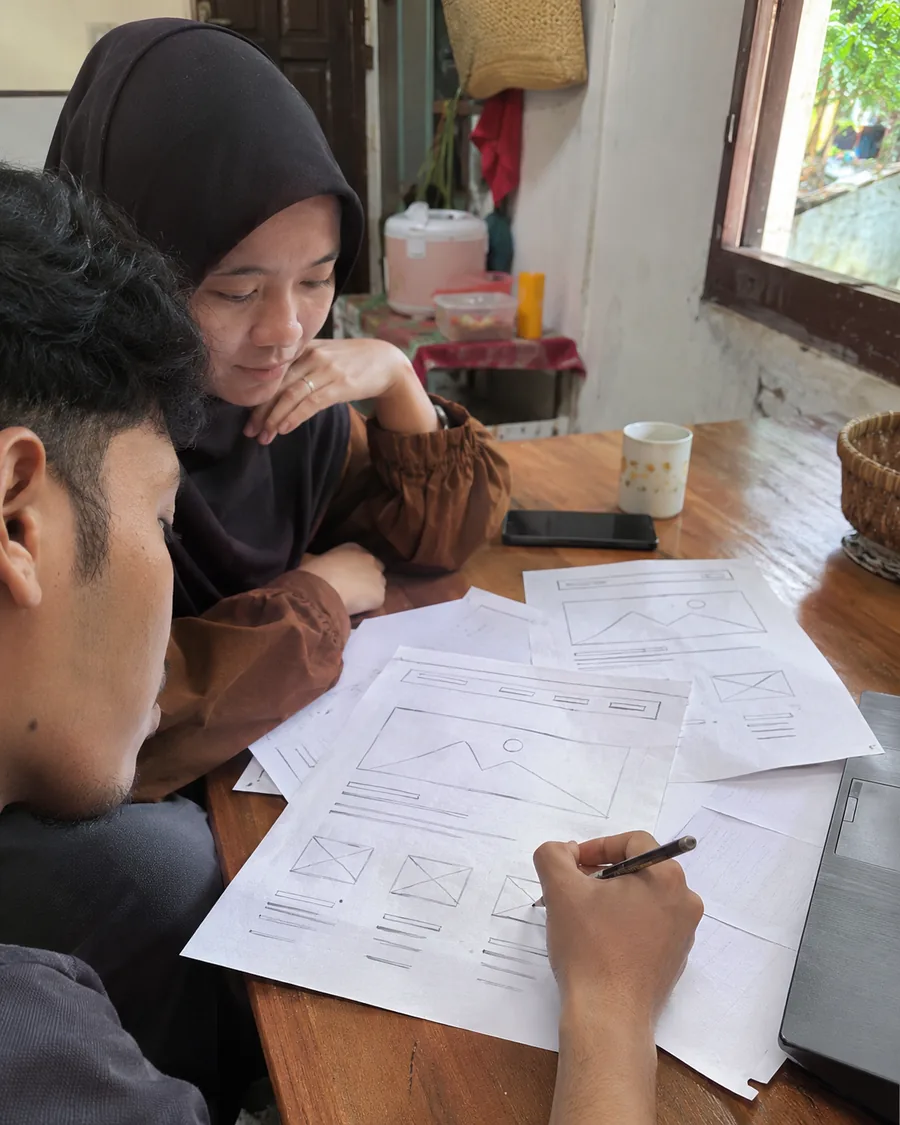
Playbooks
15 guides and worksheets to set up your website and search presence. No account needed, download as PDF.
Playbook 01 / 15
Turn page listings into pathways that help potential customers understand your services, assess fit, and contact your team.
Open the playbook →Playbook 02 / 15
Differentiate between symptoms, test results and user experience so that performance improvements have a clear priority.
Open the playbook →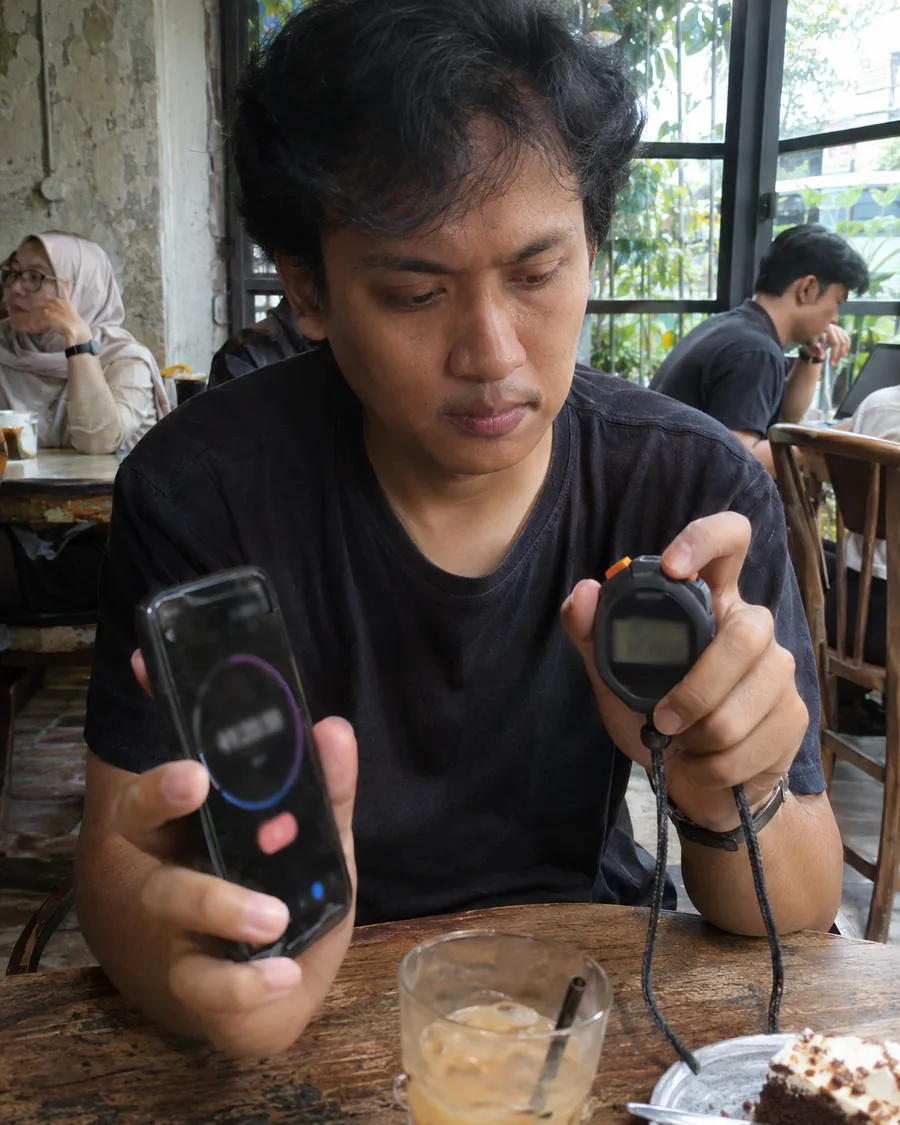
Playbook 03 / 15
Turn vague expectations into agreed outputs, responsibilities, and review methods before work.
Open the playbook →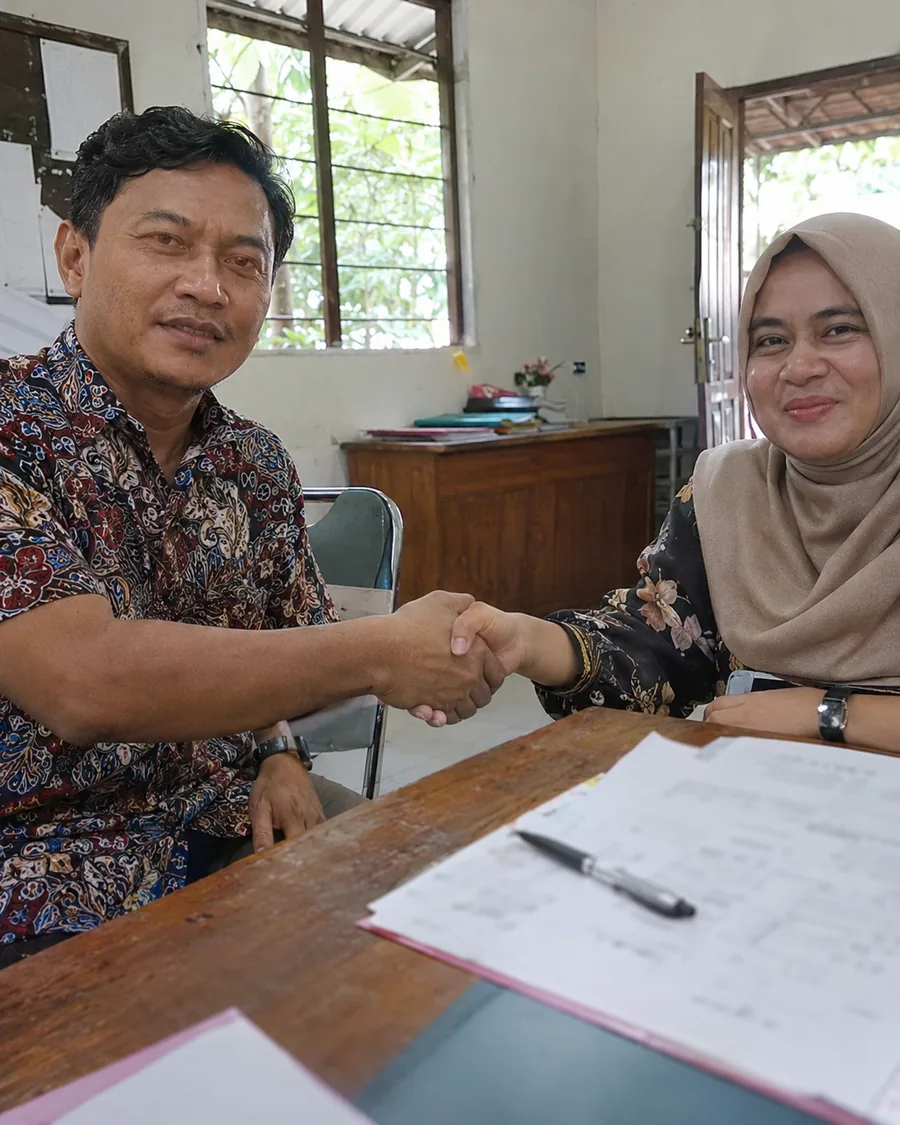
Playbook 04 / 15
Determine what needs to be updated, merged, or retained based on the usefulness and accuracy of the information.
Open the playbook →
Playbook 05 / 15
Help prospective clients understand the benefits, scope, limits and work steps before they send an inquiry.
Open the playbook →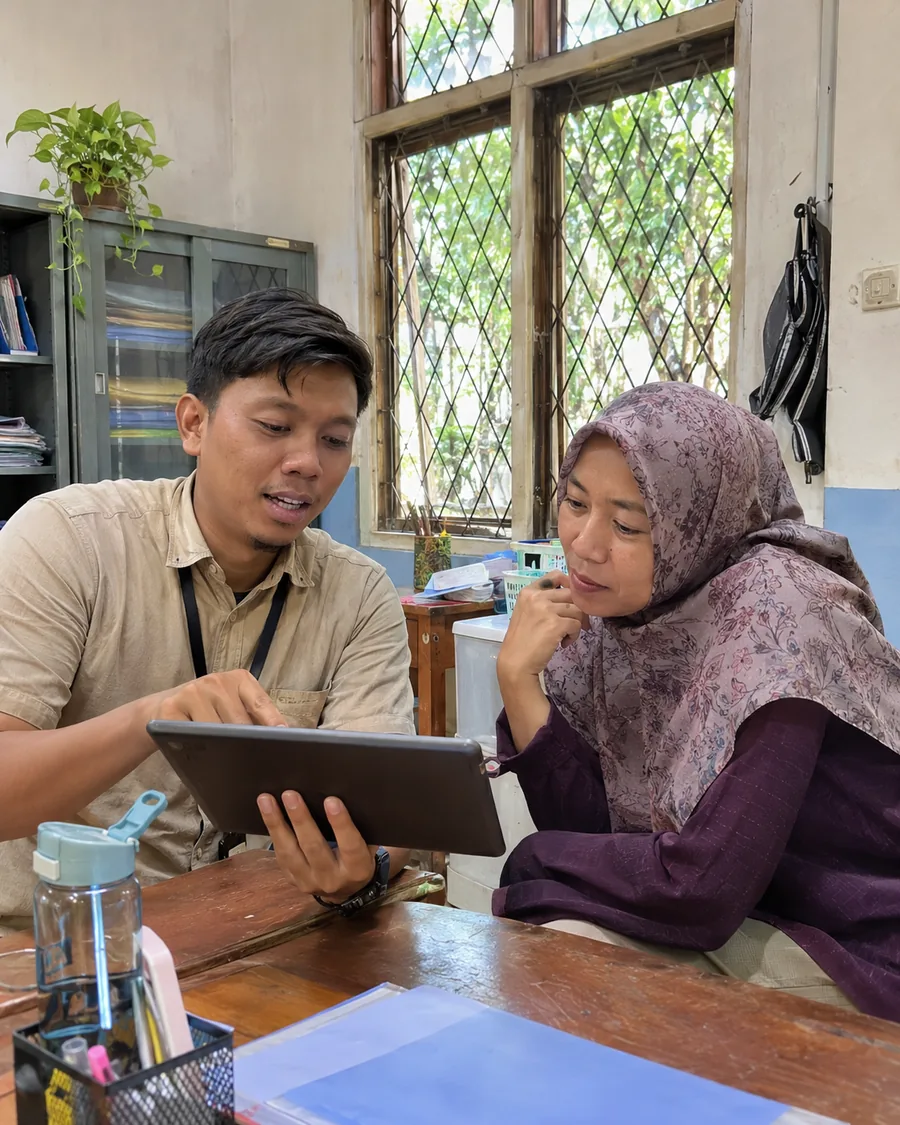
Playbook 06 / 15
Help the procurement team find suitable products and send requirements that are clear enough for sales to follow up.
Open the playbook →
Playbook 07 / 15
Set up who can change what, how changes are checked, and what to do if a release has problems.
Open the playbook →
Playbook 08 / 15
Connect ad promises, offer information, and next actions so visits don't end in confusion.
Open the playbook →
Playbook 09 / 15
Separate results, projections, and narratives so you can assess whether a project approach is a good fit for your business.
Open the playbook →
Playbook 10 / 15
Separate clicks, form successes, and leads worth following up for reports to help business decisions.
Open the playbook →
Playbook 11 / 15
Establish a routine of checks and recoverable backups, with clear responsibilities in the event of a disruption.
Open the playbook →
Playbook 12 / 15
Find the parts of your website that make buyers hesitate, then organize improvements based on the tasks they want to complete.
Open the playbook →
Playbook 13 / 15
Connect search questions to buyer needs and page roles so content doesn't repeat itself.
Open the playbook →
Playbook 14 / 15
Build pages that can be found, understood, and source-checked before pursuing AI visibility tactics.
Open the playbook →
Playbook 15 / 15
Align information for each branch so customers find the right location, services, operating hours, and how to contact them.
Open the playbook →
DO YOU HAVE AN INITIAL PLAN?
Bring your worksheet so the conversation starts with needs, job boundaries, and clear decisions.
No. Guide can be read without an account. You can use the worksheet for internal discussions or collaborative preparation.
Playbooks provide work sequences, outputs, examples, checklists, and practice sheets. Articles provide explanations of topics; Playbooks help you organize your actions.
The examples are an editorial exercise, not documentation or client results. The results of real work are discussed separately in Oura case studies.
Notes and checklists are temporarily stored in this browser tab session, if storage is available. Not sent by the Playbook feature to Oura. Download before closing the tab; do not enter passwords or personal customer data.

Tell us what your website needs. Our team will contact you to discuss it.