














CHAPTER 01 / BEFORE YOU BEGIN
Prepare your materials. Define the deliverables.
Website owners, operations, and developers need to agree on maintenance coverage.
Starting materials
- List of services, licenses and validity periods
- Operational access according to role
- Backup as well as an environment for restore practice
What you will prepare
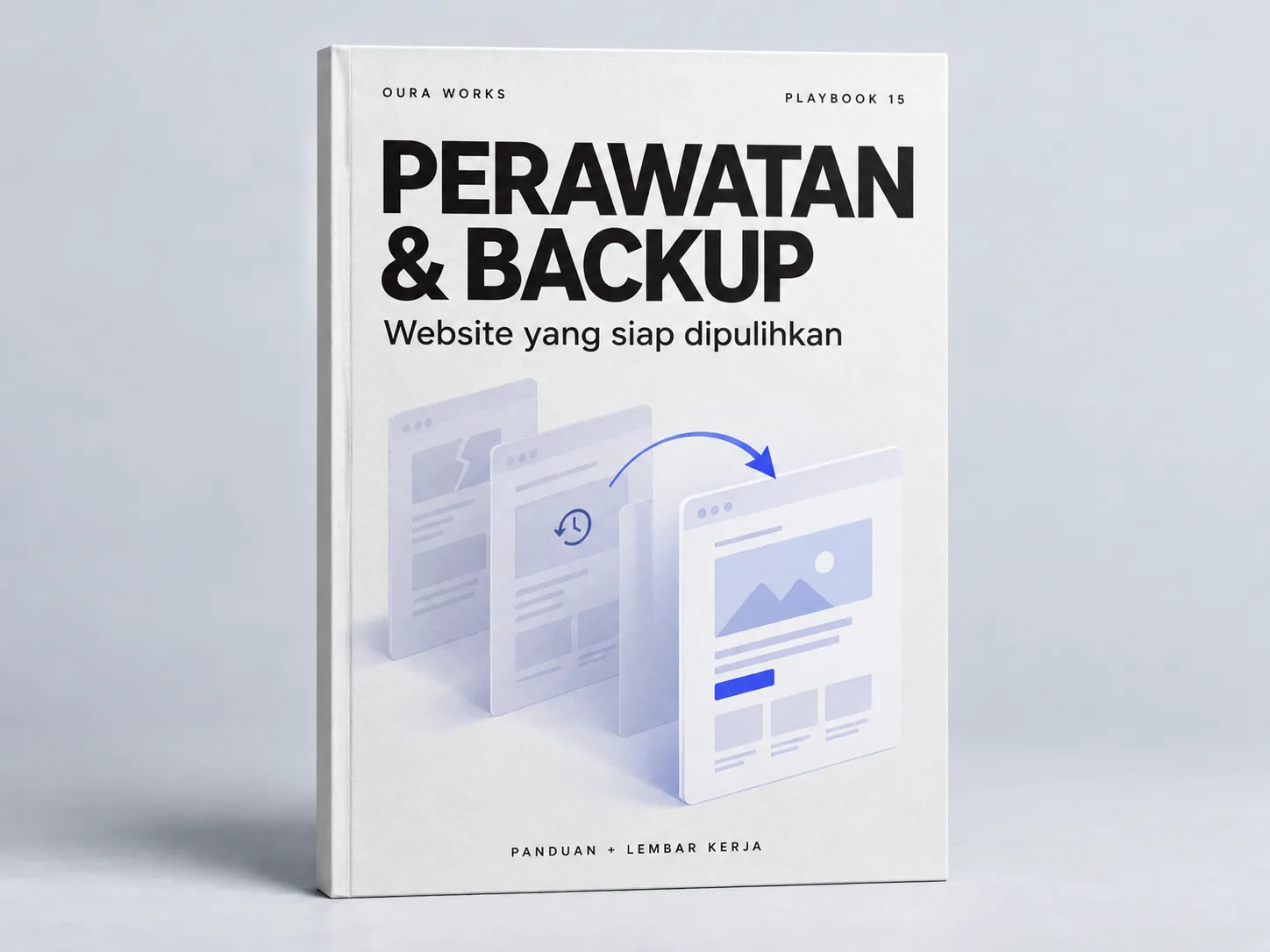
Maintenance schedules, backup records, and disruption management plans.
Use it as material for decisions and discussions, then adjust the work limits to your conditions.
Starting from one page, one process, or one most important need. Note unknowns as questions; Don't force answers just to make the worksheet look finished.
CHAPTER 02 / WORK STEPS
Work in a clear order.
Map out the systems that must remain available
Take note of important domains, certificates, hosting, CMS, databases, forms, and integrations. Provide owners and escalation contacts for each system. Differentiate the work handled by hosting providers, vendors, and internal teams. The service validity period and renewal rules need to be clear; don't assume everything is automatically included in the package.
Schedule inspections based on impact
Check contact functionality, domain and certificate expiration, access changes, and component updates. Patches need to follow risks and compatibility; test impactful changes in appropriate environments. Record the examination carried out and the findings. HTTPS certificates help protect connections, but are not proof that the entire system is secure.
Define backup data and loss limits
Identify files, configurations, databases, and documents required to restore service. Agree on frequency, retention, location, and who has access. Determine how much data loss and recovery time the business will accept as a planning target, not a promise without testing. Protect backups from unnecessary access.
Practice recovery and evaluate disruptions
Perform the restore in a protected test environment. Check pages, media, forms, and integrations; Note the time as well as the manual work required. When disruption is real, determine who decides on recovery and provide information to the business team. Once service is restored, document the known cause as well as the subsequent fix.
CHAPTER 03 / EXAMPLE SURGERY
Connect steps to real decisions.
Website practice with catalogs and inquiries: the backup needs to restore the contents of the catalog as well as the form configuration, not just the page files visible in the browser.
| Areas | Examination/exercise | Recorded evidence |
|---|---|---|
| Domains & certificate | Validity period and person in charge | Update date and action |
| Form | Test delivery and acceptance | Success and failure flow states |
| Backups | Coverage, location, retention, access | Checkable backup logs |
| Restore | Recovery in test environment | Recovered functions and constraints |
Replace the example lines with your business conditions. Mark information that already has evidence, that is still an assumption, and that needs to be asked of the person in charge.
CHAPTER 04 / REVIEW POINT
Avoid decisions that seem right, but have not been tested.
Selling SSL as total protection
Security involves access, applications, configuration, and operational habits, not certificates alone.
Back up without ever trying to restore
Exercises help discover data or manual steps that have not been covered.
If a decision impacts costs, access, data, or other teams' work, list the parties who need to approve it. Explain the evidence that is available and the extent of information that remains to be examined.
CHAPTER 05 / WORKBOOK
Make your plans here.
Fill in concisely and specifically. For information that is not yet available, write who needs to be asked for confirmation. These notes are not sent by the Playbook feature to Oura; download before the tab closes.
Do not enter passwords, access tokens, or personal customer data. Temporary storage follows the browser tab session, not the Oura account.
CHAPTER 06 / BEFORE SUBMISSION
Check your job readiness.
This checklist records the tasks you marked. It is not an audit score, certification, or automatic assessment of a website.
Frequently asked questions
Do backups have to be done every day?
Determine the frequency of changes and data loss tolerance. There is no single schedule that fits all websites.
Does this guide guarantee a hassle-free website?
No. The aim is to increase readiness and clarity of action; risks still need to be reviewed according to your system.
Referral & usage limits
References checked on October 2, 2026. Steps, examples and worksheets are Oura editorial formulation with the help of AI and public references. Examples are not client results. The guide does not guarantee business results and does not replace a dedicated examination of your systems.