


















Core Web Vitals assess loading, interaction responsiveness, and visual stability. Use user data to evaluate experience, lab tests to diagnose causes, and functional checks to ensure changes do not break the website. A Lighthouse score is neither a field pass nor a business-outcome measure.
Updated 11 October 2026. Examples and simulations are distinguished from measured client results.
What are LCP, INP, and CLS?
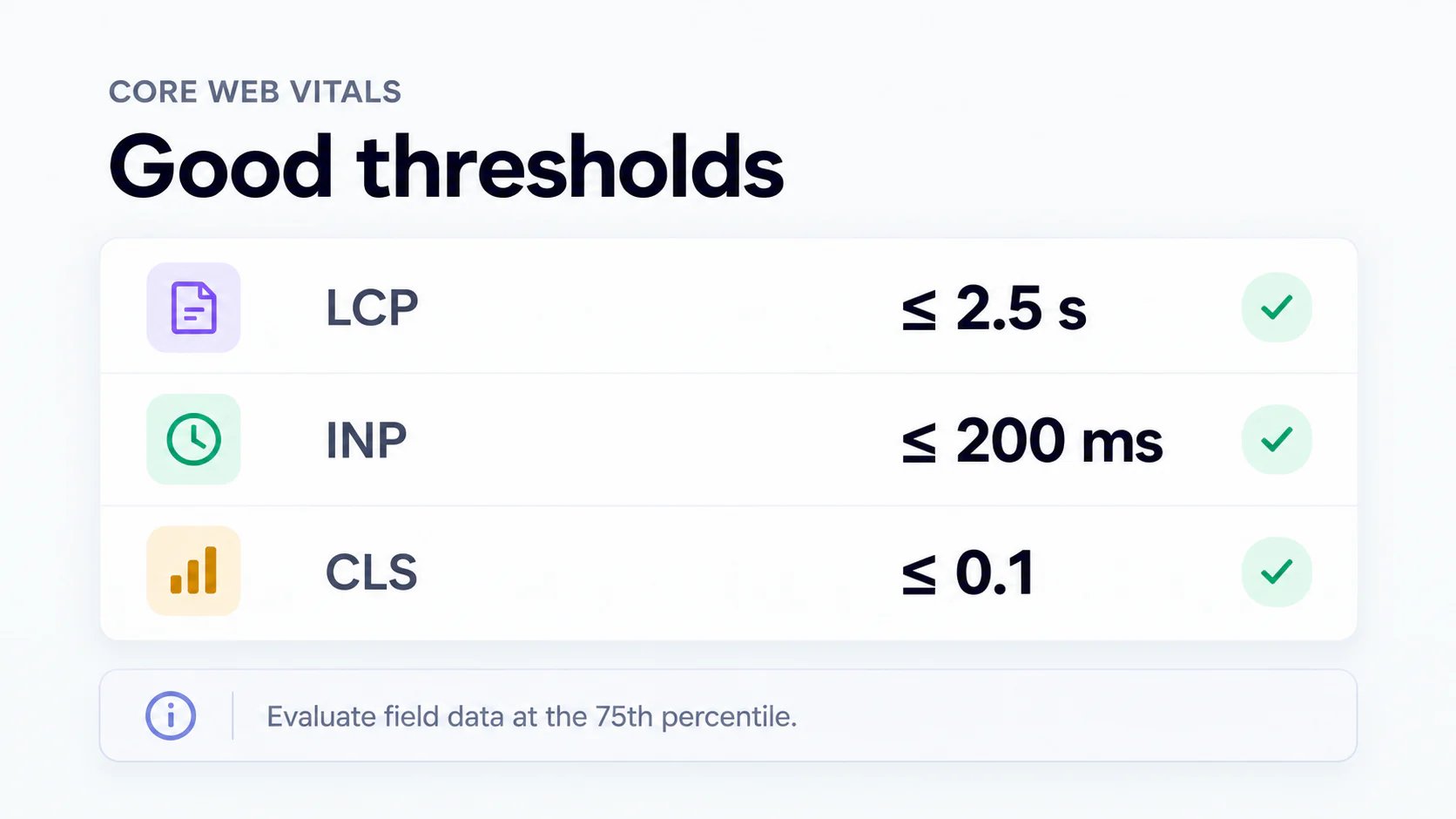
LCP measures when the largest qualifying content element is displayed. INP evaluates click, tap, and keyboard latency until the next paint, with outlier rules; it does not measure the entire network operation. CLS measures unexpected layout shifts. INP replaced FID as a Core Web Vital in March 2024. INP explanation.
Why should you assess your users’ experience?
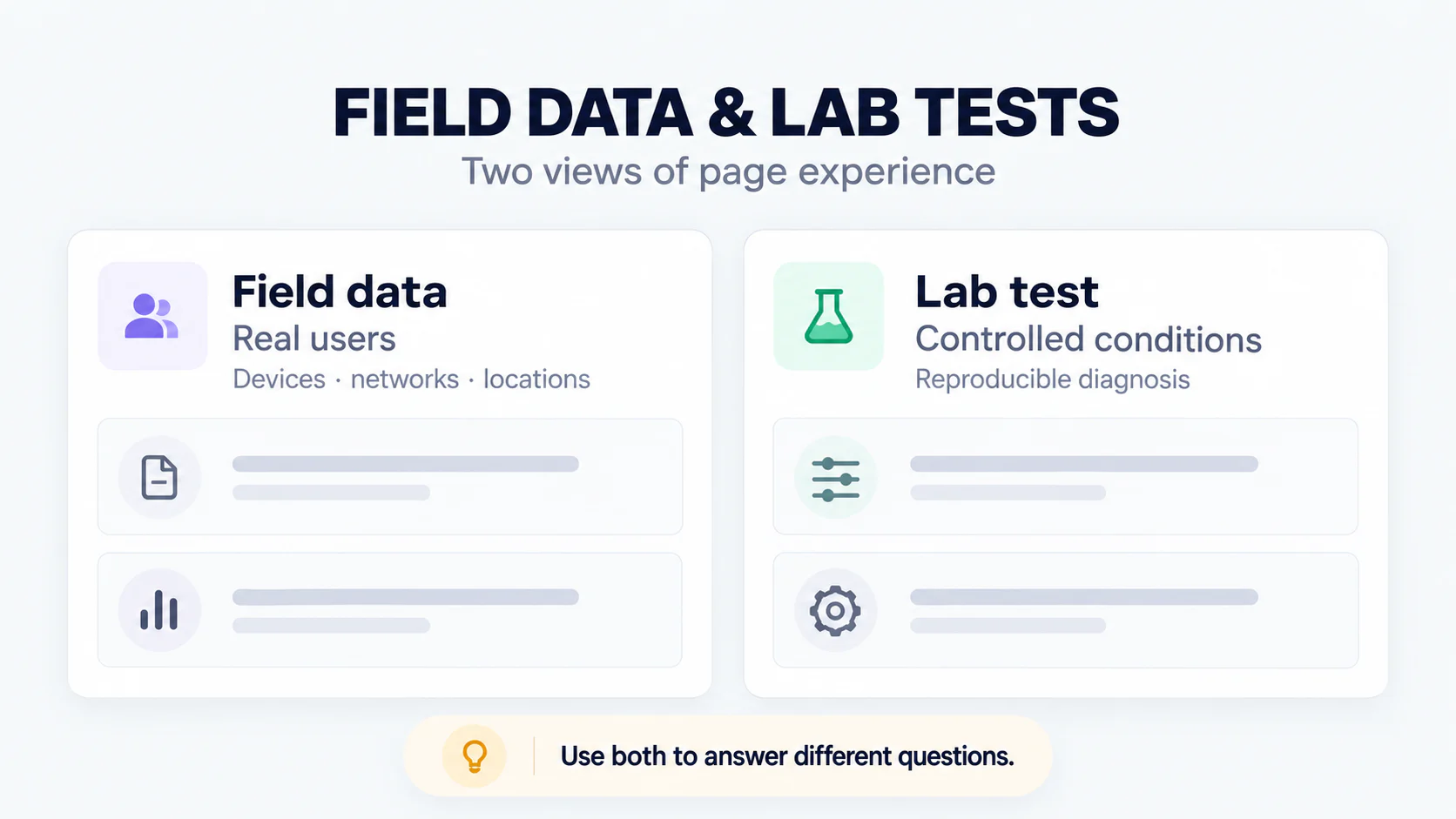
Devices, networks, locations, entry pages, and interactions affect experience. A national mobile-use percentage is not a substitute for your website’s data. Review device segments and important pages, including forms and menus. Better performance may reduce friction, but its effect on inquiries must be measured rather than assumed.
Hosting and CDNs: test the actual delivery path
Check server response, caching, asset sizes, and network paths from relevant user locations. A CDN does not automatically fix heavy JavaScript or late-discovered hero images. Compare cache hits and misses, costs, configuration, and third-party dependencies. Select changes after identifying bottlenecks; server location alone does not prove performance or ROI.
Good thresholds and how to evaluate them
| Metric | Good | Needs improvement | Poor |
|---|---|---|---|
| LCP | ≤2.5 seconds | >2.5–4 seconds | >4 seconds |
| INP | ≤200 ms | >200–500 ms | >500 ms |
| CLS | ≤0.1 | >0.1–0.25 | >0.25 |
Evaluate field data at the 75th percentile and separate devices. An LCP of 2.6 seconds needs improvement even if it improves on a slower baseline. If CrUX lacks a sample, the status is unmeasured through that source, not an automatic pass. Core Web Vitals guidance.
Diagnosing LCP: from response to render
Identify the LCP element for the tested page and device. Separate document response, resource discovery, resource download, and render delay. If the hero is the LCP element, use appropriate dimensions, early discovery, and justified priority; assess before lazy-loading an above-the-fold hero. Optimize CSS or fonts when evidence shows delayed rendering. Retest under comparable conditions.
Diagnosing INP: inspect slow interactions
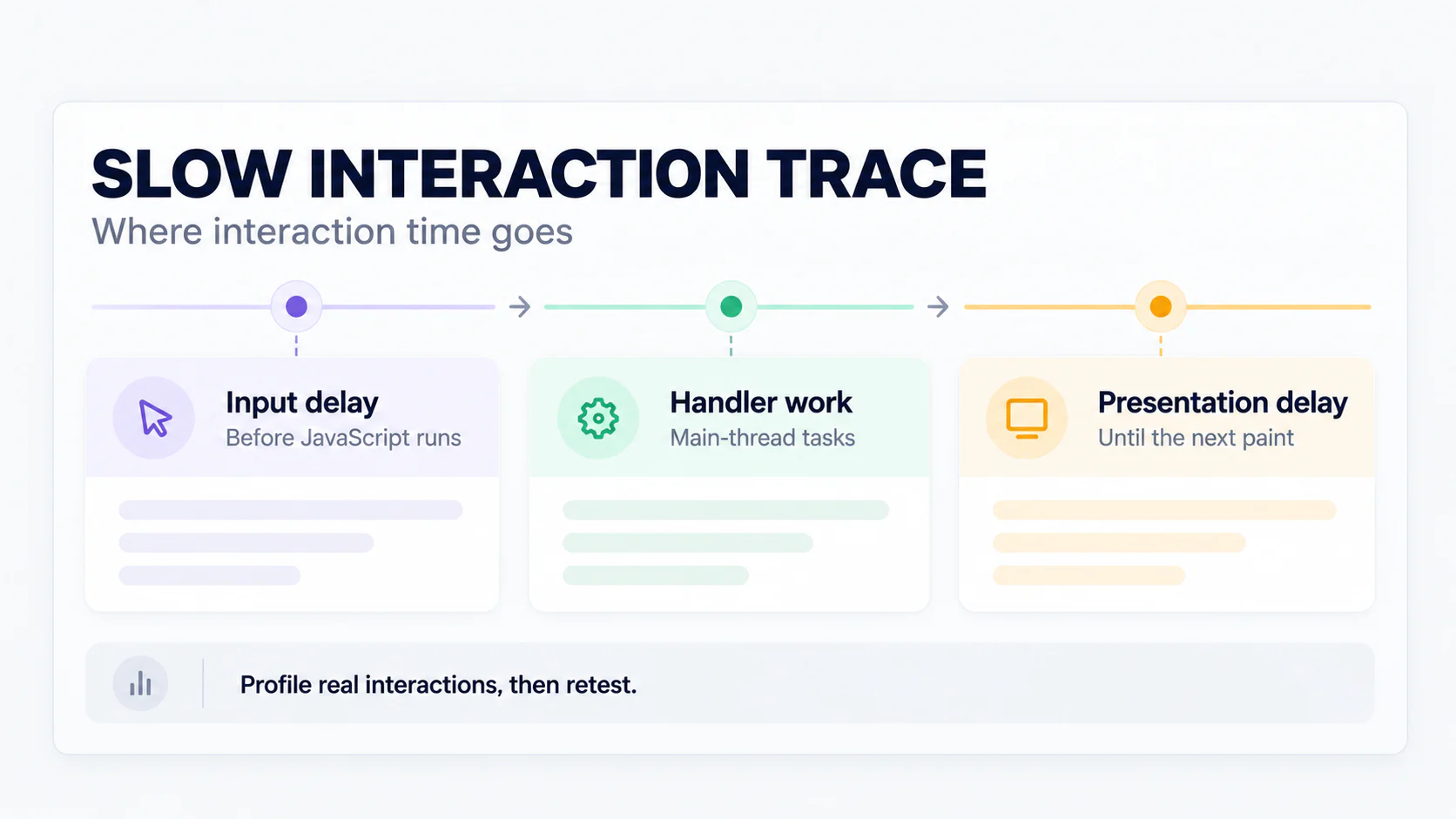
Record actual interactions such as menus, search, FAQs, and form submission. Separate input delay, handler work, and presentation delay. Look for long tasks, third-party JavaScript, repeated rendering, or expensive layout work. GTM tag count alone does not determine INP. Reduce proven expensive work, break up tasks, and show timely feedback without falsely claiming the operation is complete.
Diagnosing CLS: find shifting elements
Inspect images without reserved space, font changes, inserted banners, and embeds that change height. Set media dimensions or aspect ratios and reserve appropriate space for dynamic components. Distinguish unexpected shifts from interaction-related changes according to the metric rules. Recheck cropping, readability, and navigation after changes; removing useful elements just for a score is not a solution.
CWV, SEO, and AI visibility
CWV concerns page experience and is used by Google ranking systems. Meeting thresholds does not guarantee rankings, and failing CWV is not a universal indexing prohibition. There is no evidence that one CWV score is a citation requirement for every AI product. Pages still need relevant information, appropriate access, and usable functionality.
Related reading: Choosing search priorities; Organizing page roles.
Audit and verification workflow
| Stage | Evidence to retain | Decision |
|---|---|---|
| Baseline | URL, date, device, field/lab | Select the main bottleneck |
| Diagnosis | Trace and related resources | Choose justified changes |
| Implementation | Change and rollback records | Prevent functional damage |
| Verification | Comparable tests and critical functions | Accept, revise, or roll back |
Ask the developer to connect each recommendation with evidence from the tested URL and interaction. A framework or hosting provider’s name alone does not explain a slowdown. Keep the trace, change list, and rollback procedure, then retest the same pages and functions after release.
Template targets without invented client results
Good thresholds do not change by website type. Work priorities differ: articles may be dominated by heroes and fonts, stores by product lists and cart interactions, and consultation pages by scripts and forms. Illustrative example: a team accepts an LCP improvement from 4.1 to 2.6 seconds as progress while recording that it still needs improvement. These values illustrate classification, not a project result or conversion change.
Ongoing monitoring and data windows
CrUX summarizes a rolling 28-day window, not a one-off update exactly 28 days after a release. GSC groups URLs and may have processing delays. Track template, script, and asset changes with release logs. If URL data is unavailable, distinguish origin-level data from page-specific data. A momentary lab test cannot prove that all users now receive the improved experience. CrUX API documentation.
Mistakes to avoid
Do not chase scores without testing CTAs, forms, consent, and keyboard use. Do not compress illustrations until labels become unreadable. Do not preload every asset or remove measurement without agreement. Do not claim that caching or a CDN guarantees payback. Record costs and inquiry changes for business evaluation; before-and-after comparisons still have causal limitations.
When is professional support useful?
Seek help when bottlenecks require profiling, server changes, or coordination across templates. The brief should identify priority URLs, protected functions, baseline sources, delivery targets, and rollback steps. Assess success through experience and functional evidence, not ranking promises or a single Lighthouse score.
Related reading: Briefing website changes; Measuring valid inquiries.
Primary references
Frequently asked questions
What are Core Web Vitals?
Metrics for loading experience (LCP), interaction responsiveness (INP), and visual stability (CLS). INP replaced FID in March 2024.
What are the good thresholds?
LCP ≤2.5 seconds, INP ≤200 ms, and CLS ≤0.1, evaluated at the field-data 75th percentile. An LCP of 2.6 seconds is not good.
Does CWV guarantee AI citations?
No. Good experience matters to readers, but no universal CWV threshold guarantees citations from AI products.
Should I test only mobile?
No. Prioritize customers’ devices and check both desktop and mobile. Separate segments and important functions.
Which tools should I use?
PageSpeed Insights for lab tests and available CrUX data, GSC for URL groups, and browser performance traces for diagnosis. Check whether data is URL-level or origin-level.
When will improvements appear?
Lab tests may change after release, while CrUX uses a rolling 28-day window and reports may lag. No universal timetable applies to field status or rankings.