















Oura Insights • Updated October 2, 2026
SEO and AI visibility: a guide for business websites

Oura Works
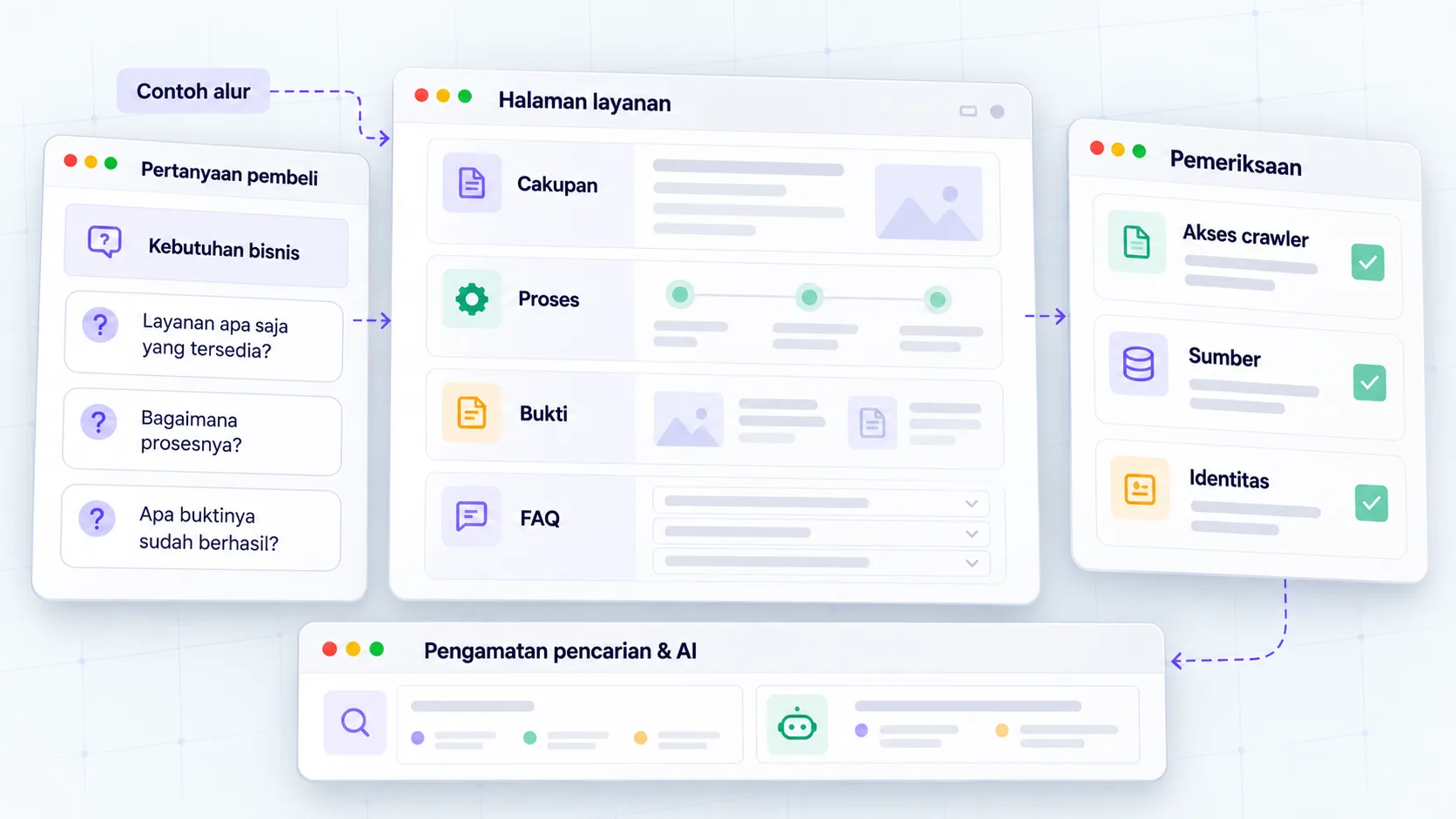
SEO and AI visibility starts with an accessible website and information that helps potential customers make decisions. For businesses, this work includes service pages, checkable evidence, consistent company identity, and measurement of visitor actions. Appearance in searches or AI answers remains determined by the platform.
Imagine a potential client is comparing service providers. He wants to know the team's capabilities, implementation process, scope estimates, and project risks. Websites that only say "the best solution" do not answer these needs. Your job is to provide enough information to make the next conversation more focused.
This guide combines platform documentation with Oura's editorial work plan. The examples and tables below are recommendations or simulations, not client results reports. Use it to assess the condition of the website before deciding to buy tools, produce articles, or change the design.
Summary for business owners
- Determine the pages and questions that are important to your sales.
- Check technical access before adding content production.
- Describe scope, process, limitations, and evidence on the services page.
- Separate search, AI referral, and lead quality measurements.
- Record changes and observation conditions so that results can be reviewed.
- Choose your next job over proven obstacles, not instant ranking claims.
1. How do SEO and AI visibility differ for businesses?
In marketing work, SEO helps people find and understand pages through search engines. AI visibility looks at how business information appears or is referenced in the AI platform's answers. Oura separates the two when generating reports so that teams don't confuse search positions with AI recommendations.
The terms AEO and GEO are often used for work related to answers and generative search. Before choosing a service, check what it actually does: access auditing, content structuring, entity description, or source observation. The name of the service alone does not explain the method nor the results you can check.
| Areas | Work question | Evidence collected |
|---|---|---|
| Organic search | Which pages are found and visited? | Search Console data and page conditions |
| AI Answers | In the question what is the business or page called? | Question notes, platforms, dates, and source links |
| Website | What do visitors do after arriving? | Event analytics and the success of the inquiry process |
| Sales | Does the demand match the service being sold? | Qualification and follow-up on CRM or sales records |
This table is Oura's evaluation framework. If a report shows many mentions of a brand but doesn't note the source or question, you don't have a basis for assessing its relevance. When forms increase but most do not match the service, the message or contact path also needs to be reviewed.
2. Which pages should be prioritized?
Prioritize pages that answer important purchasing decisions and still have real obstacles. A list of all URLs doesn't need to be a job listing straight away. Start with one key service, the evidence that supports it, and the consultation path the prospect uses.
Collect questions from existing inquiries, proposal materials, and sales conversations that can be used. Remove personal identification before compiling a summary. Group questions by need: understanding solutions, comparing providers, or setting up a project. This grouping determines the type of page required.
CRM integration companies often receive questions about supported systems, data migration, training, and access ownership. These four topics are part of the service page. Longer technical guides can use separate URLs if readers need them, and then be linked from the relevant sections. Simulation example:
Create a priority list with columns for URL, buyer questions, obstacles, evidence, and decision owner. Learn business website structure to determine the relationship between pages. Don't create several pages with almost the same content just to change the city name or keywords.
3. How to check technical access first?
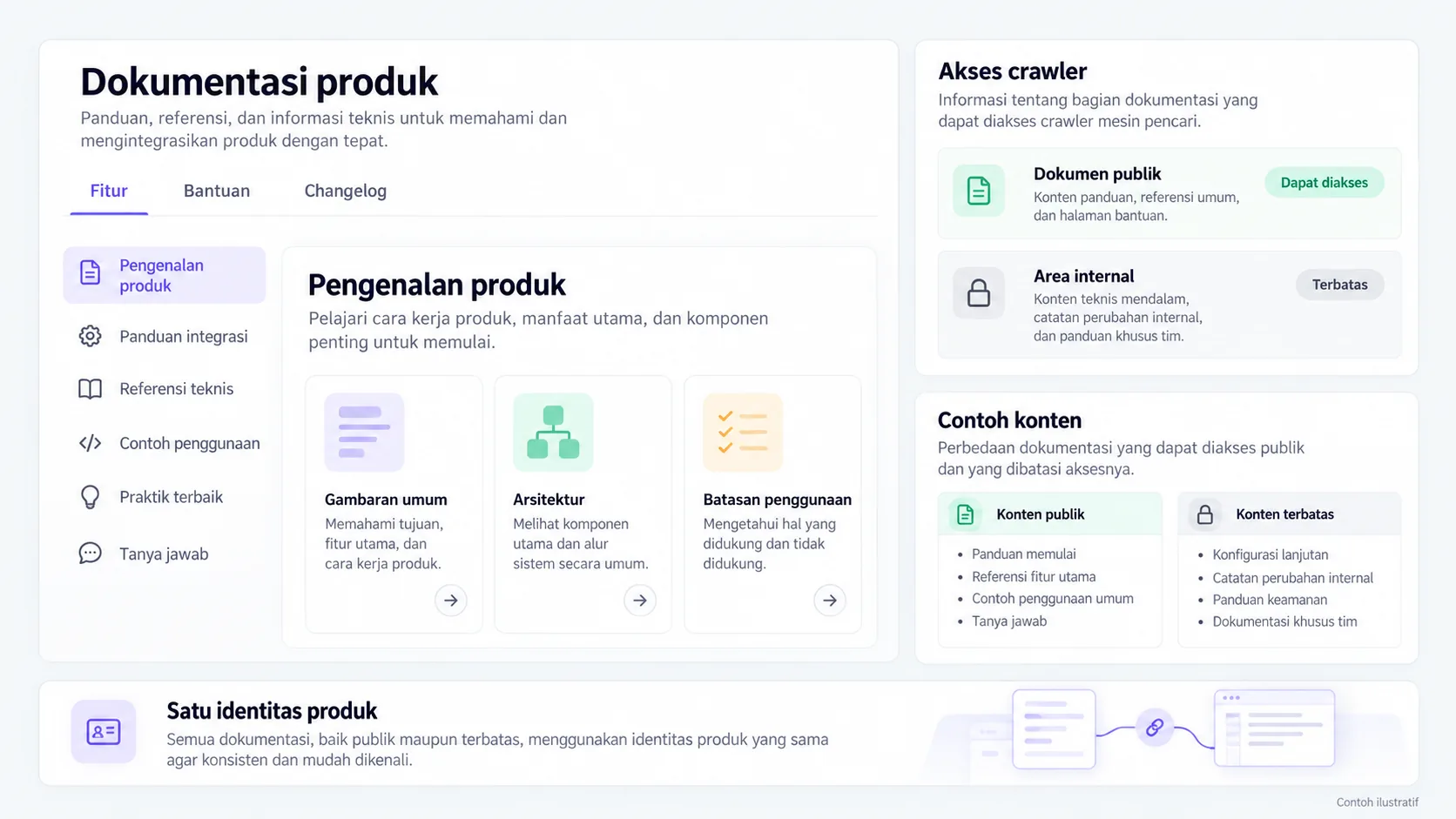
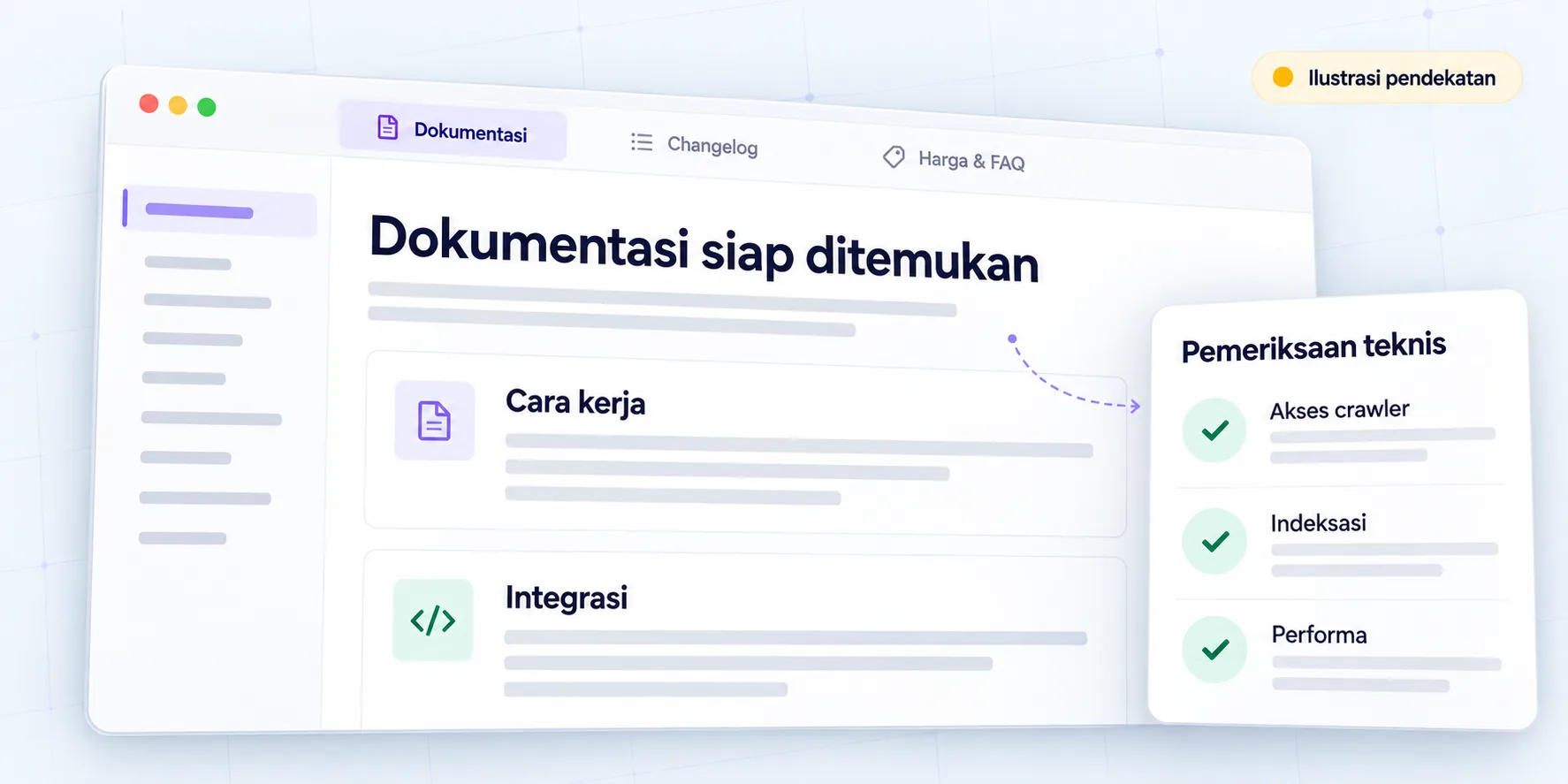
Check whether public pages can be opened, whether necessary crawlers are allowed, and whether important pages are allowed to be indexed. Check with the hosting or website manager. Security configurations, logins, and bot restrictions can make information visible in your browser but difficult for other systems to access.
Use URL Inspection in Search Console to review the status and test of managed URLs. Documentation Search Console providing indexation inspection paths as well as performance monitoring. Don't think of a single query search as a complete indexation audit.
Also check Search generative AI control in property settings. Google provides controls to include or exclude content from certain generative features. Child properties can follow parent settings. Refer generative control guide with the property owner before considering changes.
Check robots.txt and noindex as a different control. Google explains that crawlers must be able to access the page to read the rules noindex. Blocking crawling is not the same as removing a page from the index. Refer noindex guide before changing the configuration.
For ChatGPT Search, OpenAI explains the function OAI-SearchBot and separate it from GPTBot for training use. These settings are independent. Managers can review search and training policies separately using OpenAI crawler documentation. Access permissions do not guarantee a page is selected as a source.
Save tested URLs, dates, check results, and configuration changes. Don't open admin, customer data, or staging pages just for the sake of crawling. The audit here is aimed at public information that is worth finding.
4. What kind of content helps potential customers?
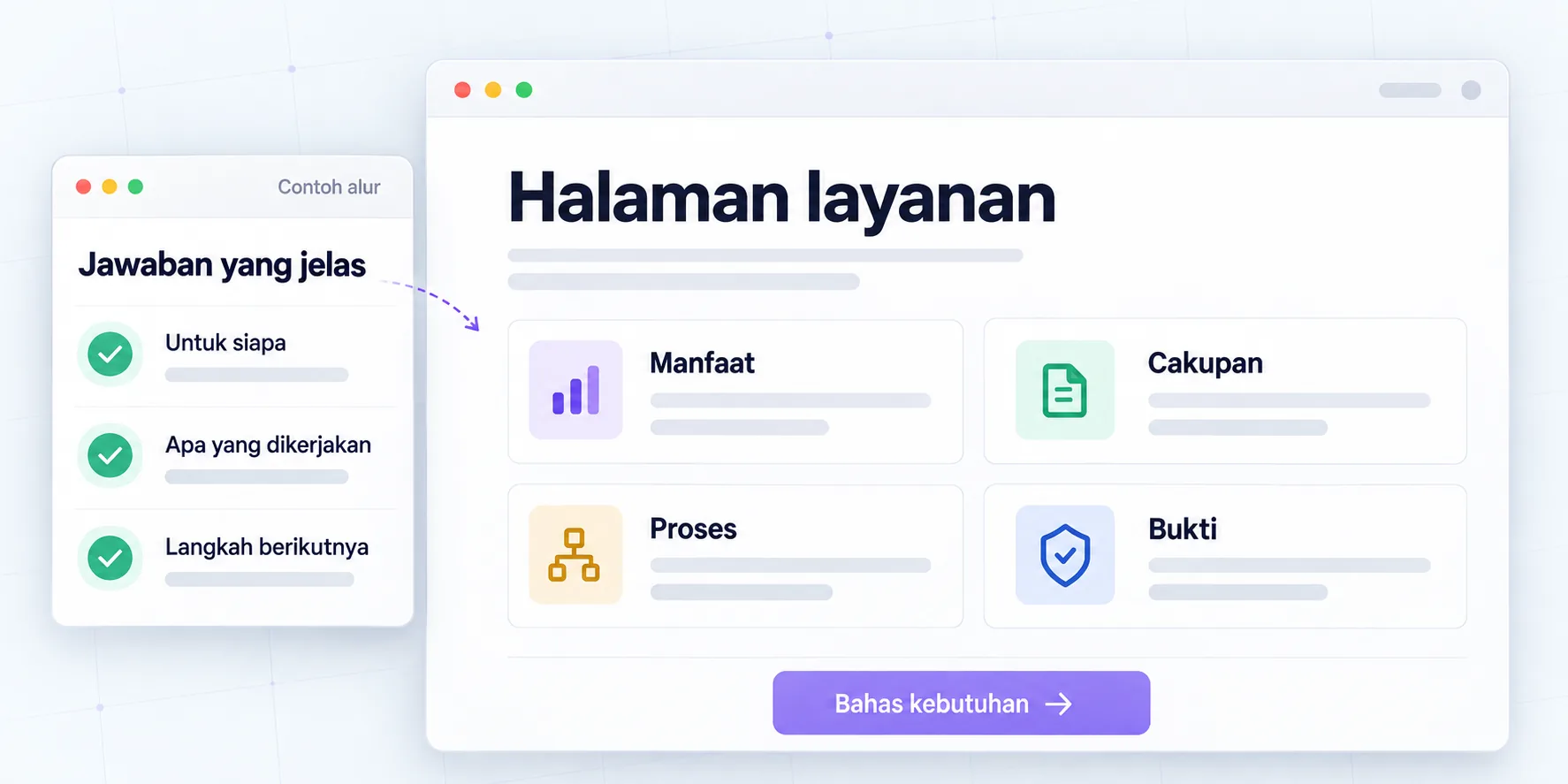
Service content needs to address needs, explain the job, and show how buyers assess the fit. A clear opening saves readers time. After that, provide the details needed to compare alternatives without forcing them to fill out a form first.
Use the following editorial layout to suit your services:
- Who is helped and what problems are addressed.
- The work or work products included in the service.
- Materials, access, and decisions required from clients.
- Implementation stage and review point.
- Relevant evidence and its context.
- How to address unanswered needs.
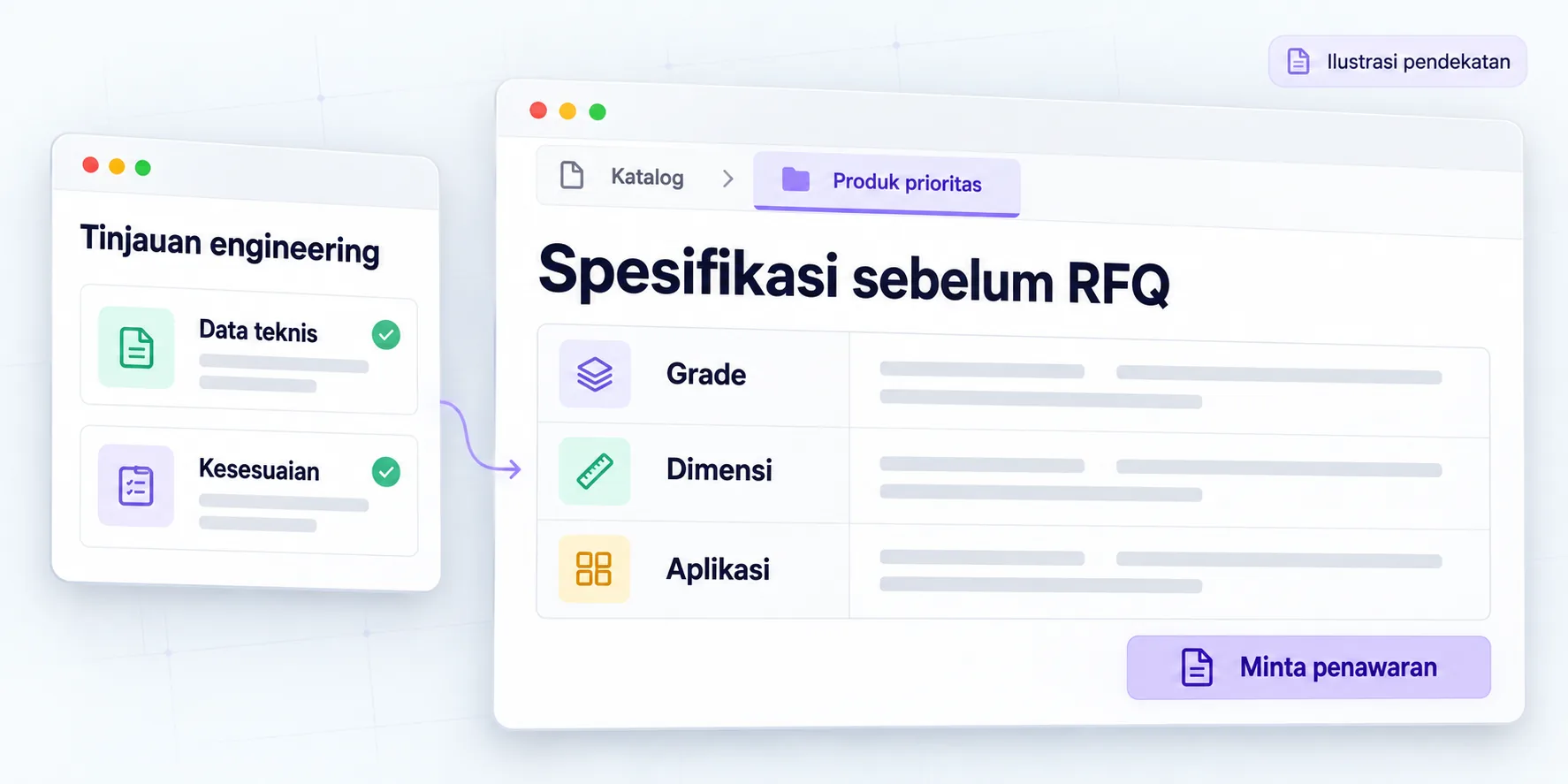
For CRM integration, for example, readers need to understand the originating system, the data being moved, and access limits. For clinic websites, service hours, location, and person in charge information is more useful than long promotional sentences. For manufacturers, specifications reviewed by engineering can be a basis for comparison.
Keep headings to describe the content of each section. Add tables only when readers need to compare options. Place links to details near related explanations. Guide service content before consultation helps turn buyer questions into sections of the page that the team can work on.
5. How to present evidence without making excessive claims?
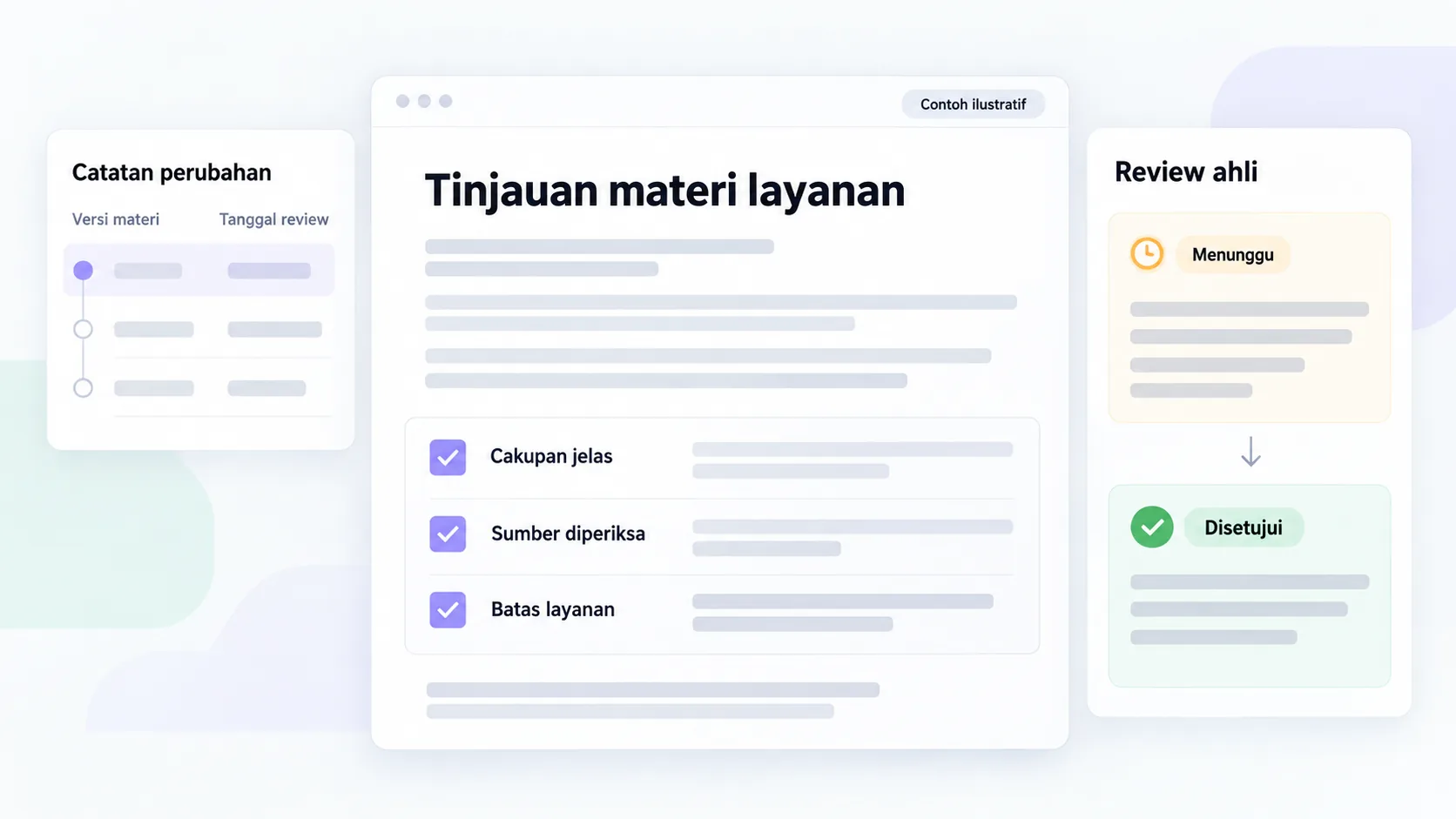
Useful evidence has a source, context, and reading limits. In the case study, explain the initial conditions, work, period, and what is being measured. Visitors need to know whether a number is the result of engagement, simulation, or a target that has not been achieved.
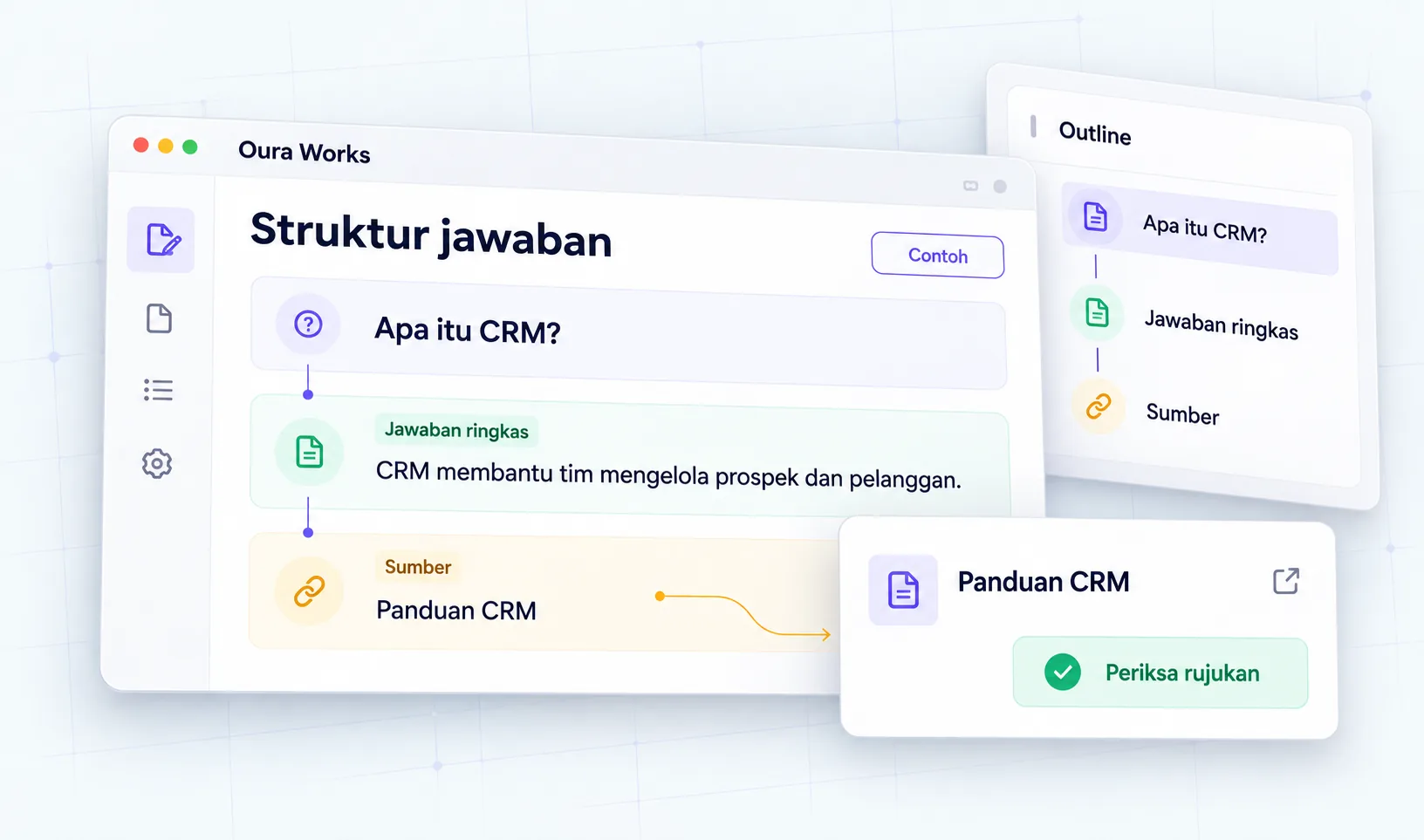
For examples of anonymous work, explain the sector and scope that may be published. Don't replace anonymization with fictitious identities or self-made quotes. If the image is only an illustration of the process, provide a clear label. This helps readers differentiate interface demonstrations from client work documentation.
Oura suggests a checklist before publishing evidence:
| Information | Review questions |
|---|---|
| Numbers | What are the metrics, baselines, units, and periods? |
| Quote | Who submitted it and can it be published? |
| Credentials | Is there a source that verifies its status? |
| Visuals | Is this documentation, illustration, or simulation? |
| Conclusion | Does the sentence exceed the available data? |
Use it Oura case study as a pathway to the work context. A single engagement can help explain an approach, but is not a promise of universal results. If data is not yet available, publish an explanation of the process and work results that can be checked.
6. Do you need a special AI schema or llms.txt?
For Google Search's generative features, Google states that no special schema or files are needed llms.txt. SEO practices and applicable requirements remain the basis. This explanation applies to Google Search; don't turn it into a claim about all AI platforms. Refer Google generative optimization guide.
Structured data can be used when it suits the content and type of page. Google requires that markup represents the content available to users and follows its type guidelines. Even valid markup does not guarantee rich results. Check structured data policy before installing a new type.
In Oura's work recommendations, buyer needs and access issues receive first attention. If the service page does not yet explain the scope of work, adding companion files does not improve that information. If the CMS has generated markup, review the output to avoid conflicting organizational identity or product data.
7. How to reasonably measure progress?
Separate work records, visibility changes, and inquiry quality. With this separation, you can explain what was done before concluding on its impact on the business. Save the baseline and change times so that the evaluation doesn't just compare two screenshots of search results.
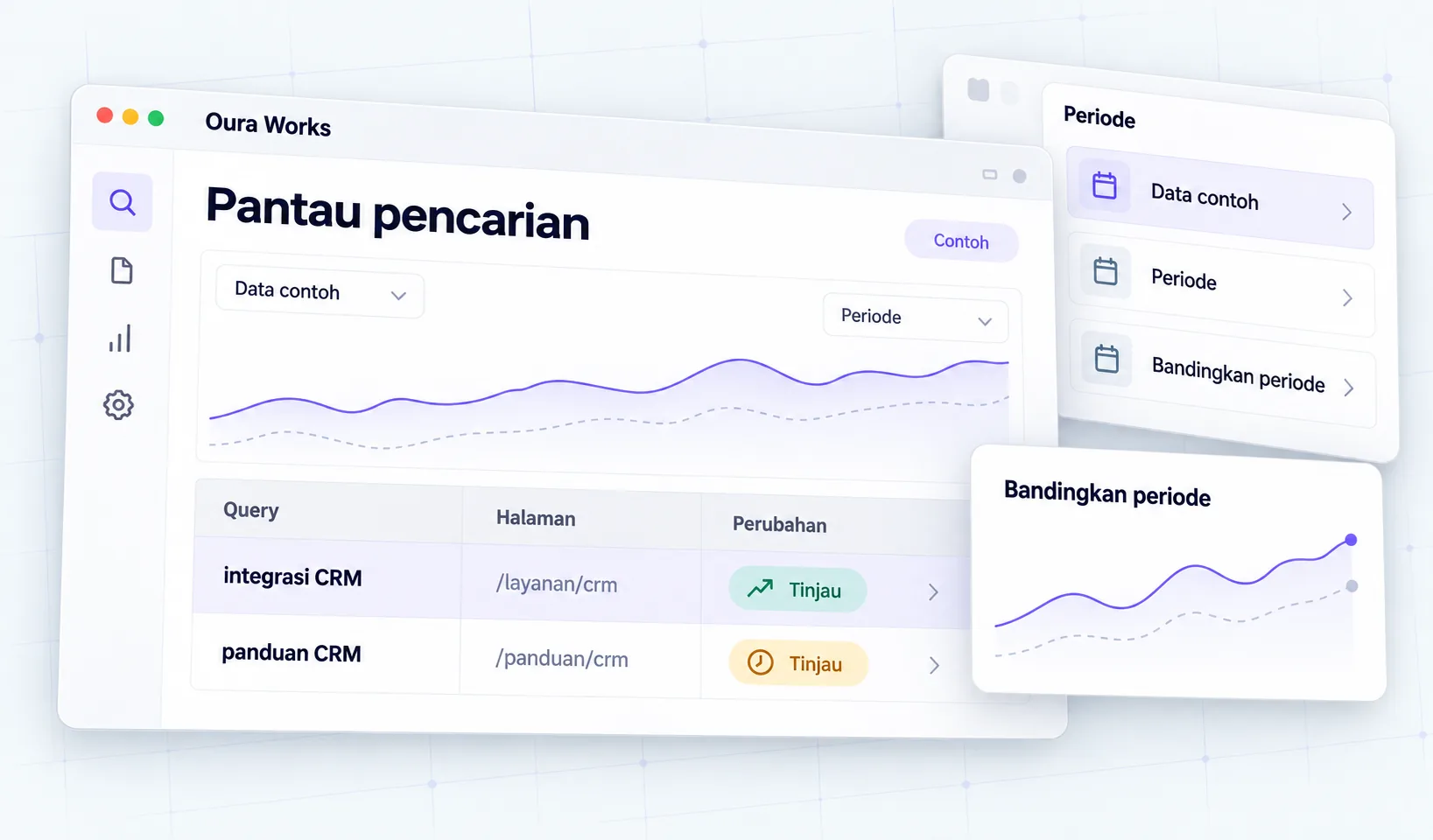
Search Console provides clicks, impressions, CTR, and average position with available filters. Differences in data coverage and condition need to be taken into account when comparing periods. Use it performance reporting guide to understand the report used.
Google also provides Generative AI performance reports to read impressions of supported generative features. The report has dimensions such as page, country, date, and device. If it is not visible, check the access conditions and the adequacy of the impression according to generative report documentation. Don't confuse it with manual observations of ChatGPT or other platforms.
For AI observations, Oura recommends a list of questions that are consistent and relevant to buyers. Note the platform, date, language, location if known, answers, and sources referred to. The results of one question at a time are an observation, not a measure of the entire market. If questions are changed, save them as a new series so that comparisons are not misleading.
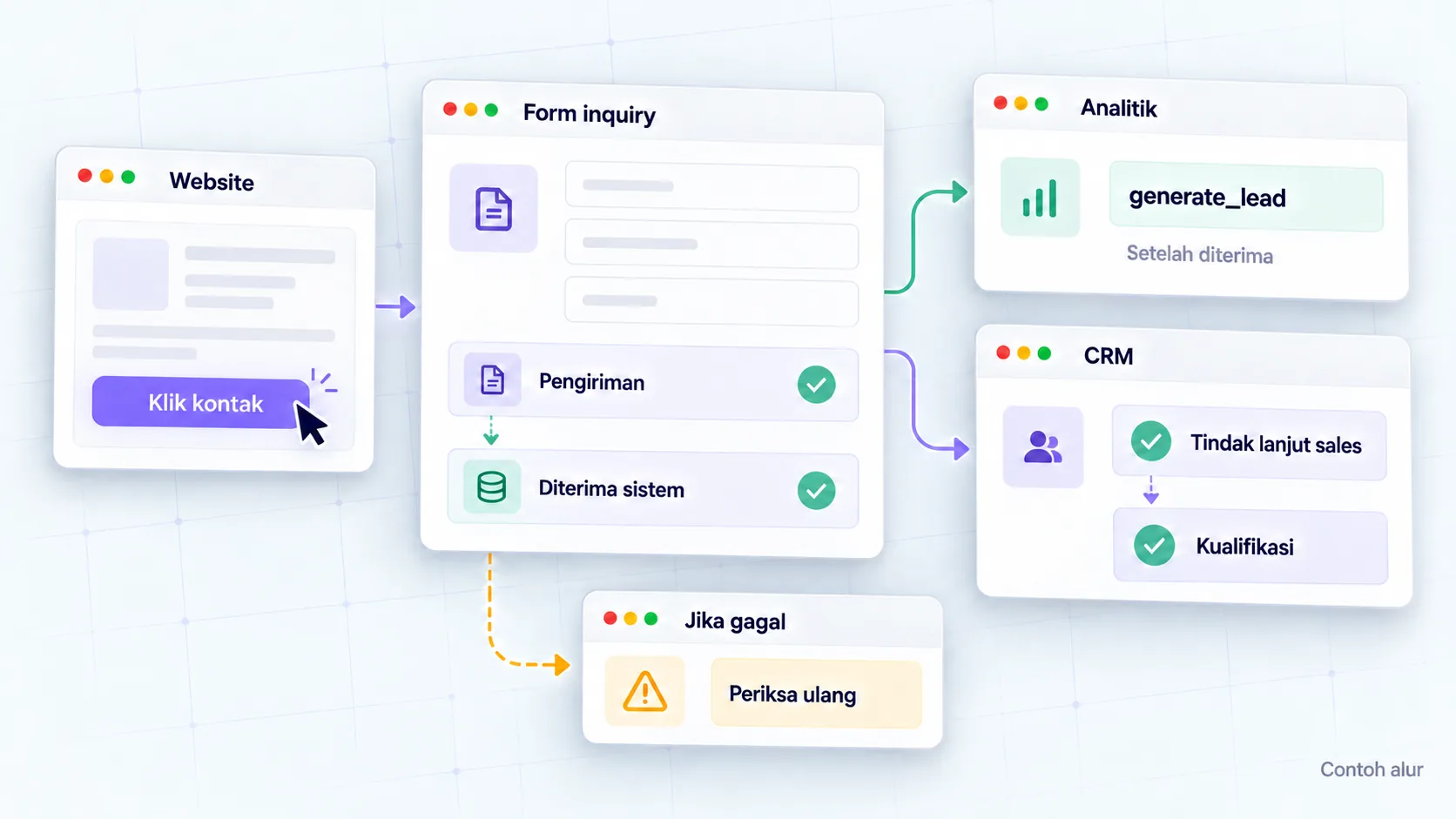
On the website, differentiate contact hits from successfully accepted requests. Continue vetting sales: what needs the prospect brings, whether the service is appropriate, and what follow-up is needed. Guide lead measurement discusses the relationship of website actions to that context.
8. How to structure the first work cycle?
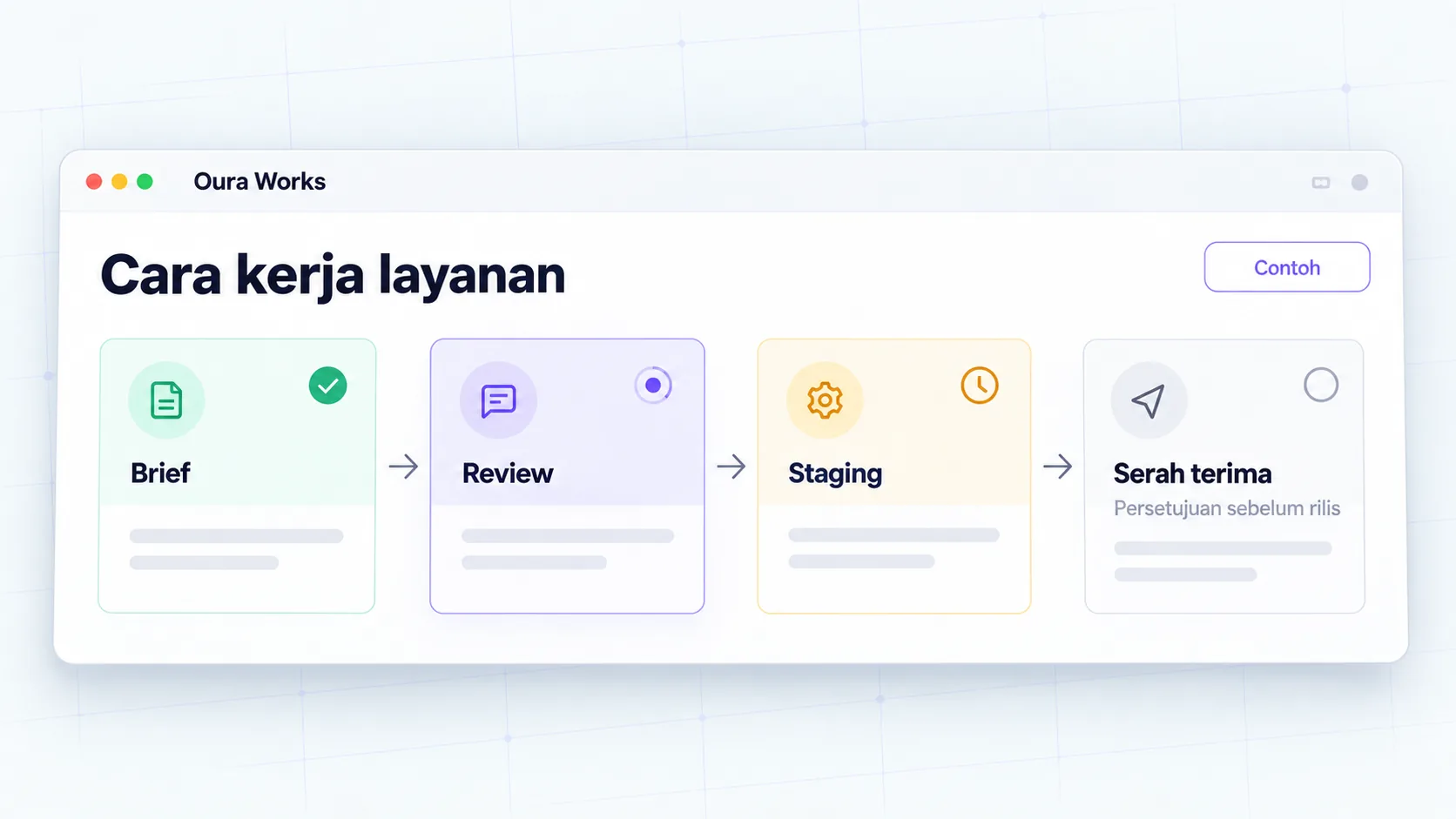
The first cycle should produce a list of proven barriers, a group of clearer pages, and inspection notes. The amount of work depends on content readiness and access. The following example is Oura's work plan, not a promise of duration or marketing results.
| Stage | Jobs | Reviewable results |
|---|---|---|
| Mapping | Select services, questions and priority pages | List of URLs and priority reasons |
| Examination | Review missing access and information | Problem notes along with evidence |
| Drafting | Update messages, evidence, and page relationships | Draft content and change list |
| Reviews | Check the substance with the service owner | Written approval or revision |
| Implementation | Install changes and check functionality | Implementation notes and inspection results |
| Evaluation | Read the available data with context | Decision for next cycle |
Write down the decision owner for each stage. Sales can help check buyer questions; service experts check the substance; website manager checks implementation. If there is integration, include dependencies from the system team. Website project brief help put those decisions together before work begins.
9. What mistakes should you avoid?
A mistake that often clouds decisions is equating a lot of content with complete information. Ten articles that repeated the general message did not address specifications, service limits, or inquiry processes. Audit unanswered questions before adding to the title list.
The second mistake is reading tool scores as business results. Technical scores can help find issues, but keep checking the affected pages and actions. A change in score without improvement in information or function is not enough to conclude that the prospect will increase.
The next mistake is judging AI from momentary mentions. Questions, platforms, and sources need to be recorded so that observations can be repeated. Finally, don't make major design changes when the real bottleneck is content, access, or routing. Select changes that address the issues that have been discovered.
10. Checklist before starting work
- [ ] Main services and potential customers have been determined.
- [ ] Buyer questions are collected from materials that are permitted to be used.
- [ ] Priority pages and their content owners are recorded.
- [ ] Crawler access and indexation rules have been reviewed.
- [ ] The service scope, processes, and limits are visible on the page.
- [ ] Evidence has appropriate sources, periods and publication permits.
- [ ] CTA leads to the right steps and can be used.
- [ ] Baseline, website events, and sales follow-up are differentiated.
- [ ] Changes undergo review and have implementation notes.
- [ ] AI Observation stores questions and inspection conditions.
Decision example: select constraints before selecting work packages
A website can simultaneously have closed documentation, thin service pages, and recurring events. These three are not finished with one action. Arrange the sequence of dependencies and business requirements, then determine the evidence before and after the change.
| Example obstacles | Preliminary work | Evidence sought |
|---|---|---|
| Public materials are not accessible | Audit URL rules and responses | Access according to publication decision |
| Buyers don't understand coverage | Review the content with the service owner | The answer and offer limits are clear |
| The inquiry report was not believed | Audit definitions and events | Separation of valid events and CRM |
This is a simulation, not a client results report. Once the foundation is repaired, continue observing the samples that can be explained. Content and technical work can help a website's viability, while indexation, ranking, and platform responses cannot be guaranteed. The report should show the work, findings, and results limits separately.
Conclusion: choose jobs away from real obstacles
Start with the services that are important to the business, then check to see if related pages are discoverable and answer buyers' questions. Organize evidence and consultation channels. After that, evaluate the work through appropriate data and notes that can be reviewed with the team.
If you don't know the current website priorities, discuss SEO and AI visibility needs with Oura. Prepare the URL, main service, perceived obstacles, and existing data. This information becomes the basis for scope discussions and work estimates.
FAQs
Will the website have to be rebuilt to make it suitable for AI search?
Not always. Review existing website access, information and functions first. Improvements can be made to certain pages or configurations. Redevelopment only becomes a consideration when system boundaries impede important needs that have already been mapped out.
Do all services require long articles?
No. Length follows the information the reader needs. Service pages can provide concise explanations and link relevant details. In-depth articles are useful when a question requires steps, examples, or comparisons that cannot be adequately explained in a few paragraphs.
Can the sales team participate in determining content?
Yes. Questions and objections in the sales process can become editorial material. Keep the service owner involved to check the substance. Use summaries that have removed personal data and information that should not be published.
What if the company cannot yet name the client?
Use an anonymous summary that still explains the sector, issue, work, and context of results. Check publication permissions before using figures or project materials. If the evidence is not yet published, explain the approach and results of the work without creating substitute identities or citations.
Should AI reports and SEO reports be combined?
Both can be in one report, but the metrics and how they are observed must be differentiated. Add inquiry notes and sales context to assess business relevance. Don't add up search impressions, AI mentions, and forms into one number that has no definition.
What information needs to be prepared before the consultation?
Prepare the website URL, priority services, target customers, main obstacles, and decision owners. If applicable, include a summary of Search Console, website measurements, and inquiry quality. Account access can be discussed after the inspection requirements and access rights have been agreed.
Resources
- Google: optimization for generative features.
- Google: SEO Starter Guide.
- Google: noindex and crawler access.
- Google: Search Console guide.
- Google: search performance report.
- Google: generative feature inclusion controls.
- Google: generative Search performance report.
- Google: structured data policy.
- OpenAI: crawler for search and other uses.
Continue on to guides and stories that discuss similar decisions.
Technical foundations for SaaS websites
Documentation access and performance were reviewed over three months.
B2B specifications before RFQ
Technical product pages are structured over a seven-month engagement.
Refreshing content that is losing visibility
Update priorities are selected from five months of data.
Copy of services before consultation
Clarify benefits, scope, evidence and next steps.
Lead measurement with GA4
Connect website actions to sales context.
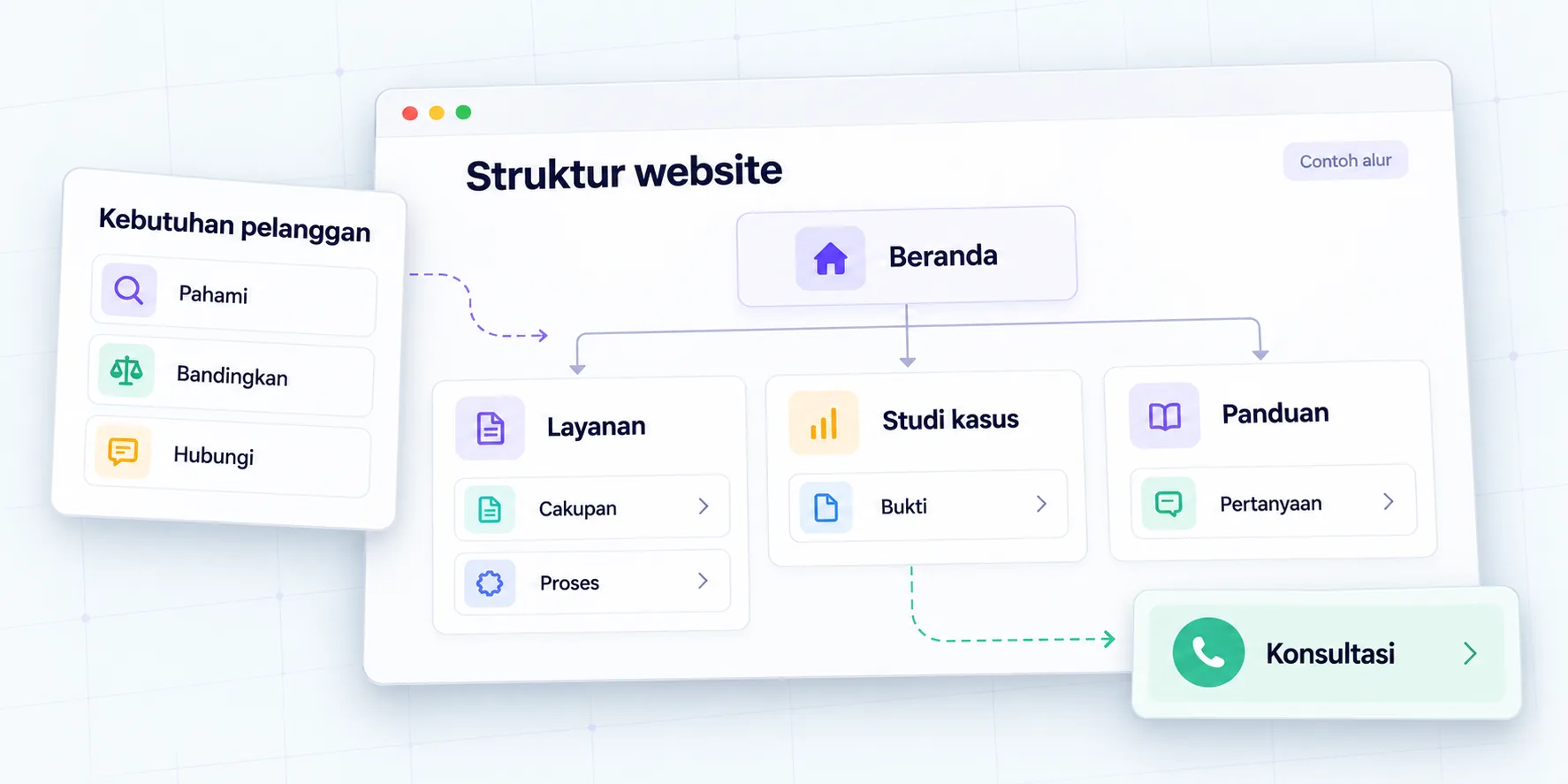
Website structure based on buyer needs
Determine the role of the page before drafting the design.