












Oura Insights • Updated October 2, 2026
Measuring prospects with GA4: events, inquiries, and sales quality

Oura Works
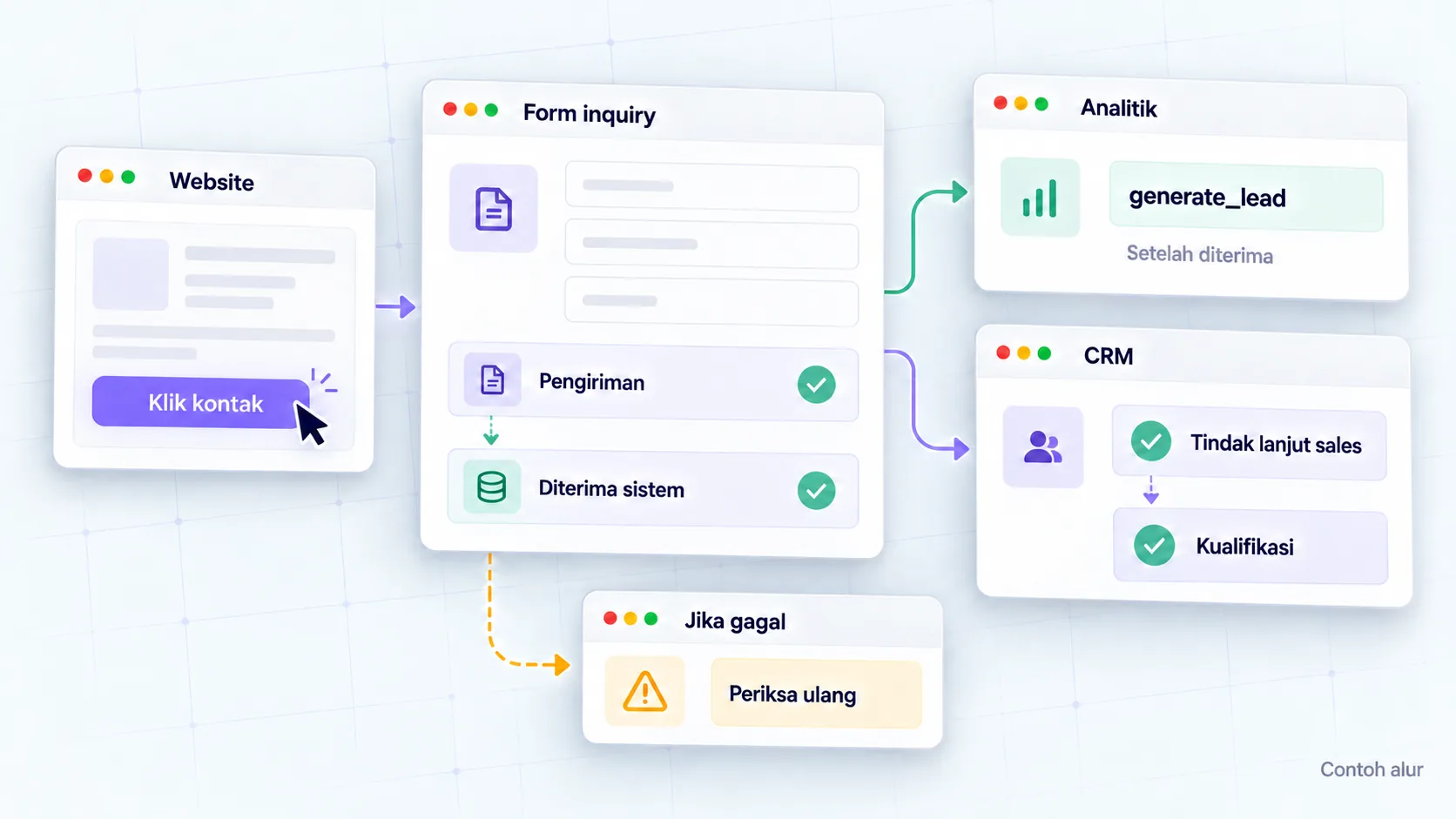
Lead measurement with GA4 starts from the definition of actions that a business considers successful. Contact clicks, forms submitted, inquiries received, and qualified leads are all different stages. Record events under the right conditions, then read analytical reports with sales follow-up.
For example, a visitor presses the WhatsApp button but has not sent a message. Websites can record the click, but don't yet know whether a conversation occurred. Otherwise, the form may display an error after the button is pressed. Counting both as leads makes the report look better than the actual process.
This guide discusses the definition, event design, inspection and evaluation that can be prepared with the website team. Examples are simulations, not implementation results or Oura client data. The actual settings follow your business's form system, access, and measurement policies.
Summary for business teams
- Determine the meaning of successful inquiry before placing the tag.
- Separate clicks, form submissions, request receipts, and qualifications.
- Choose key events that really help marketing decisions.
- Check success, failure, resubmission, and consent scenarios.
- Keep your name, email, phone number, and message content from being sent to Analytics.
- Combine website reports with sales records using an agreed process.
1. What is the difference between contact and lead clicks?
A contact click indicates initial intention, while an inquiry received indicates the request process has reached the goal system. Quality leads require subsequent business assessment. Use written definitions so that marketing, developers, and sales do not use the term lead for different actions.
Oura recommends an action map like the following before tracking work:
| Stage | Example of action | Available evidence |
|---|---|---|
| Initial interest | Click the consultation button | Clicks from a specific page |
| Interaction | Start filling out the form | Interaction with forms |
| Request | The system accepts inquiries | Successful response as per system contract |
| Qualification | Sales assesses the needs as suitable | Status and reason in sales records |
| Customer | Collaboration begins | Records of applicable transactions or business processes |
Don't force all stages into one metric. Websites usually know the initial action before the cooperation status. Provide notes on where each stage is recorded and who owns it. This helps explain the report without concluding that all visitors who press contact become customers.
2. How to define a lead before tracking?
Agree on actions, success conditions, and exceptions with the process owner. For consultation forms, the success condition could be acceptance of the request by the backend service. For other paths, use definitions that can be checked on that system. Definitions must follow the actual processes being used.
The team agrees on an inquiry when the backend receives a consultation request that passes validation. Requests with empty required fields, network errors, or failed responses are not included. Inquiry from testing is tagged in the inspection environment and separated from operational reports. Simulation example:
Create a short document containing the action name, trigger, system owner, and proof of success. If the backend only accepts emails for the queue, don't call it proof that the email has been read by sales. If an inquiry is received but fails to be routed to CRM, record the routing problem separately so that the numbers do not mask follow-up failures.
This definition can be included in website project brief. That way, measurement becomes part of the work criteria that both parties understand before development begins.
3. What events and key events need to be selected?
Events record actions; Key events mark actions that are important to the business. Google explains that the events collected can be used as key events as needed. Select it after definitions and triggers have been checked, not just because an event has appeared in the report. Refer key events guide.
Google provides generate_lead as a recommended event for lead generation, for example through forms. Parameters follow the definitions in documentation of recommended events. If using monetary values, ensure that the meaning of value and currency follows reporting requirements; Don't set a random nominal so that the dashboard looks complete.
For Oura plans, click WhatsApp and the consultation requests received remain differentiated. Clicks can help evaluate CTA placement. Inquiry received can help assess the inquiry acquisition path. The choice of which key event will be based on the business objectives and the quality of the records that have been checked.
Don't add events with different names for the same action without a clear purpose. Record the meaning of events and parameters in the measurement dictionary. The dictionary helps when teams or vendors change, so old reports can still be explained.
4. When are events recorded on the form?
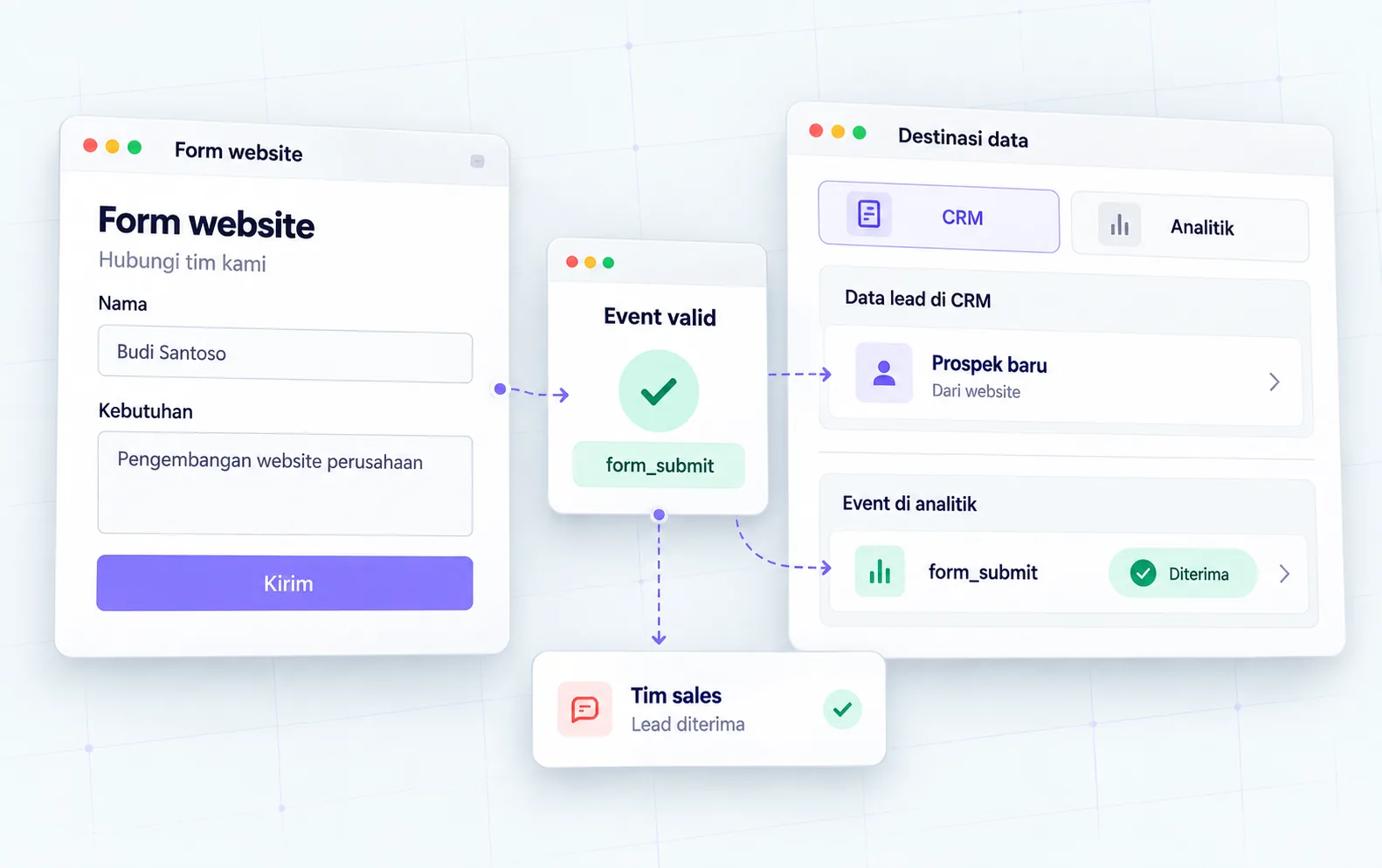
Record events according to the stage you want to measure. If the target inquiry is accepted, the trigger must follow the successful response agreed with the developer. Pressing a button, passing browser validation, and receiving a backend response are different events in the form process.
GA4 enhanced measurement can provide form_start and form_submit for form interactions. Learn enhanced measurement documentation then check the actual implementation. The event name alone does not prove data retention, email receipt, or lead generation in CRM.
AJAX-based forms often display results without switching pages. Developers need to explain which responses indicate successful acceptance. If using a thank you page, check whether the page can be opened directly or reloaded. Don't turn every visit to that URL into a new request without appropriate controls.
| Simulation scenario | Inquiry accepted? | Required checks |
|---|---|---|
| Click submit with the required fields empty | No | Validation and absence of success triggers |
| Backend gives failed response | No | Handling errors and absence of success events |
| The backend accepts the request | Yes, by system definition | Trigger success according to response |
| Page reloaded successfully | Not evidence of new requests | Prevention of re-registration |
| Click WhatsApp | Not yet known | The click event is separate from the lead |
5. How to check for duplication and failed delivery?
Examine a single course of action from start to finish, including unsuccessful scenarios. Use an agreed test environment or path. Don't send real customer data or generate operational requests without coordinating with the process owner.
Google provides DebugView to view events and properties when debug mode is active. Tag Assistant or preview can be used to assist checks on test devices. Consent conditions and privacy controls can influence what is seen. Refer DebugView guide, then save the relevant inspection evidence.
In Oura QA recommendations, check whether the same action is logged by two paths. For example, Google Tag Manager and the page code can both send events when the callback runs successfully. Don't remove any of the paths before understanding its dependencies; determine the implementation owner and then make reviewable changes.
Note the scenario, time, system results, events that were seen, and events that should not have occurred. If the button is pressed again while the first request is still being processed, check the behavior of the form as well as the backend. Duplication prevention is not just a matter of reporting; the interface also needs to explain that a request is being sent.
6. What data should not be sent to Analytics?
Don't send information that could identify an individual through Analytics data. Google provides guidance for avoiding PII, including the risks of data in URLs and passed fields. Follow Google Analytics PII guide when designing events and reviewing implementation.
For Oura work, parameters such as the service type of the controlled selection can be discussed as reporting requirements. Names, emails, telephones, free messages, or URLs containing such data must be checked to ensure they are not sent. Don't assume every field is safe just because its label looks generic.
Also audit automated parameters and form goals. Query strings or document names may contain information that is not intended for analytics. Ask the developer to explain the origin of the data, the purpose of delivery, and the conditions of collection. Technical improvements follow the privacy policies and permissions applicable to the business.
The need for contact remains in the system that handles inquiries. The need to measure the number of actions does not mean the entire body of the request needs to be sent to the analytics platform. This guide discusses operational design; Organizational policies and responsibilities must be determined by the business owner.
7. How to use UTM consistently?
Use UTMs on external campaign links so that source, medium, and campaign naming can be read consistently. Google provides campaign parameters as well as a URL builder on custom URLs guide. Establish naming rules with the team creating the link.
Simulation example: LinkedIn campaigns use sources linkedin, medium paid_social, and the agreed campaign name. This example explains record keeping consistency, not confirms a particular report classification. Channel grouping follows Analytics rules and configurations that need to be checked.
Save a list of links, people in charge, goals, dates, and campaign names. Use labels that describe the activity without containing the recipient's identity or sensitive information. Check that the redirect or destination system maintains the required parameters in the flow being used.
In Oura's design, internal links are not given UTMs just to compare page buttons. Use events or action parameters designed for those needs. This maintains separation between the origin of the visit and the interactions within the website and makes reports easier to explain.
8. How do you read the quality of prospects with sales?
The quality of prospects needs to be defined by the business, not guessed from website events. Sales can assess suitability of needs, services, regions, or project readiness based on agreed processes. Use clear categories and not too many so that recording can be carried out consistently.
Oura recommends evaluation notes like the following:
| Note | Uses | Main owner |
|---|---|---|
| Request accepted | Checking the inquiry function | Website or operations team |
| Services required | Assess the suitability of the offer | Sales |
| Follow-up status | View the response process | Sales |
| The reasons don't match | Determine message improvements or targeting | Sales and marketing |
| Known origin | Discusses the channel's contribution with context | Marketing |
If most inquiries think your service is different, review it service page content. If the request is appropriate but difficult to follow up on, check the owner's breakdown and the information sales needs. Don't change your campaign immediately before the process obstacles are understood.
Combining CRM data and analytics requires appropriate identity, permission and access design. The table above is not an instruction for exporting customer data to GA4. Start from the required business summary and check the integration with the system manager.
9. Why might GA4 and CRM numbers differ?
Differences in numbers need to be traced from the definition and scope of data. GA4 can record website interactions, while CRM records requests or customers according to other processes. Equating periods alone does not mean that both sources measure the same event.
Check the lead definition, time zone, filters, consent status, and inquiry paths that do not pass through the website. Also review re-requests, spam, contact merges, and status changes by sales. Don't change events just to force the numbers to match other reports.
Channel groupings follow the definitions available in Analytics. Refer default channel group guide to understand the classification being used. The “Direct” channel cannot be treated as evidence that all visitors typed in the URL manually.
Write down the limits of interpretation in the report. Attribution helps address channel contribution, but reading the report alone doesn't prove a cause-and-effect relationship to sales. If you want to evaluate changes, note what changed, the period, campaign conditions, and other known factors.
10. Checklist before the report is used to make decisions
- [ ] The definition of inquiry was successfully agreed upon by business and developers.
- [ ] Event, trigger, and parameter names are available in the measurement dictionary.
- [ ] Contact clicks are separated from received requests.
- [ ] Empty field, error, success, and retransmission scenarios are checked.
- [ ] No two implementations log the same action for no reason.
- [ ] Successful page reloads are not considered new leads automatically.
- [ ] Parameters, URLs, and forms do not pass PII to Analytics.
- [ ] Conditions of consent as well as testing traffic are understood.
- [ ] Campaign link naming is kept consistent.
- [ ] Sales uses clear definitions of qualifications and follow-up owners.
- [ ] Data discrepancies are explained through coverage, not hidden.
- [ ] Measurement changes are recorded so that period comparisons can be read.
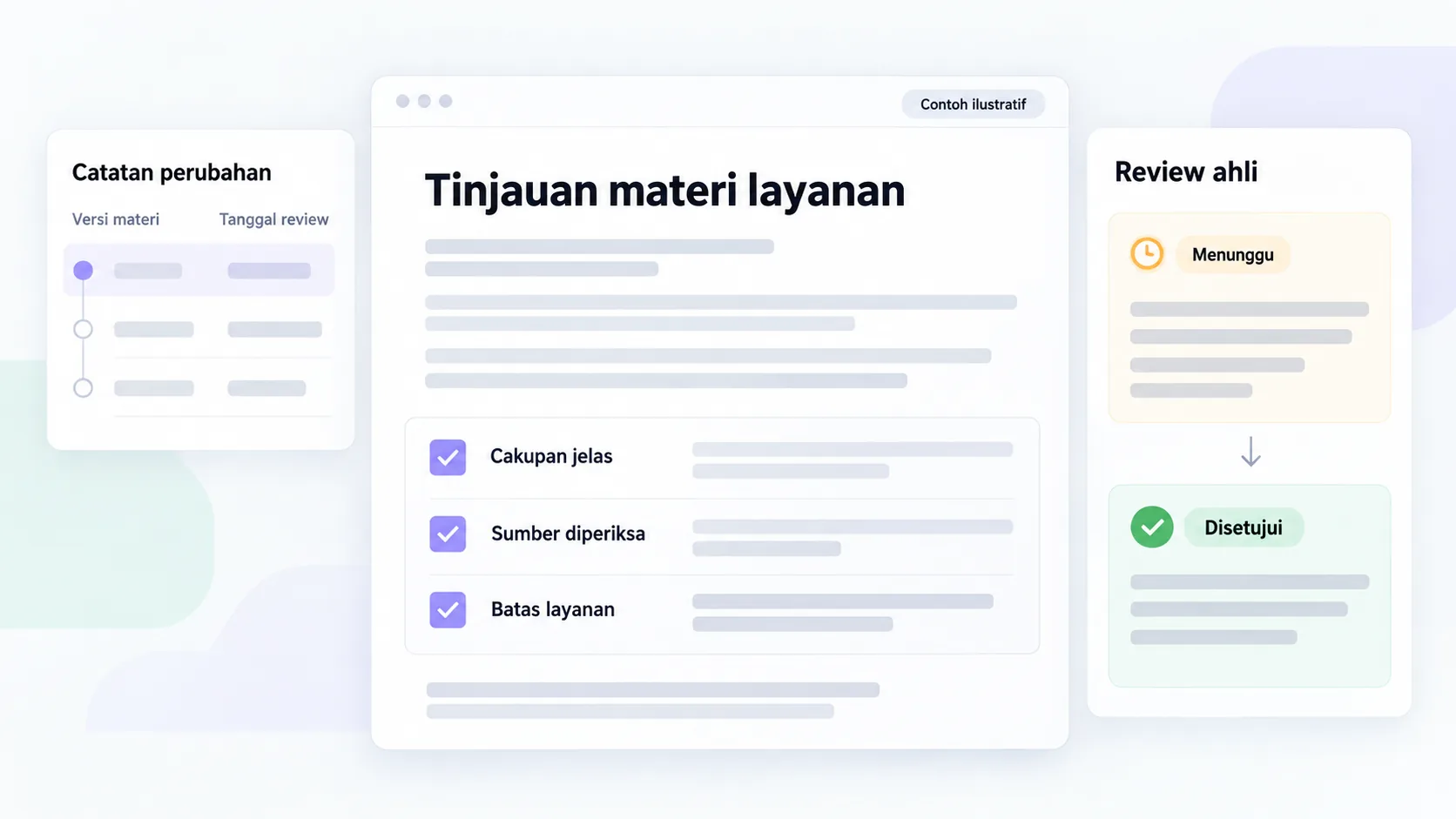
Decision example: why two different reports does not immediately mean tracking is broken
Someone can click on a contact, go back through another channel, and then send the same need twice. Analytics and CRM look at different parts of the process. The comparison needs to start with definitions, date ranges, time zones, and duplication rules before teams change tags.
| Example differences | Initial inspection | Risk of hasty conclusions |
|---|---|---|
| There are more events than inquiries | Validation, resubmission, and event goals | Equating all events with leads |
| CRM accepts inquiries without sources | Other contact lines and referrers are lost | Assuming everything is an Analytics error |
| Fewer sales opportunities | Compliance, spam and follow-up status | Judging quality only by the number of forms |
This table is a simulation without result numbers. Select a few examples that can be examined with proper permission. Don't enter personal identification into Analytics to match reports. Use agreed reconciliation procedures and write attribution limits in reports distributed to decision makers.
Conclusion: measure the processes that actually occur
Start from an inquiry with a clear definition. Check the function of the form, trigger events, and data sent. Once the records are clear, use the report with sales to select page improvements, campaigns, or follow-ups.
If the current report does not differentiate between clicks and requests received, discuss website measurement with Oura. Prepare the URL, contact path used, destination system, and available reports. This information helps formulate the inspection and scope of integration required.
FAQs
Is automatic form_submit enough to count inquiries?
Check the purpose of the measurement. The submit interaction does not explain the entire inquiry acceptance process. If the business wants to count the requests the backend receives, validate the event against an agreed success response. Save inspection results before selecting them as operational metrics.
What do you do if an event is recorded twice?
Go through the trigger and all event delivery paths first. Check page code, Tag Manager, callbacks, and successful page revisits. Determine the primary logging source with the developer, then review changes using the same scenario. Don't fix it by simply hiding numbers in reports.
Do all events need to be key events?
No. Choose actions that are important to business decisions and have records that can be checked. Scrolling or clicking can provide supporting information. Inquiry received or other agreed actions may have different roles in marketing evaluation.
Can the name and email from the form go to GA4?
Do not enter PII into Analytics. Store contact needs in the appropriate inquiry or CRM system. Also audit URLs and parameters automatically so that data is not sent accidentally. Follow platform documentation and organizational policies when designing data collection.
Do WhatsApp clicks mean new leads?
Clicks indicate interaction with the contact path, not evidence that a conversation has occurred. Log it as a separate action. If the team needs to assess inquiries from WhatsApp, determine the recording process on the channel or operational system used, along with the permissions and measurement limits.
When do reports begin to be comparable between periods?
Once the definitions, triggers, and coverage of the data are consistent enough to compare. Record changes in implementation, campaigns and sales processes that occur. If there are major changes, provide an explanation in the report and use a new baseline as needed for the evaluation.
Resources
- Google Analytics: key events.
- Google Analytics: recommended events.
- Google Analytics: enhanced measurement.
- Google Analytics: DebugView.
- Google Analytics: avoiding PII.
- Google Analytics: Campaign URL.
- Google Analytics: default channel group.
Continue on to guides and stories that discuss similar decisions.
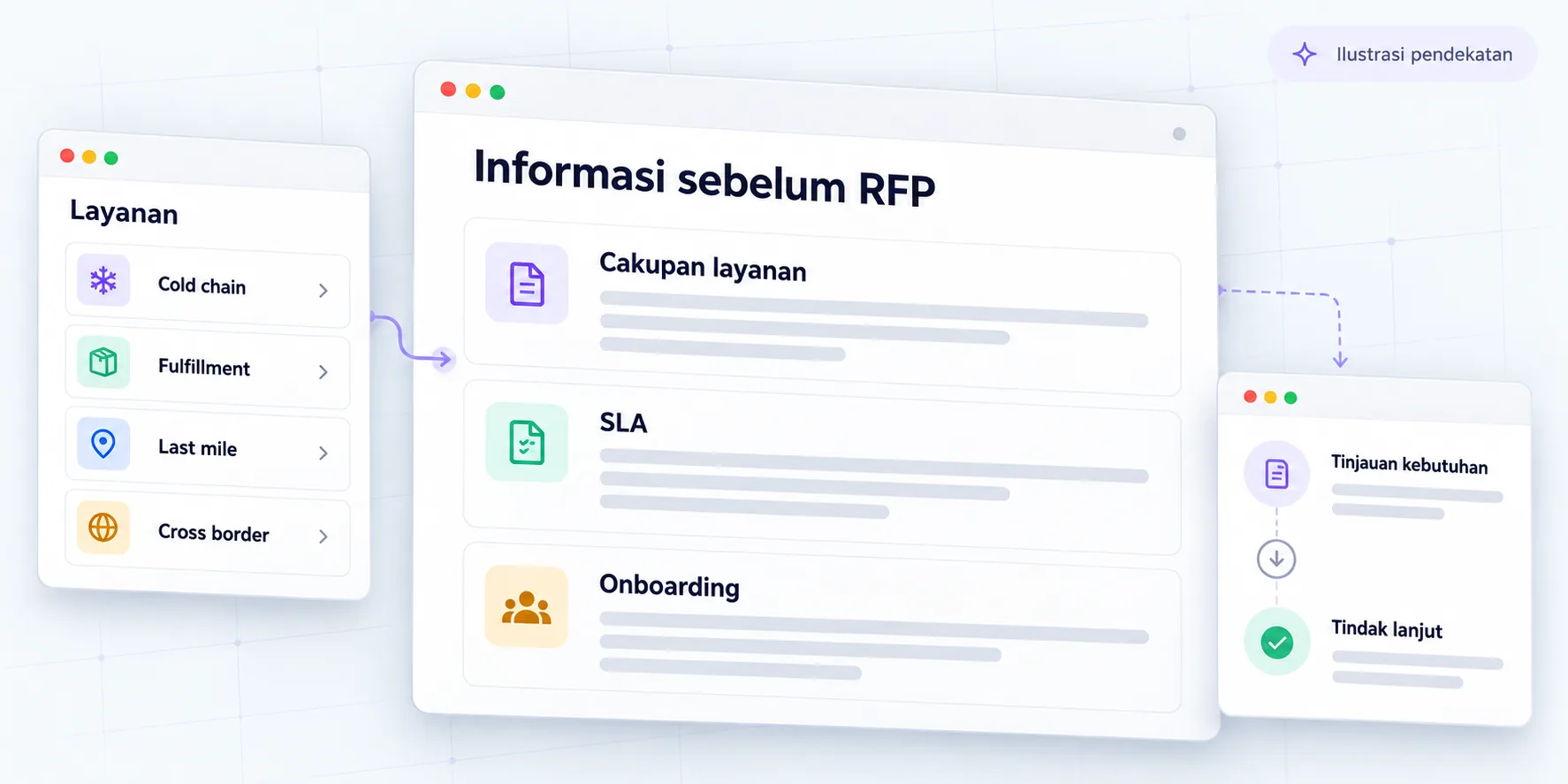
Logistics information before the RFP
Service and operational proof is laid out over eight months.
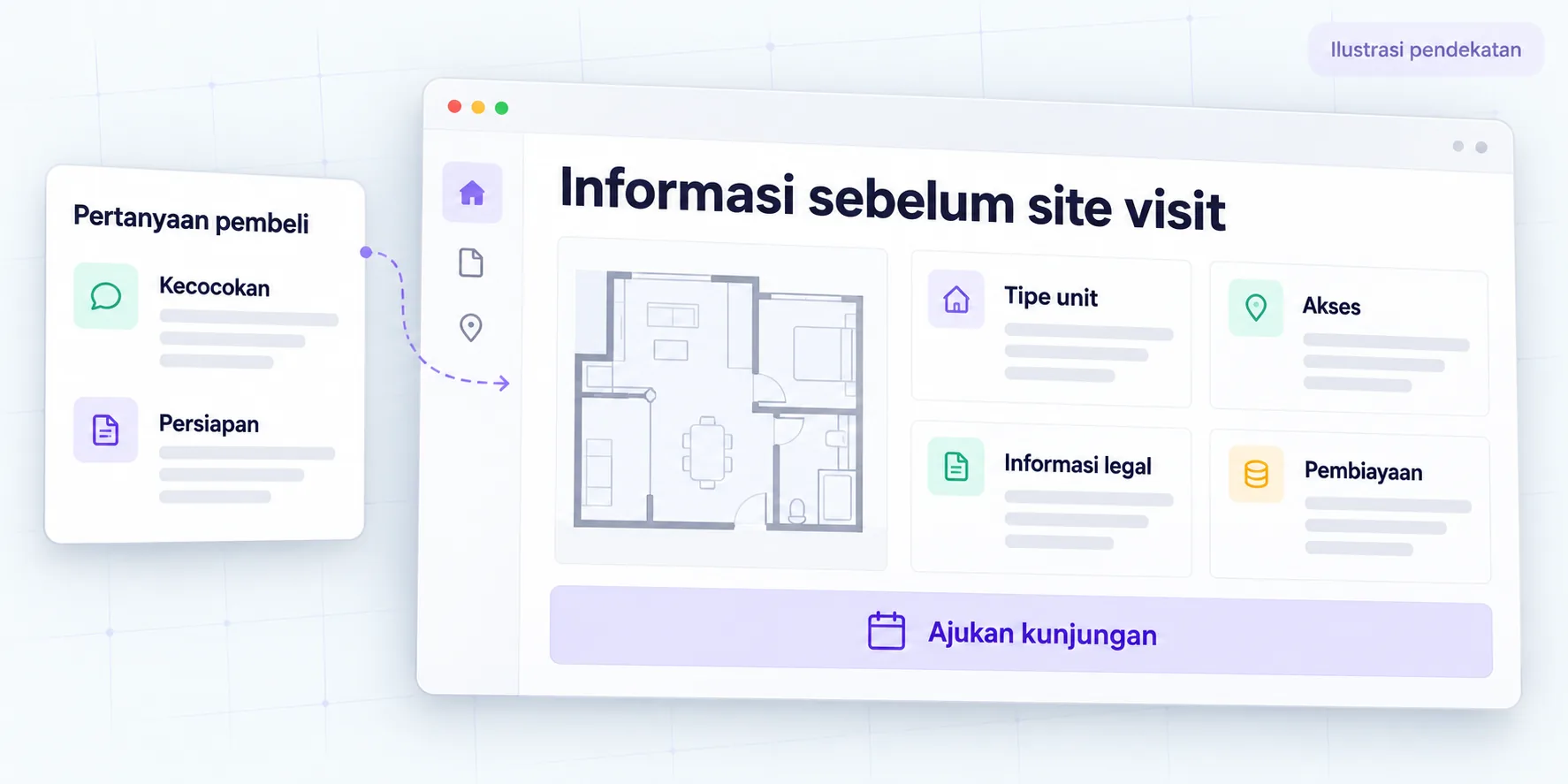
Property information before site visit
Buyer questions guided six months of work on website pages.
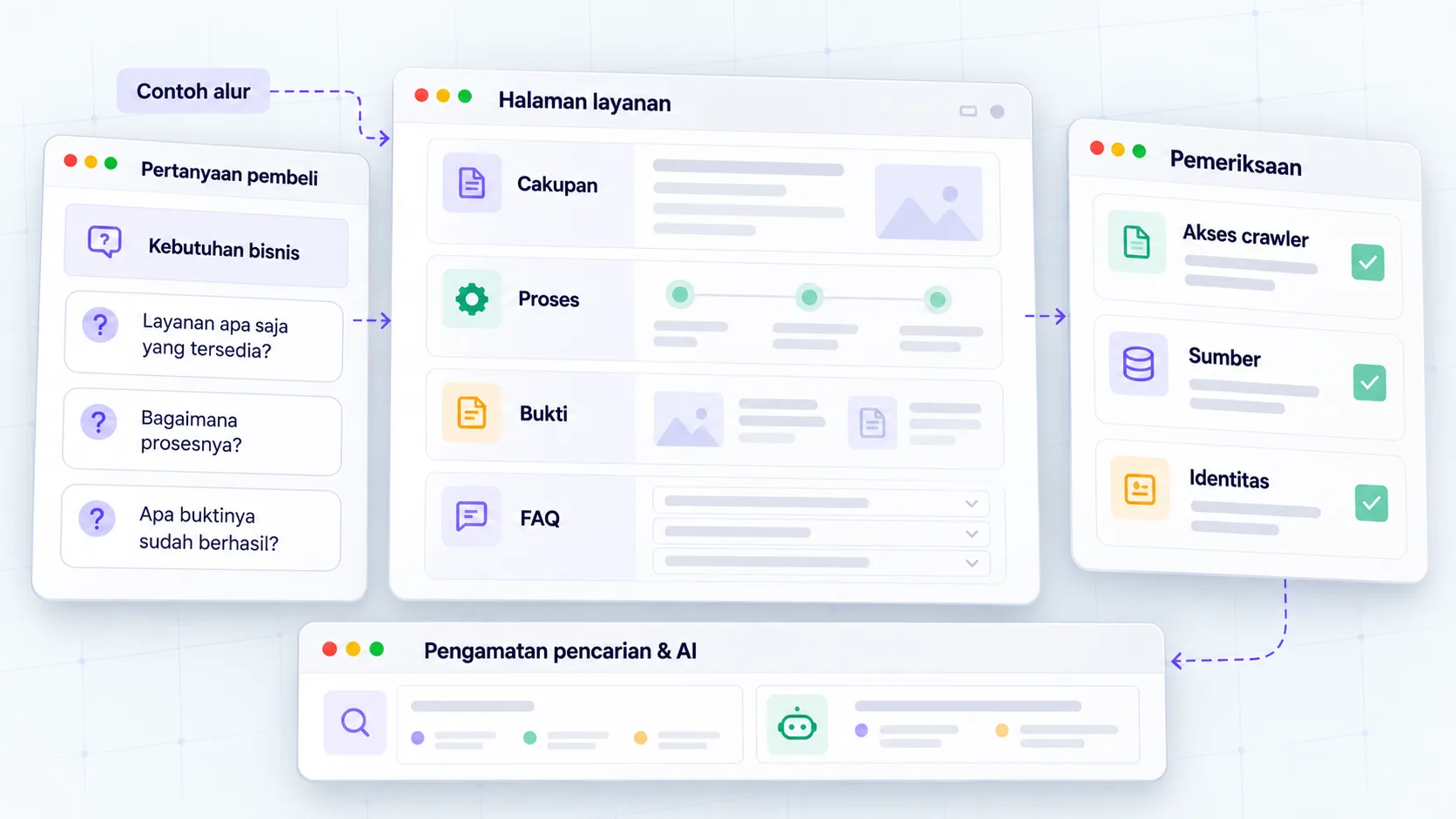
SEO foundation for AI search
Maintain technical access and information that helps readers.
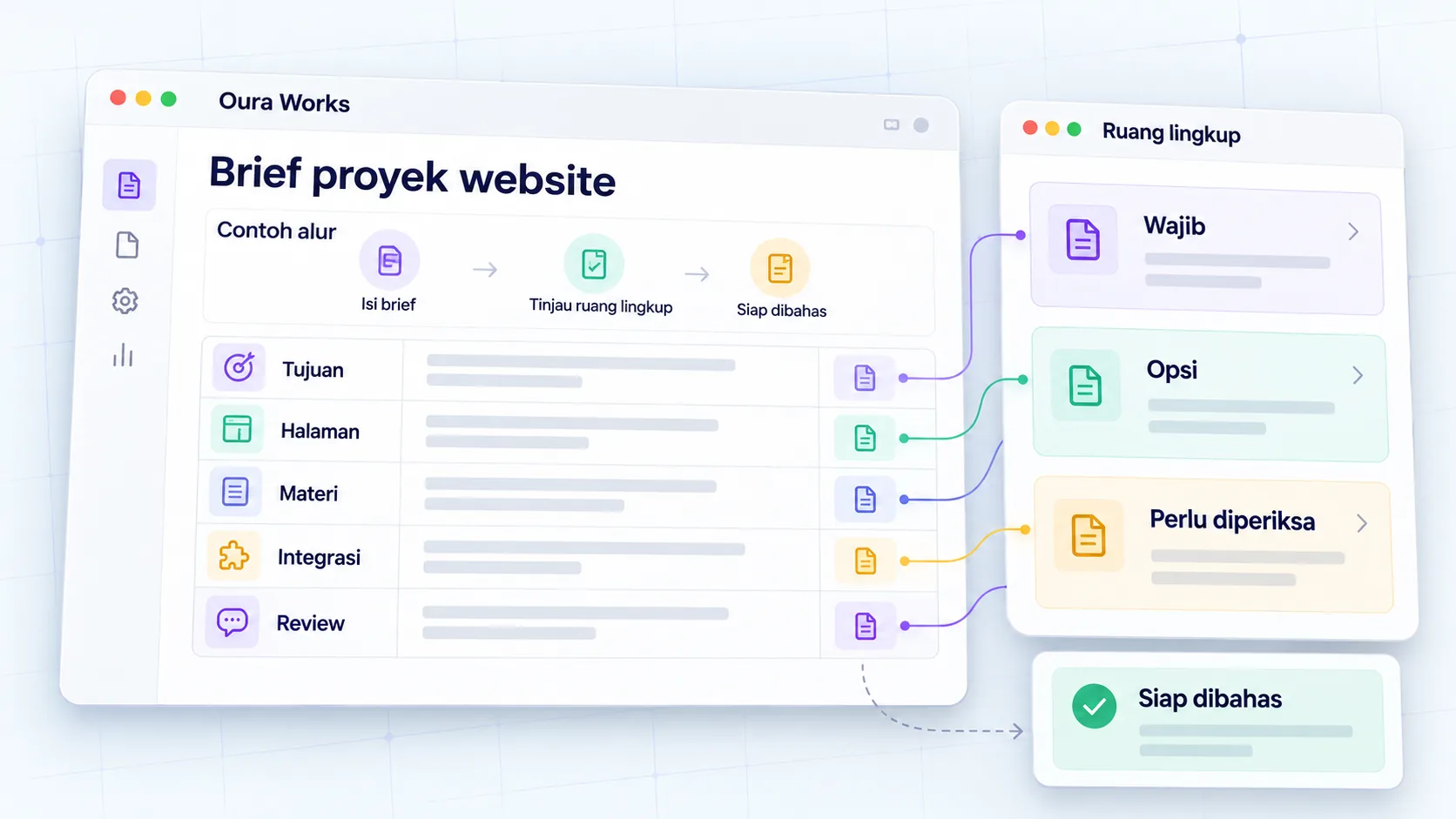
Clear website project brief
Agree on project goals, scope, and decisions.
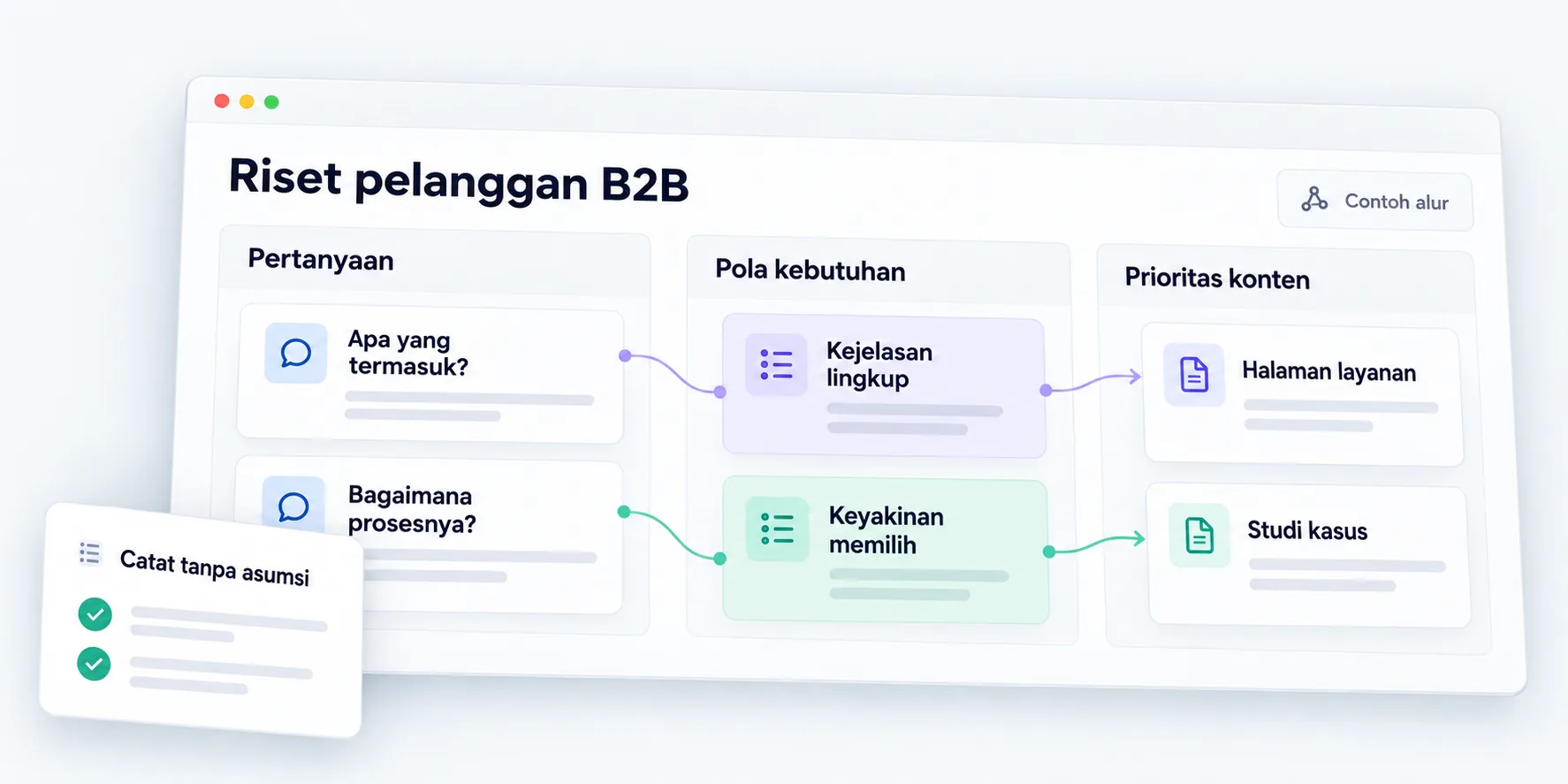
B2B customer research for websites
Map out needs, objections, and the buying process.
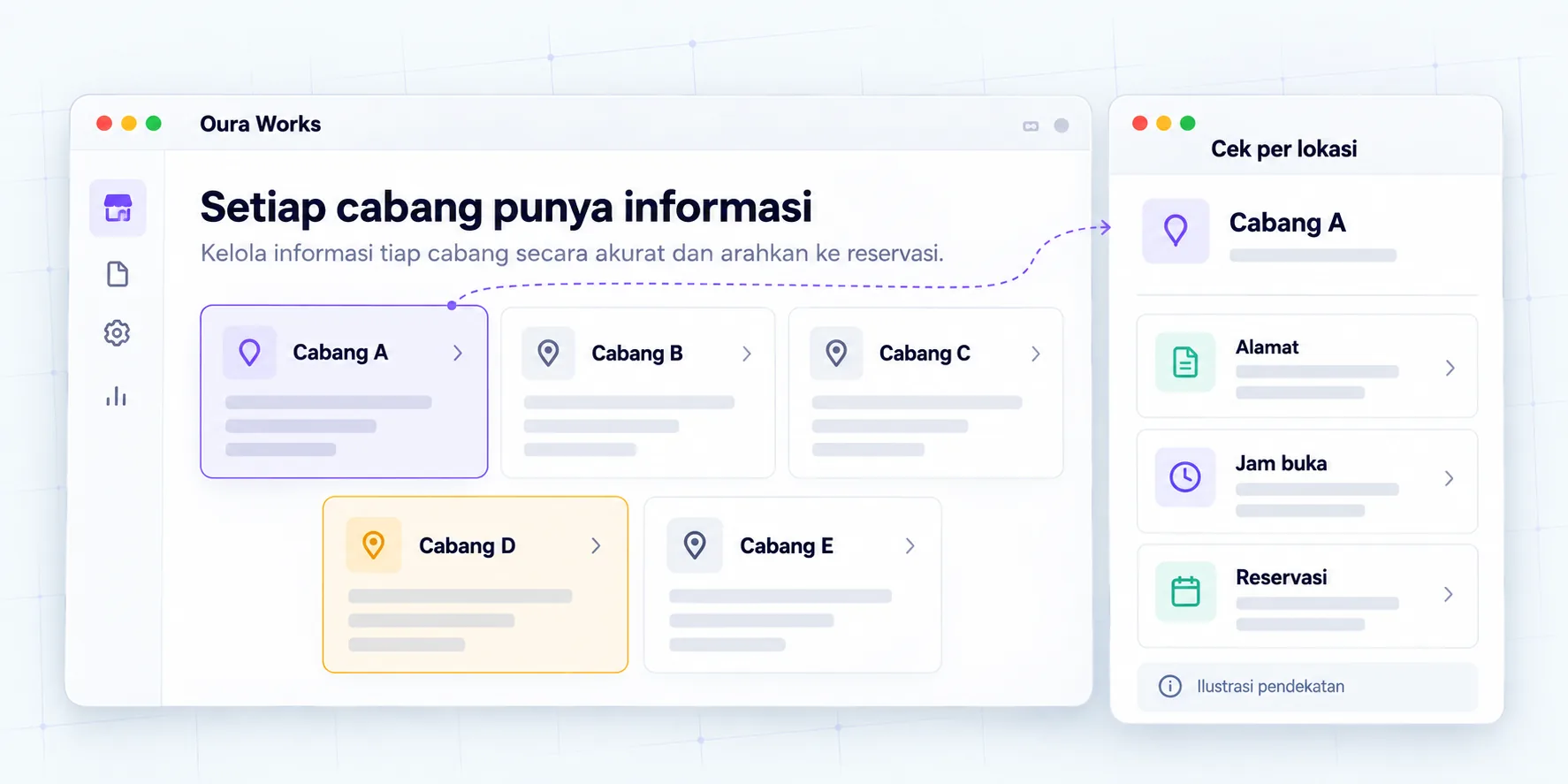
Consistent five-branch information
Location data and branch pages are organized for six months.