















Oura Insights • Updated October 2, 2026
Business website structure: from customer needs to pages

Oura Works
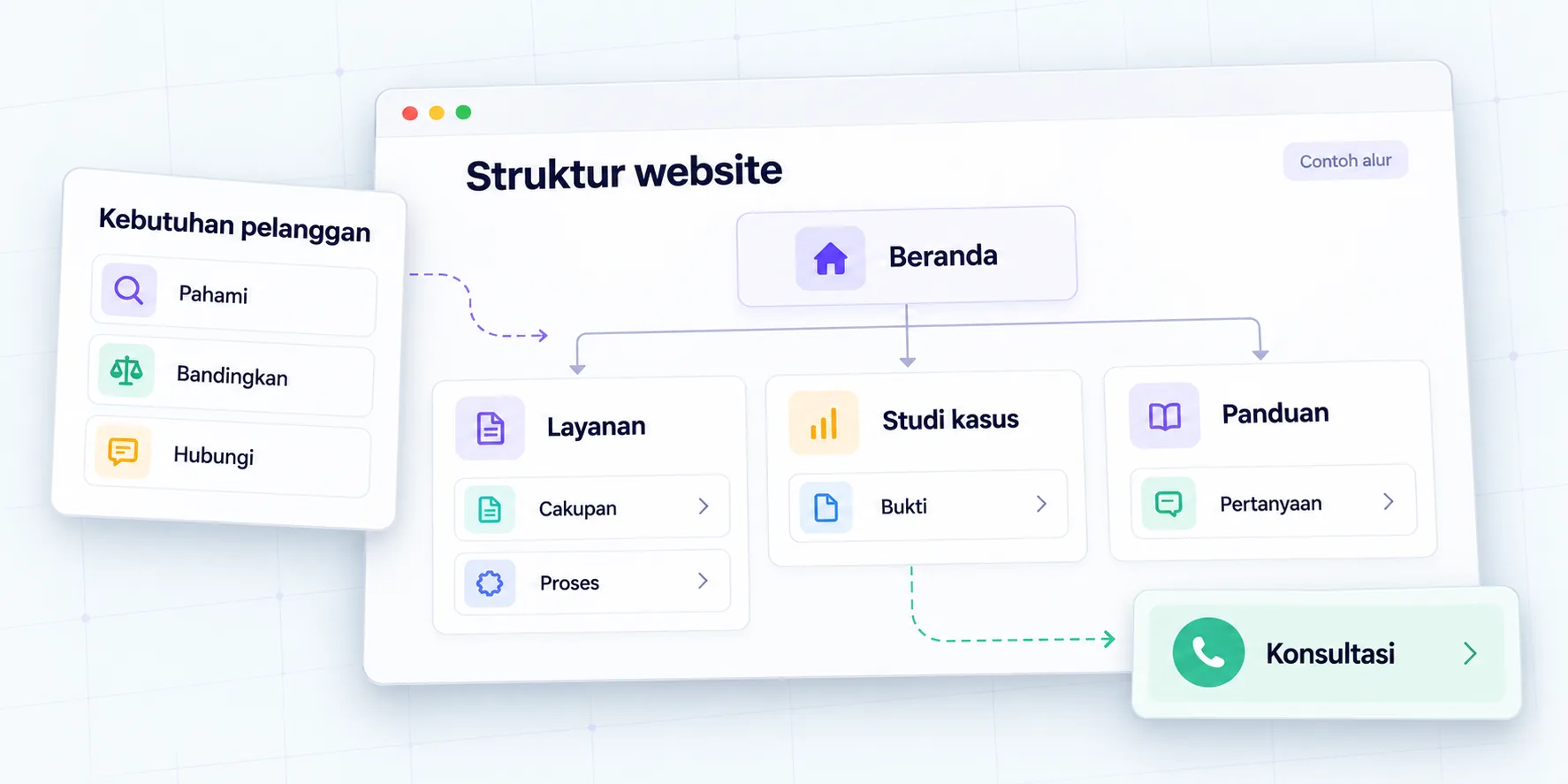
The structure of a business website is structured by determining the information customers need, dividing it into pages with clear functions, then linking these pages to relevant actions. A sitemap helps the team agree on that layout before design and development begins.
Menu lists such as Home, About, Services, and Contact are a starting point. However, the list doesn't explain how buyers compare offers, find service limits, check proof, or submit requirements. A useful structure should help those decisions while making it easy for the team to update content.
This guide contains recommendations for Oura's work for service websites, catalogs and online stores. The company example is a simulation. The final layout needs to follow business needs, available materials, and processes your team can actually execute.
Summary before creating a sitemap
- Start with customer questions and actions, then determine pages that help answer them.
- Give each page one main role so that the content does not repeat itself.
- Choose a menu label that buyers understand without having to know the company's internal terms.
- Note the material, content owner, priority, and readiness status of each page.
- For old websites, check the URLs, links and paths that have been used before replacing them.
- Test the journey from the login page to inquiry, including when the user is not ready to contact sales.
1. What is the function of a website structure for a business?
The structure becomes a map of information and work. For visitors, the map shows choices and relationships between pages. For business teams, structure helps determine what materials need to be prepared, who reviews them, and which information should be updated together.
Imagine a company has three services but they are all written in one paragraph on the homepage. Sales then receives different questions about each service, while visitors struggle to know which one is the right fit. Adding a new design won't necessarily solve the problem if the information structure remains the same.
Oura suggests that each page be noted with four things: primary audience, question answered, supporting evidence, and next action. If those four things are not clear, the page may need to be merged, narrowed, or postponed. The goal is to make content easy to manage, not to multiply URLs.
2. How to collect customer questions?
Collect questions from sales conversations, inquiry forms, customer support, and offer materials that are acceptable to use. Separate recurring questions from team guesses. Note the context: the type of need, the decision stage, and information the buyer has yet to discover.
Don't immediately turn all questions into articles. Questions about job limits are more appropriately answered on the services page. Questions that require lengthy explanations can serve as guides, while administrative information can be placed near forms or contact pages.
| Buyer questions | Main answer place | Prepared material |
|---|---|---|
| Is the service suitable for my condition? | Services page | Suitability, coverage limits, initial requirements |
| How is the work done? | Process on the service page | Work stage, review point, client contribution |
| Is there any similar job? | Case studies | Context, occupation, period, permitted evidence |
| What do I need to prepare? | Guide or brief | Material checklist, access, decision owner |
| How to submit a requirement? | Contact or consultation | Purpose of the form, information requested, next steps |
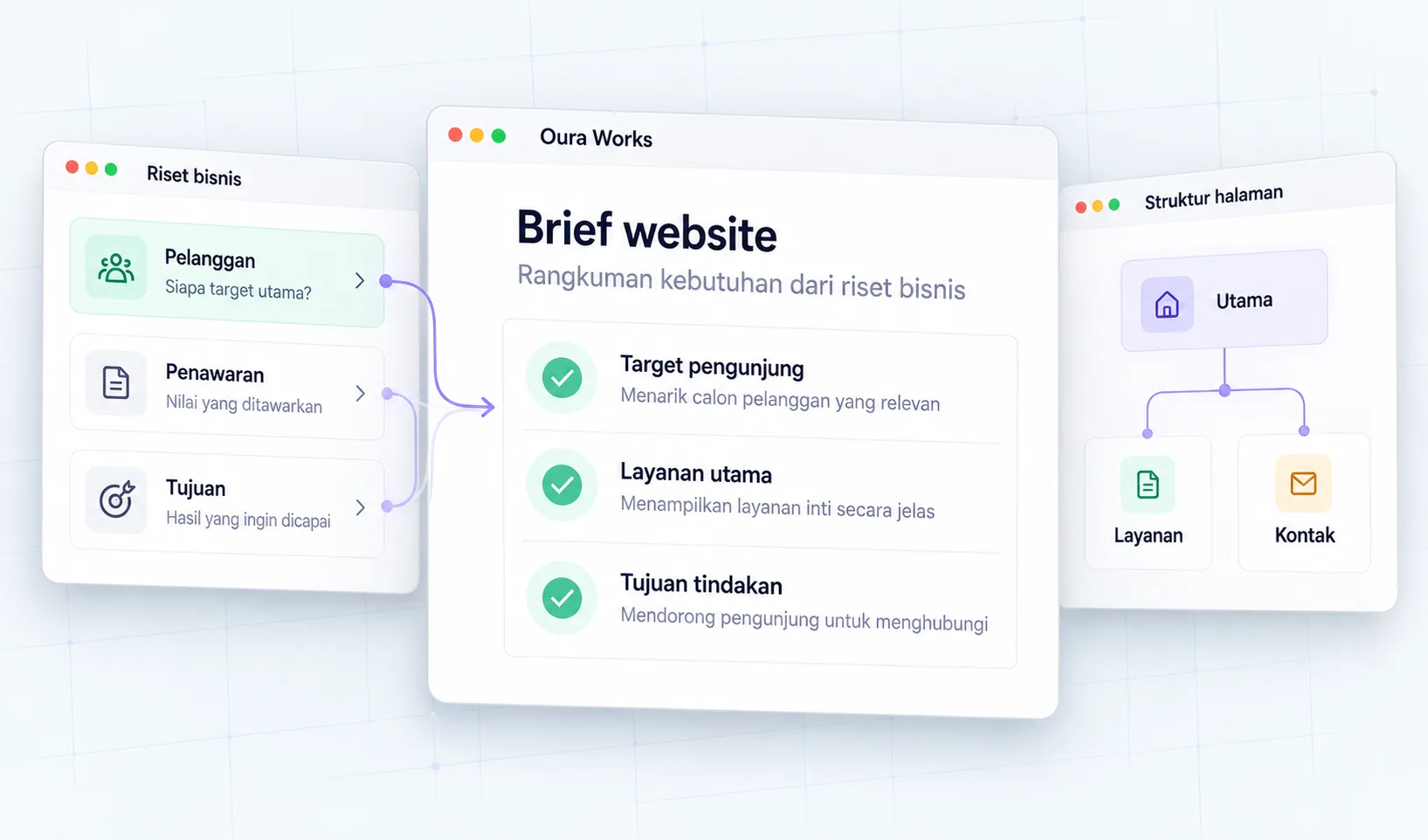
To deepen information gathering steps, read B2B customer research. Research findings help determine content; The sitemap then organizes the location and relationship of the content.
3. What pages do service websites, catalogs and online stores need?
Page requirements follow the way a business sells and serves. The service company needs to explain the job and suitability before the consultation. Catalogs help buyers review specifications and then request a quote. Online stores need to support product selection through to available transaction processes.
| Type of website | The core pages are considered | Assisted decisions |
|---|---|---|
| Services | Service, process, case, about, consultation | Understand fit and deliver requirements |
| B2B Catalog | Categories, products, documents, request for quote | Compare specifications and prepare RFQ |
| Online shop | Categories, products, cart, checkout, help | Select products and complete orders |
| Programs | Program list, details, requirements, registration | Checking suitability and requirements |
This table is a structure option, not a mandatory list. Small websites can start with the most needed pages. On the other hand, a catalog with search requirements and filters is not enough to be represented by one promotional page. Note the required functionality before determining the number of pages or platforms.
4. How to divide the roles of homepage, services, cases and articles?
The homepage introduces the business and helps visitors choose a path. Services pages describe specific offers. Case studies present work in a context that can be examined. Articles help readers understand a problem or prepare a decision. Each can be connected to each other without copying the entire content.
For example, the homepage mentions corporate website development with a brief summary. The service link explains the scope, review process, and client materials. Related cases demonstrate the context of work that is permitted to be published. Brief articles help prospective clients prepare clearer requests.
Establish the main answer for each question. If the service page and the article contain almost the same explanation, differentiate the intent: the service explains what it does and how to get started; articles teach how to make decisions. Avoid creating several pages just for variations of words that mean the same thing.
5. How to choose navigation and menu labels?
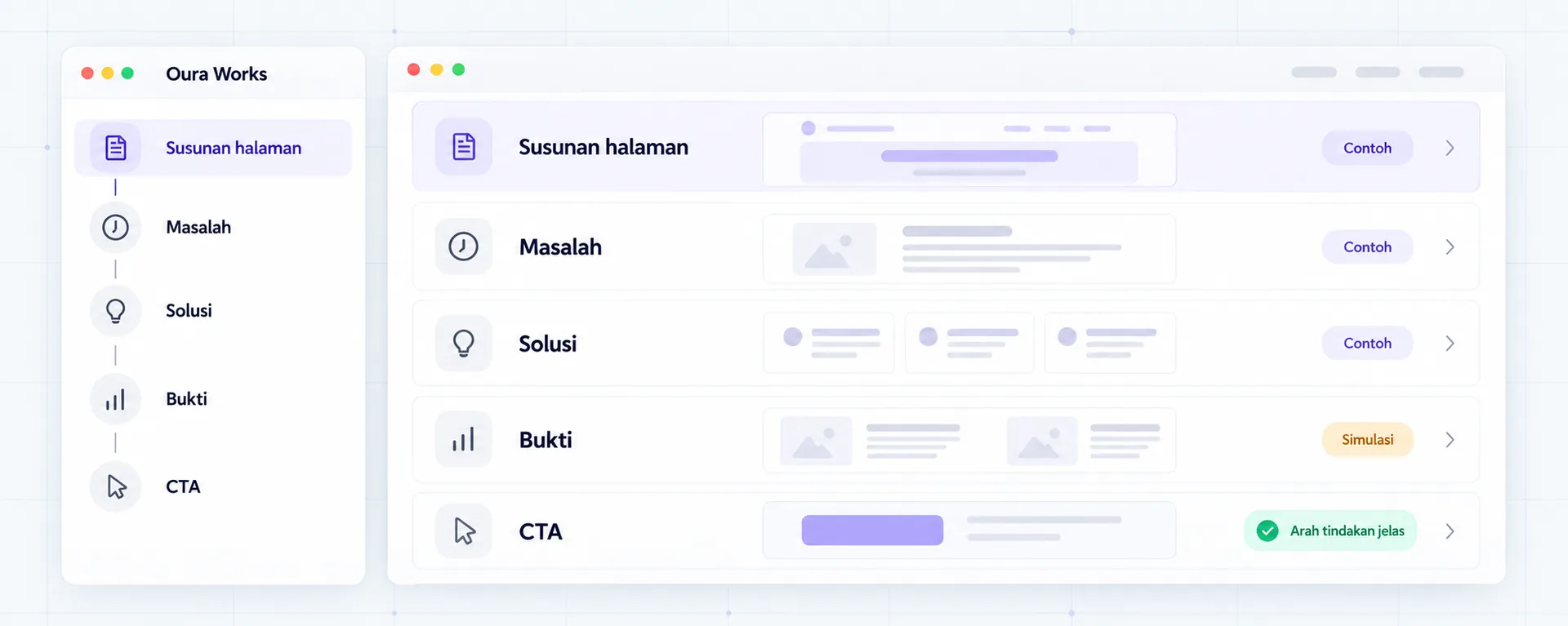
Navigation should help visitors recognize the available options. Use words that suit the buyer's understanding. Internal department names, unfamiliar abbreviations, or abstract slogans can make it difficult for people to find information even if the menu design is attractive.
Start with simple groups. If there are many services, separate the paths by job type or need, then provide a summary on the landing page. Don't put the entire page inventory into the main menu. More specific details can be achieved from service pages, categories or related links.
W3C WAI menu guide discusses the structure, marking, and use of menus via mouse and keyboard. On website work, also check visible focus, submenu behavior, as well as click areas on the touch screen. A good sitemap does not prove that the navigation implementation can be used.
6. How to structure relationships between pages?
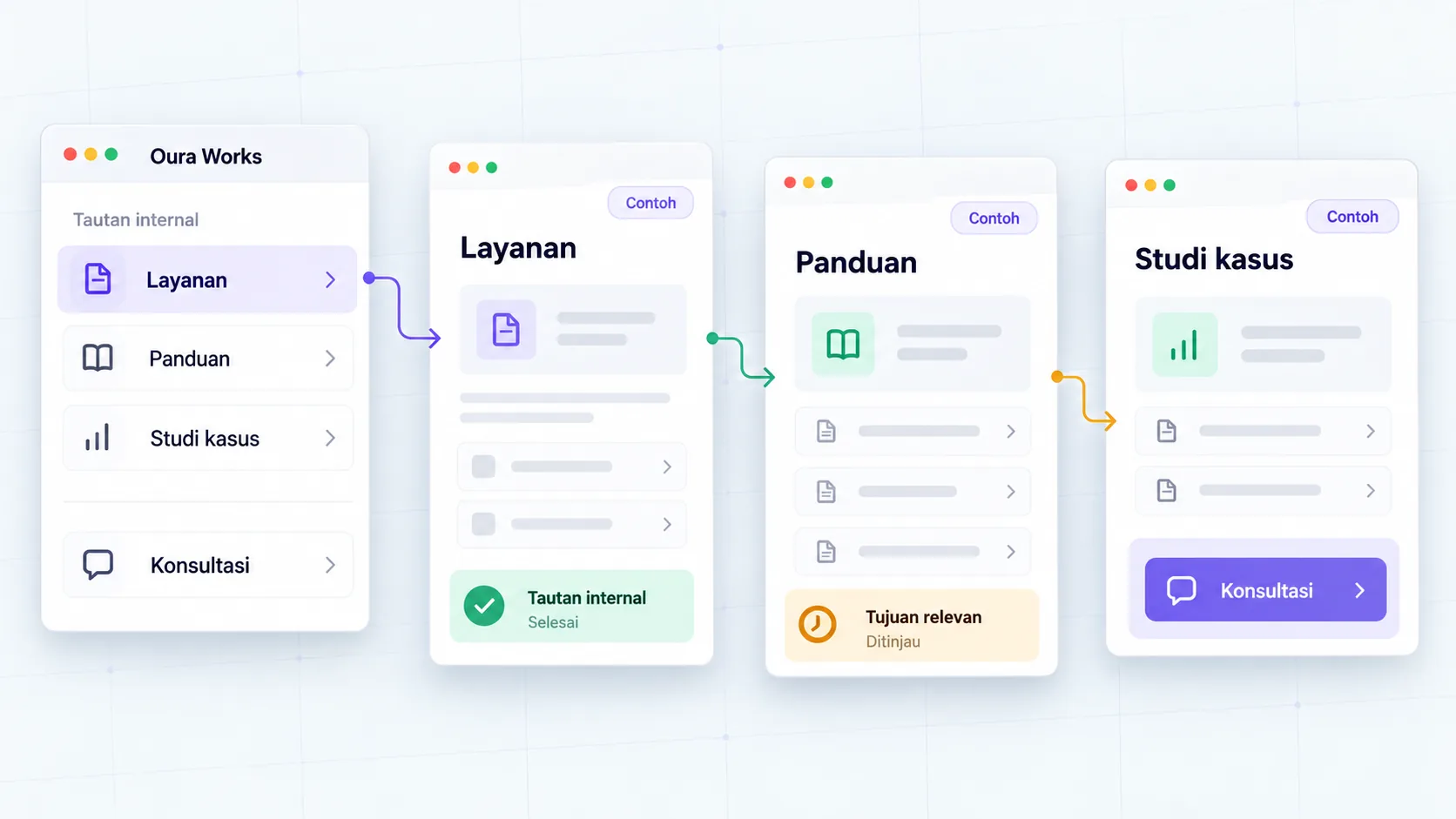
Link pages based on the reader's advanced needs. The person reading the scope of services may need a relevant case or checklist brief. People studying the article may want to see what types of services can help with implementation. Links should explain the purpose, not just say “click here.”
Oura suggests a simple check: for each important page, determine where visitors can enter from and where they can continue. Pages that can only be found via internal search or direct URLs need to be reviewed in relation to the main structure.
Google explains that logical organization, relevant links, and clear anchor text help users and search engines understand pages. This principle does not guarantee a particular ranking. Refer SEO Starter Guide for its technical basis and content.
7. What should a page inventory include?
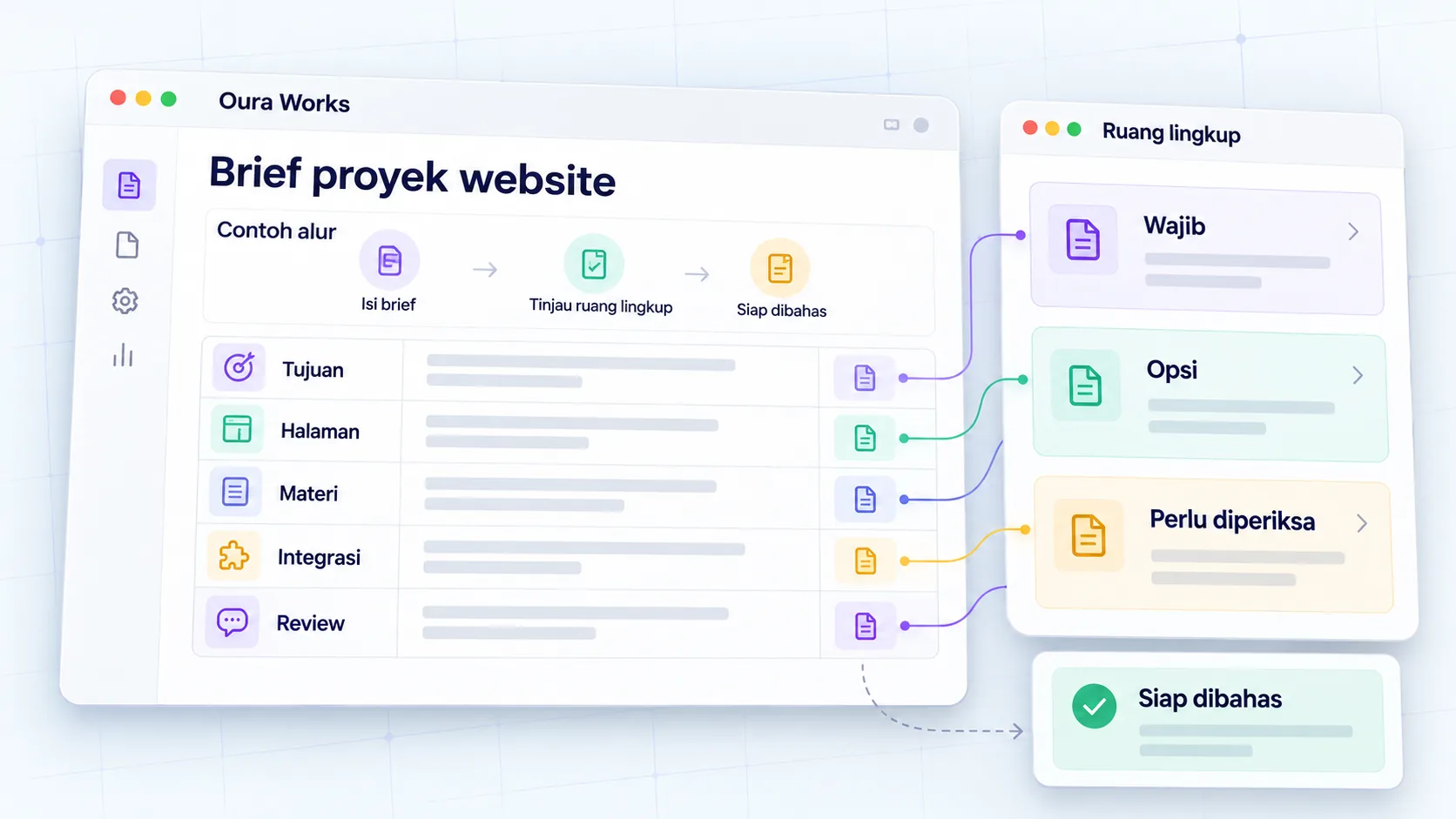
Inventory provides an overview of readiness before the project starts. A URL list alone isn't enough if the team doesn't know the source of the material, the owner of the review, or whether the page should be launched at an early stage. Use statuses that are easy to update.
| Page | Role | Main material | Owner reviews | Priority |
|---|---|---|---|---|
| Integration services | Explains suitability and coverage | Supported systems, processes, job limits | Technical and sales team | Early |
| Case studies | Shows the context of the job | Data, period, publication permission | Engagement owner | Once the evidence is ready |
| Briefs guide | Assist with inquiry preparation | Checklist and examples | Delivery and sales | Supporter |
| Request a quote | Accept the need | Field, reception flow, recipient | Sales operations | Early |
The example table is a simulation. Add old URL and proposed URL fields for migration, or data types for catalogues. Don't mark material “ready” just because there is a draft; Publication readiness also requires checking content, access, and relevant permissions.
8. How to deal with old websites and URL changes?
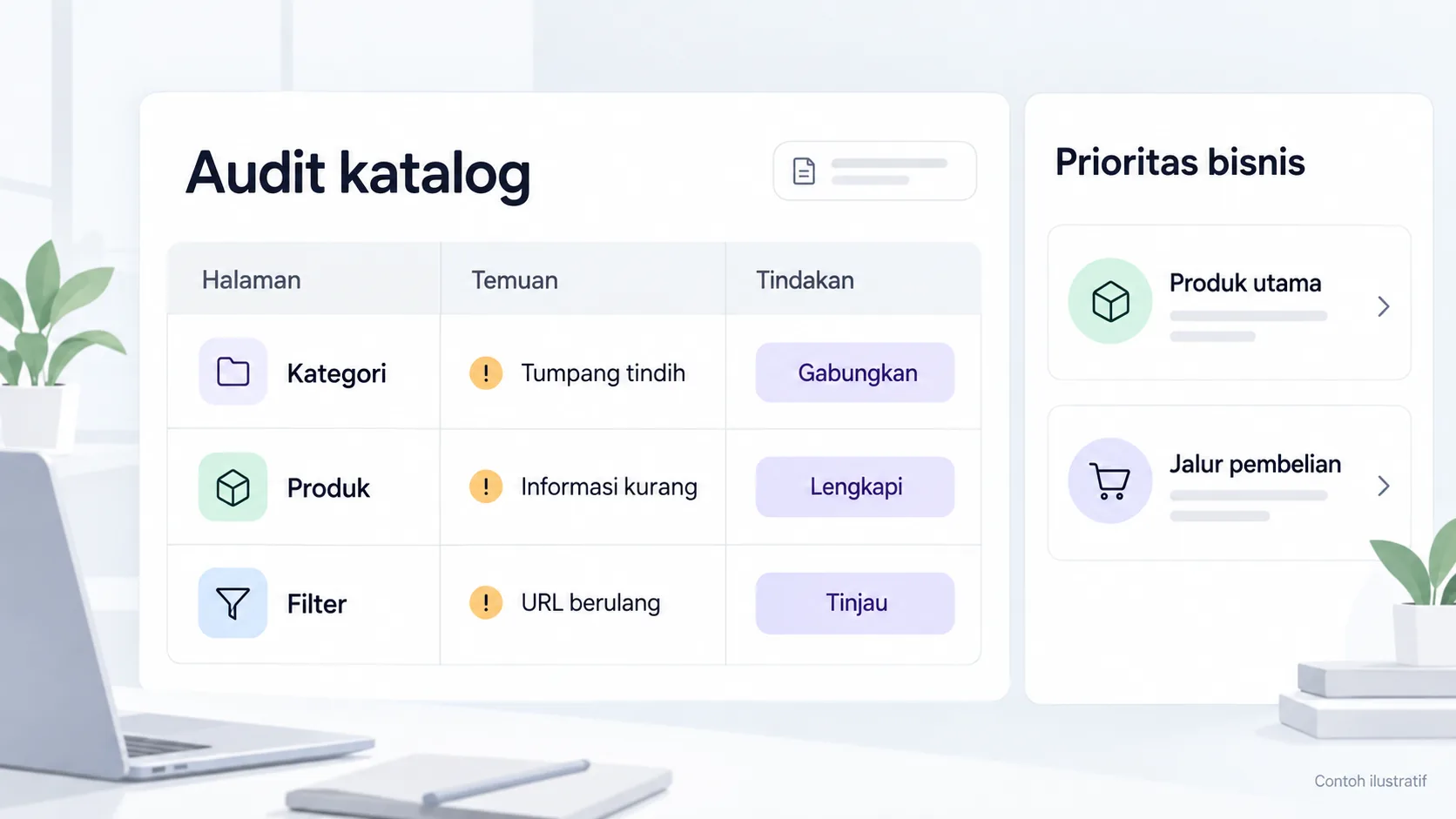
Before changing the structure, collect URLs that are still in use, pages with traffic, links from sales materials, and documents shared with customers. Check which ones are retained, improved, merged, or discontinued. This decision needs to involve the owner of the information.
Guide Google URL migration discusses URL mapping, preparing new destinations, redirects, and monitoring after changes. For real projects, create a separate checklist and make sure the settings follow the platform used.
Avoid redirecting all old URLs to the homepage as a shortcut. Buyers looking for specific specifications may miss out on the expected information. If there is no replacement, determine treatment with the technical team. Changes in page layout also need to be checked in links, navigation, forms and supporting documents.
9. How to check the path to inquiry?
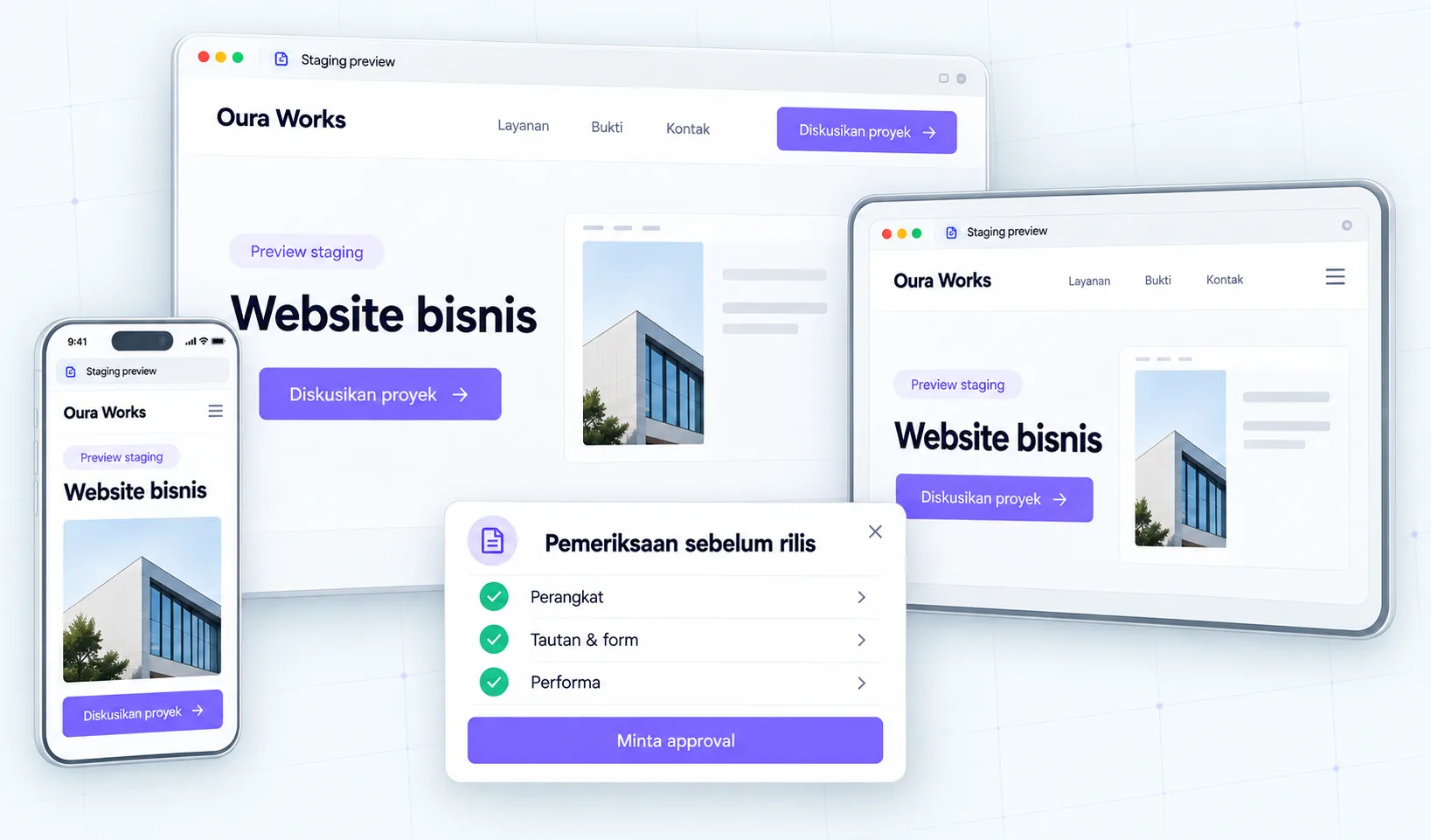
Test several realistic tasks: search for services as needed, compare coverage, read proofs, and submit inquiries. Start from a different page, because visitors don't always enter via the homepage. Use the mobile screen as well as the keyboard to see obstacles that are not visible in the sitemap.
Ask the examiner to explain what they understand before giving instructions. If they always need to ask the team about service limits, improve the content or placement. If the CTA is too quick to ask for a consultation without enough information, provide readings or details that help with the decision.
Once the path is clear, check the receipt of the inquiry separately. The button to the form does not yet prove the request was saved or forwarded. Lead measurement guide helps separate clicks, sends, receipts, and sales assessments.
10. Example of a service company structure
operational consulting companies offer process audits, system implementation, as well as team mentoring. The homepage helps buyers choose one of the needs. Each service has its own page because the scope, starting materials and processes are different.Simulation:
The audit page links readers to examples of findings that may be published as well as a preparation checklist. The implementation page explains the system, integration, and review. The mentoring page explains the form of the session as well as the contribution of the client team. All three lead to the same needs form with clear service options.
The structure can be started without dozens of articles. The priority is an understandable offer and a reviewable inquiry path. Once new questions are collected, the team can add guidance or detail as needed, rather than simply expanding the number of pages.
Decision example: one service with multiple buyer needs
Service companies can accept new implementation needs and improvements to existing systems. Both may use the same team, but buyers bring different questions. Don't create two pages straight away; check whether the scope, evidence and process are truly different.
| Need | Content that needs to be clarified | Initial choice |
|---|---|---|
| New implementation | Foundations, data sources, and start-up stages | Services page with clear coverage |
| System improvements | Initial conditions, check limits, and dependencies | Special sections or separate pages if they are different enough |
| General questions | The terms and processes are the same | Linked support guide |
This table is a planning simulation. After selecting the layout, run the reader scenario from homepage to contacts. Note whether menu labels help find needs and whether the page explains next steps. Structural decisions can be revised from those findings before visual production is expanded.
Checklist before structure is approved
- Each important page has a key reader, question, and action.
- Menu labels can be understood without explanation of internal terms.
- The scope of services and evidence are placed on the appropriate page.
- The material and owner of the review are recorded.
- Supporting pages are related to the main page.
- There are no different pages that just repeat the same offer.
- The old URL and its replacement destination are checked for migration.
- Mobile, keyboard and inquiry lines are included in the inspection plan.
- Information that is not yet ready is not published as final fact.
- The post-launch update process has an owner.
Conclusion: agree on information before chasing views
A clear website structure gives design and development direction. Start with buyer questions, define page roles, then prepare materials and relationships between pages. After that, the team can discuss visual frames and interactions based on the work that needs help.
If you are setting up a new website or sprucing up a company website, discuss website structure and needs with Oura. Bring a list of services, customer questions, and existing pages as discussion material. The scope of work and priorities are determined after initial conditions are examined.
FAQs
Does each service need its own URL?
Not always. Separate if the services have quite different scopes, audiences, processes, or decisions. Combine it when the information is short and buyers can understand the options without switching pages. Decisions follow content needs, not target number of URLs.
Is a blog mandatory for a business website?
No. Prioritize offer pages and clear contact paths. Blogs are useful when a business has questions that need to be answered in more depth and the team can maintain the quality and accuracy of the content.
Can all products be displayed on one page?
Can be used as a small catalog with simple information. If buyers require different specifications, filters, or documents, consider the product category and details. Also check how the team updates the information.
Use buyer terms, then test with tasks like “find out the scope of this service.” Watch to see if they choose the unaided path. A name that is catchy but doesn't explain the content needs to be reviewed.
What about services where the materials are not yet ready?
Note down as needed next time or prepare an accurate summary. Don't display coverage, pricing, or evidence that hasn't been agreed upon. Determine who completes the material and when the review is carried out.
Do structural changes require rebuilding the website?
Not always. Some improvements can be made through content, labels and links. Greater development needs arise if key data structures, templates, or processes do not support new requirements. An initial condition audit helps choose the path.
Resources
- Google Search Central — SEO Starter Guide.
- Google Search Central — Site moves with URL changes.
- W3C WAI — Page Structure Tutorial.
- W3C WAI — Tutorial Menu.
Continue on to guides and stories that discuss similar decisions.
Clear website project brief
Agree on project goals, scope, and decisions.
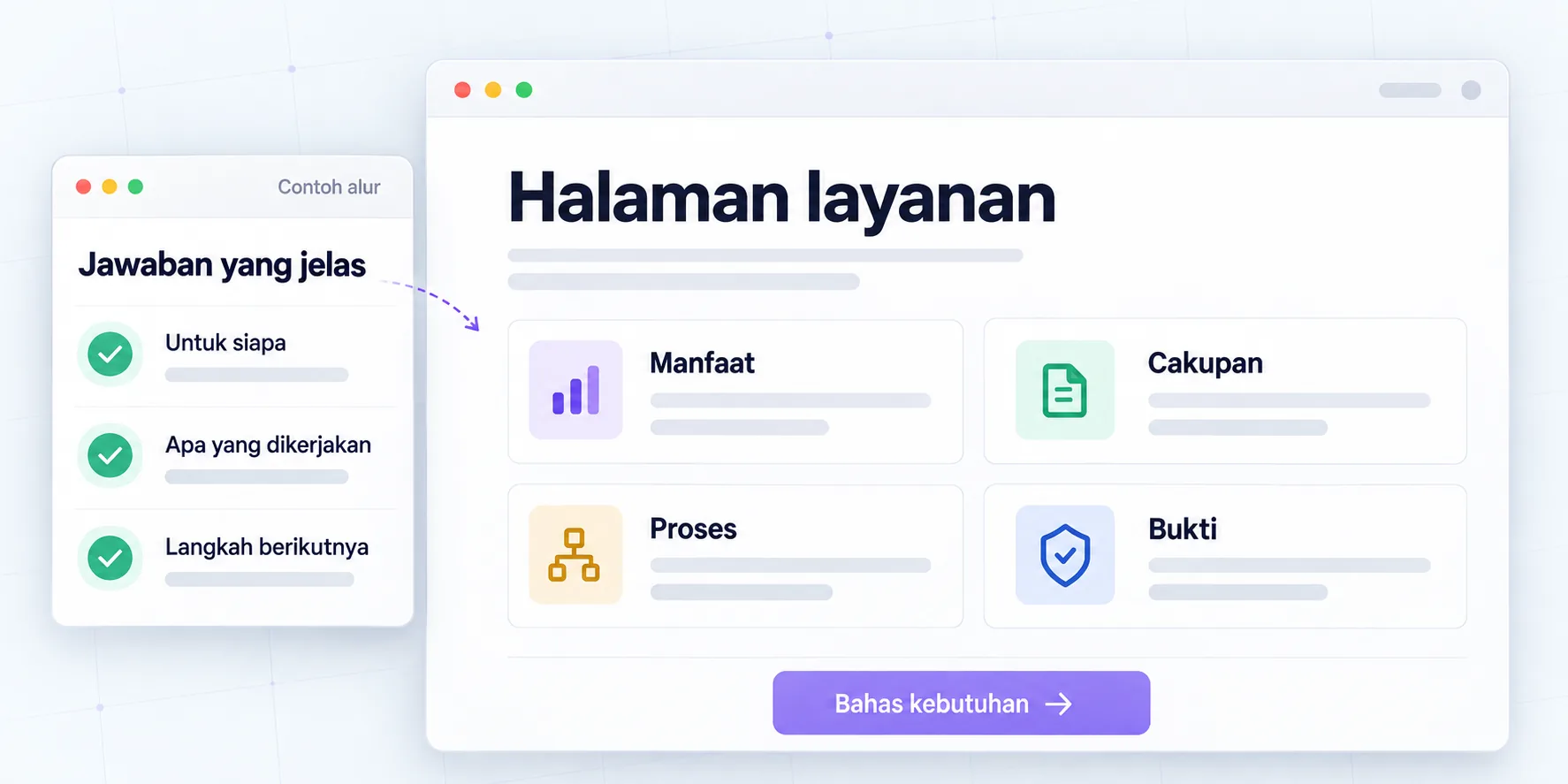
Copy of services before consultation
Clarify benefits, scope, evidence and next steps.
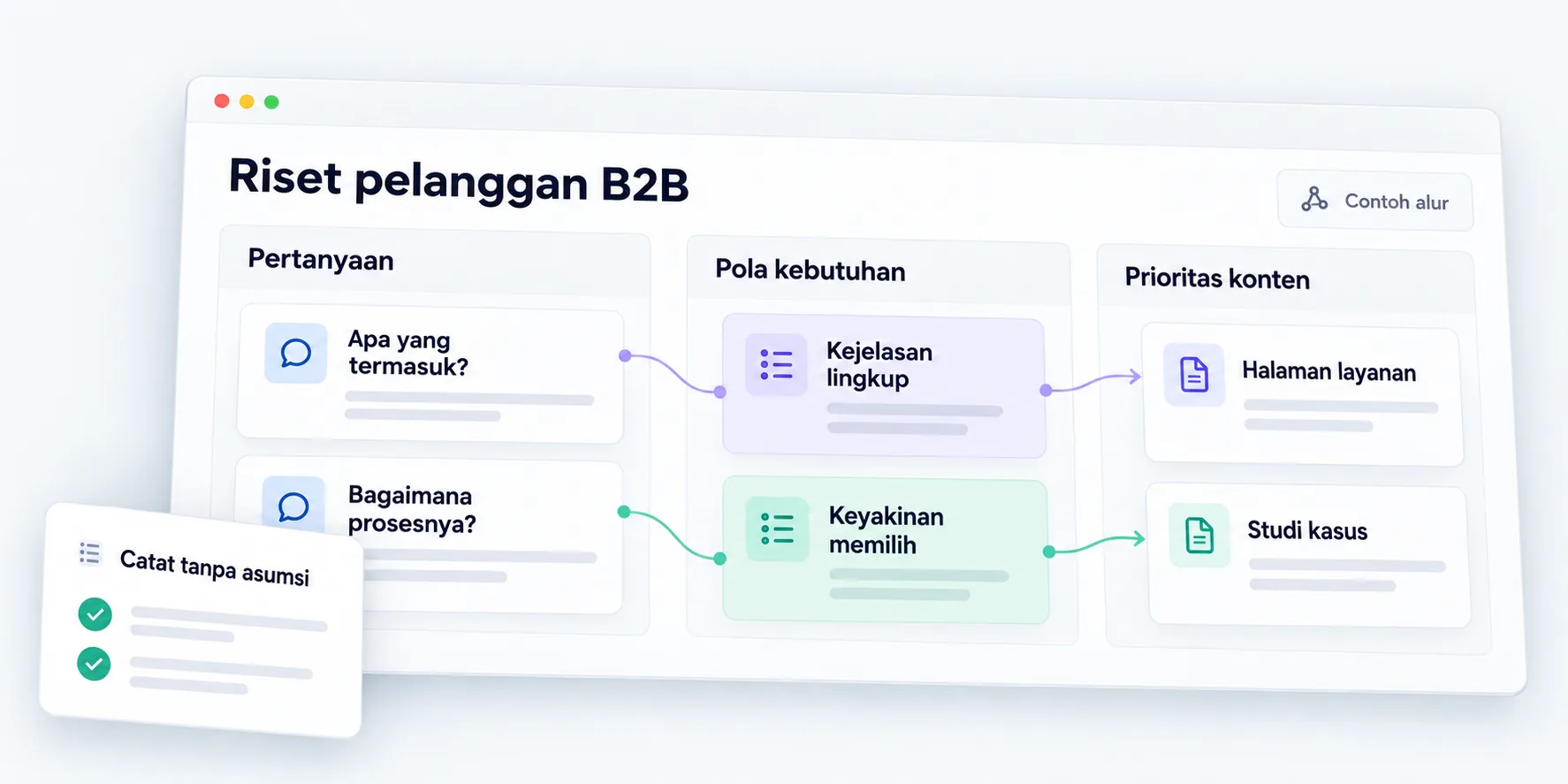
B2B customer research for websites
Map out needs, objections, and the buying process.
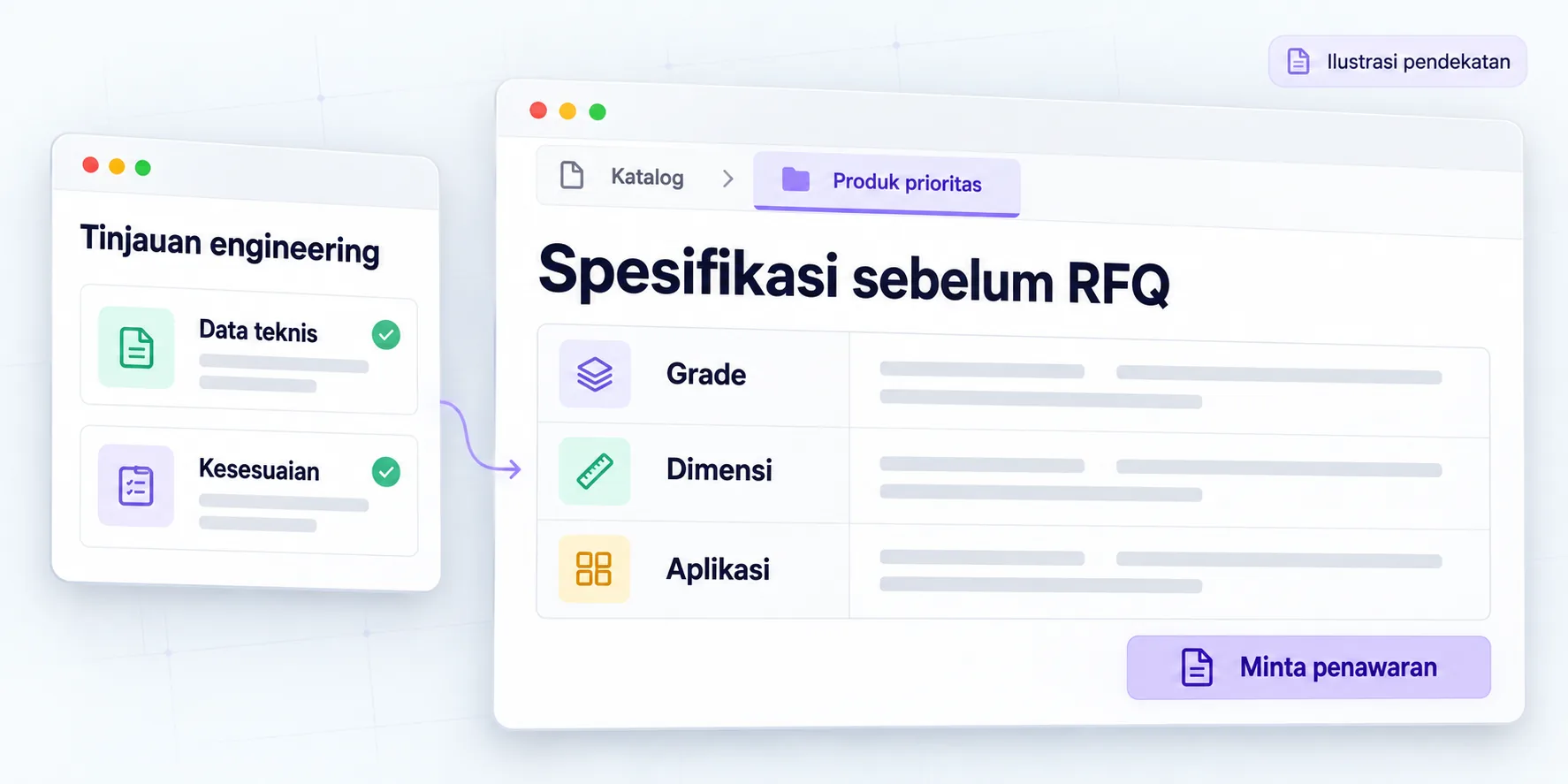
B2B specifications before RFQ
Technical product pages are structured over a seven-month engagement.
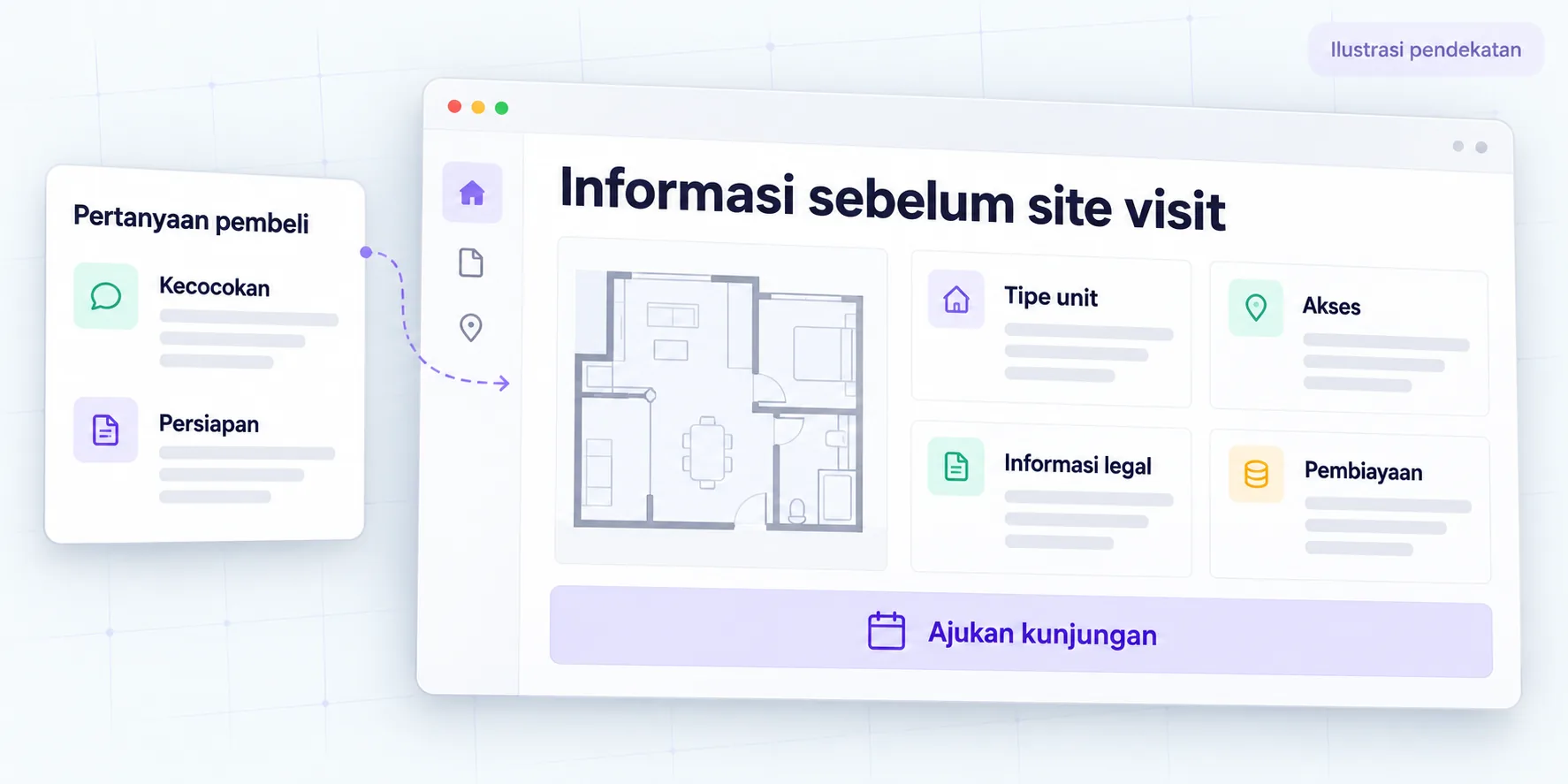
Property information before site visit
Buyer questions guided six months of work on website pages.
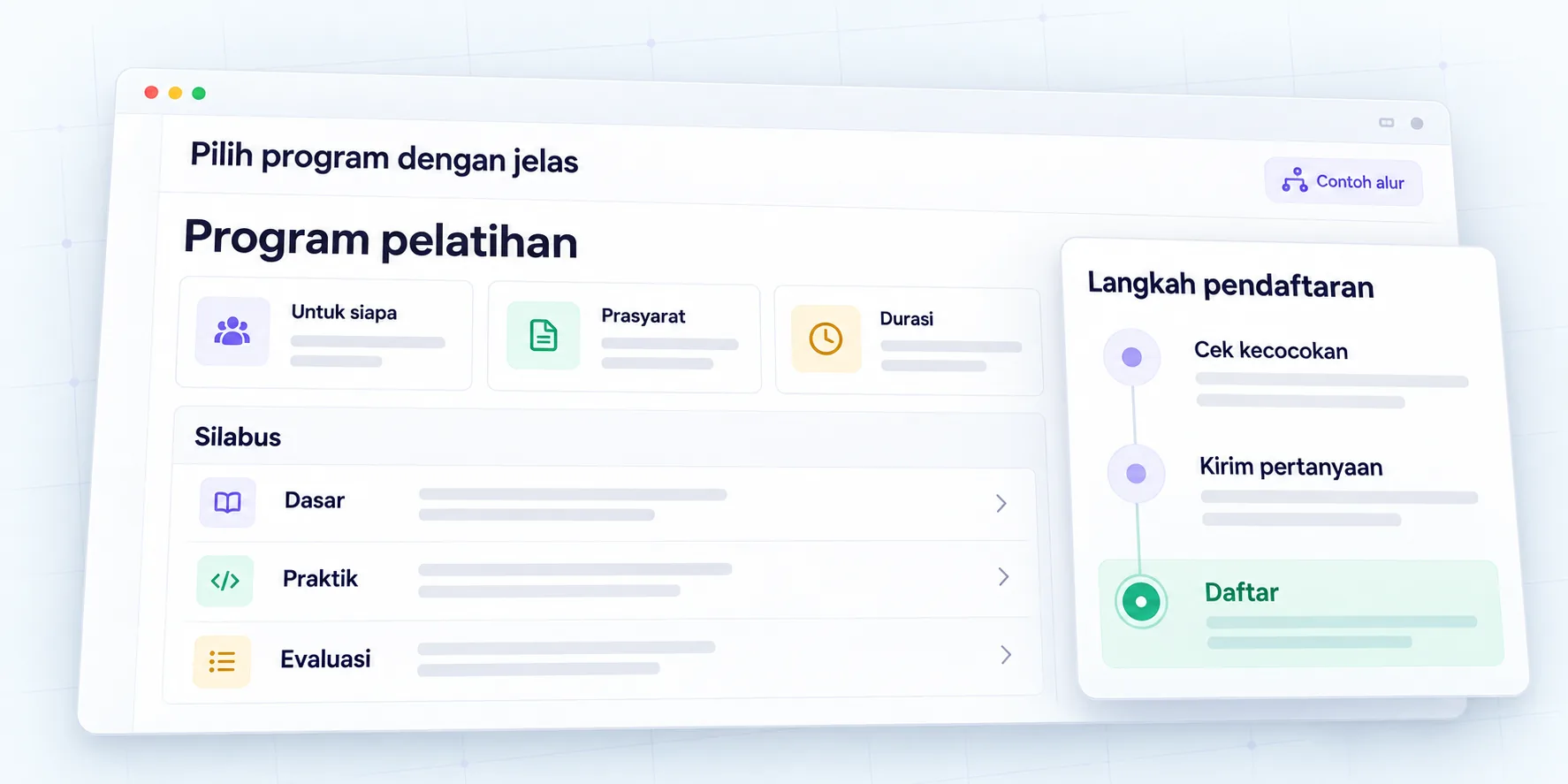
Program page that helps choose
Explain the syllabus, prerequisites, schedule, and how to register.