
















Oura Insights • Updated October 2, 2026
Educational program page that helps prospective participants choose

Oura Works
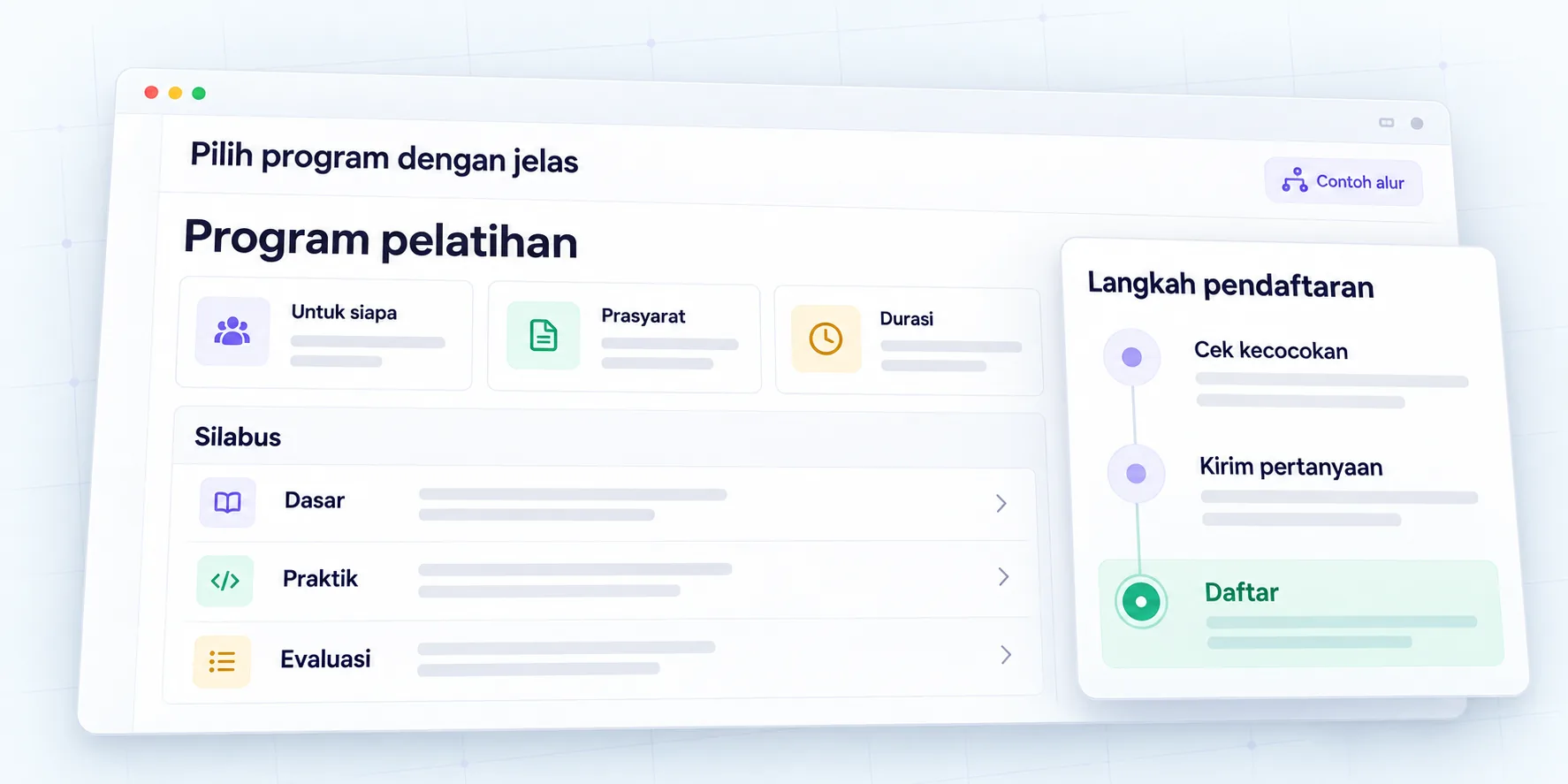
Educational program pages help prospective participants check suitability, requirements, materials, format, schedule, costs, and how to apply. This information needs to be accurate and easy to find before visitors are asked to fill out a form or contact administration.
Attractive visuals can introduce the atmosphere of the program, but potential participants still need an explanation of the decisions. They want to know whether the background is appropriate, what equipment needs to be prepared, what to study, and how to follow the applicable registration process.
This guide contains Oura recommendations for programs, courses, and training pages. The example program is a simulation. Requirements, schedules, prices, certificates, and actual policies should be checked with the program owner; This article does not set educational requirements or promise participant outcomes.
Summary for program managers
- Explain who is suitable to take part in the program and what the prerequisites are.
- Differentiate between materials, activities, intended learning outcomes, and evaluation methods.
- Display the agreed format, schedule, costs and conditions.
- Use verifiable teacher identification and certificate information.
- Arrange registration according to the administration process, with clear labels and notifications.
- Assign update owners when schedules, quotas, or offers change.
1. What decisions does the page need help with?
Prospective participants need to understand the suitability and commitment required. Pages should answer whether the program meets their goals, whether their initial knowledge is sufficient, and how the activities can be combined with work or other responsibilities.
Collect questions from administration as well as potential participants that may be used. Separate questions before enrollment from concerns after the program begins. Information about costs may be important at the start of the decision, while access to materials after joining can be explained through appropriate helplines.
| Questions from potential participants | Main information | Owner inspection |
|---|---|---|
| Is it suitable for my background? | Target participants and prerequisites | Academic team or program |
| What will you learn? | Material, activities, intended learning outcomes | Responsible for curriculum |
| When and how to follow? | Schedule, format, venue or platform | Program operations |
| How much does it cost and what is included? | Nominal, units, scope, conditions | Administration |
| How to register? | Stage, document, confirmation | Reception team |
Use the map to examine the contents of the page. Not all information has to be a new section if the website frame has been agreed upon. Map answers to the available space without randomly changing the visual layout.
2. How do you explain the participant's goals and prerequisites?
Mention relevant experience, prior knowledge, or conditions. “For participants who already understand spreadsheet basics” is clearer than “for anyone” if the activity requires those skills. Also explain if preparatory materials or other routes are available, according to real facilities.
Distinguish mandatory prerequisites from helpful ones. Device requirements, internet access, accounts, or licenses need to be written down if necessary. Don't make potential participants assume everything is provided when some of it is their responsibility.
If requirements require administrative assessment, explain how to check it. Provide relevant initial contacts or inquiries. Avoid saying a participant will definitely be accepted just because the form can be submitted. Request status and acceptance decision are different stages.
3. How do you organize learning materials and outcomes?
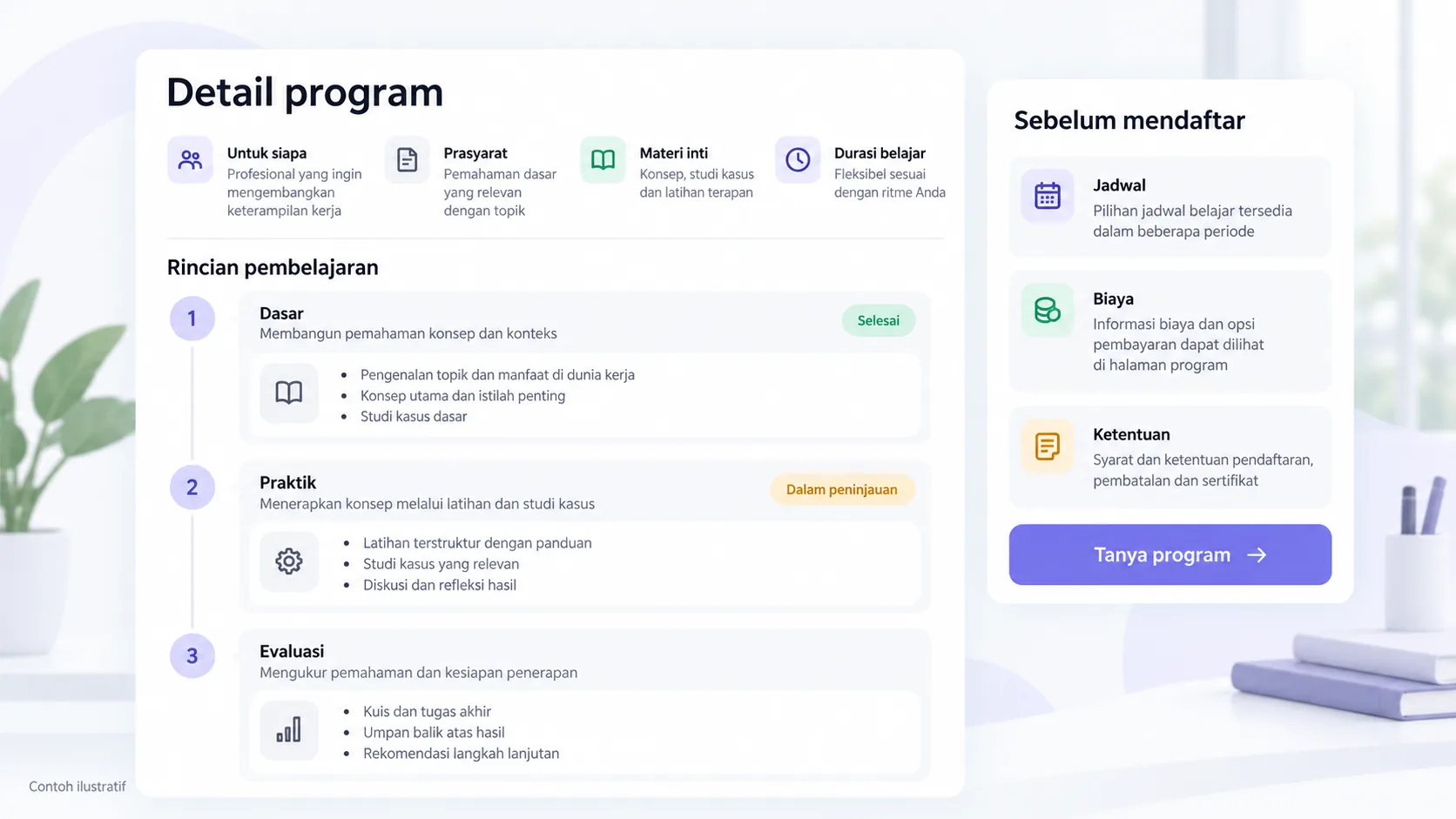
Write the topic in language that potential participants can understand. Explain the types of activities and abilities that are the goals of the program. For example, reading a report, preparing a simple analysis, or presenting the results of an assignment. This statement needs to be in accordance with the curriculum and evaluation methods.
Don't promise that all participants will achieve the same results. The learning process can be influenced by prerequisites, participation, and implementation conditions. If there is an assessment, explain the form briefly so that participants understand what will be done.
The syllabus does not have to display all teaching materials. Module summaries can aid decisions, while additional details are placed in the available documents. Make sure documents and pages use the same version; do not distribute old brochures with different schedules.
4. What information is needed about the teacher?
Use names, roles and experiences that are relevant and may be published. A short profile can help potential participants understand the instructor's relationship to the material. Avoid unverified credentials or claims like “number one expert” without any basis.
Check that the teacher is confirmed for the period shown. If the arrangement is not final, state its status according to program policy. Don't use photos or names just as decoration to make the page look credible.
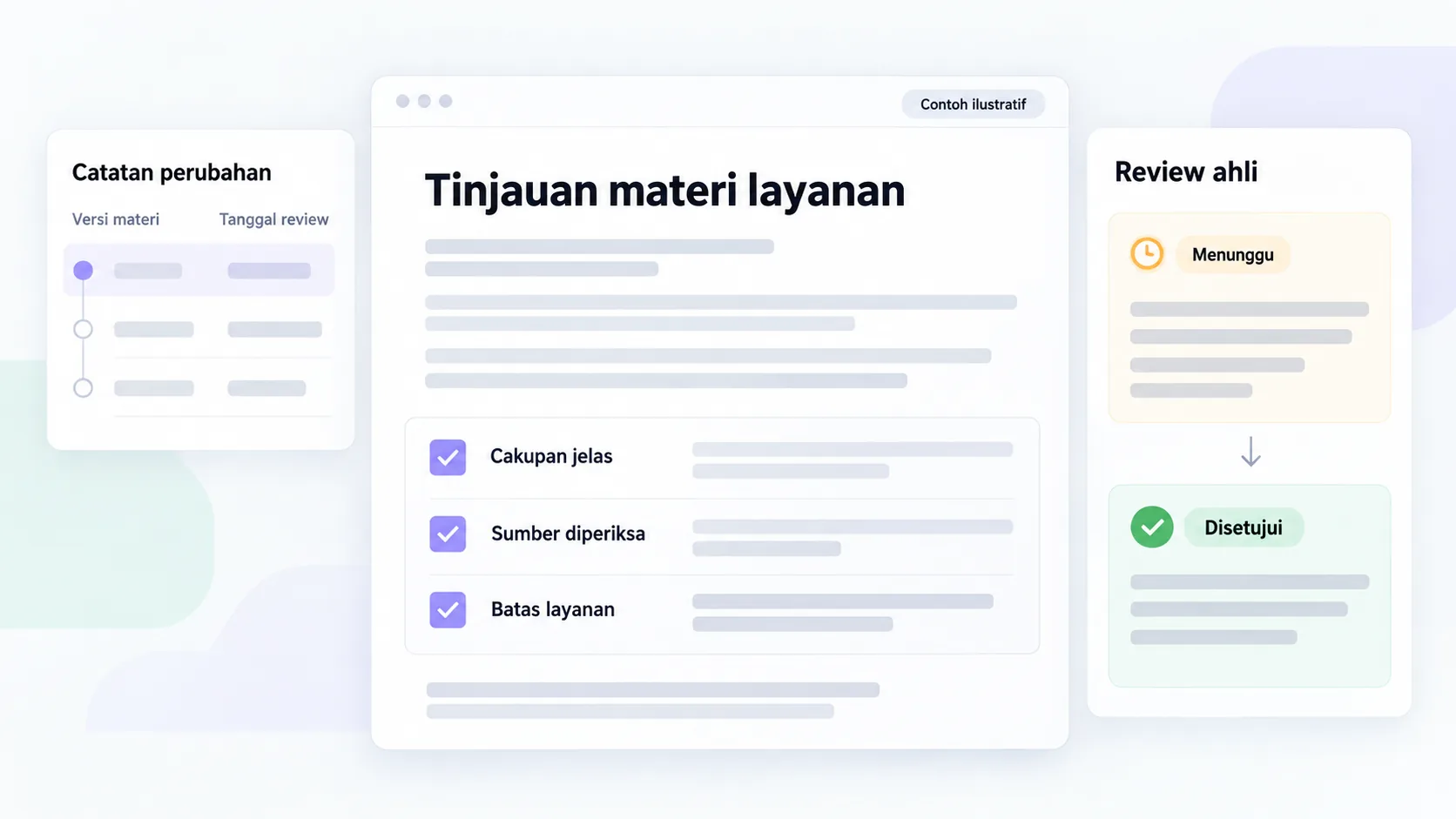
Profile material has an updated owner. When a teacher changes, check the detail pages, program listings, brochures, and campaign materials that identify them. Version notes help teams know what to update together.
5. How to explain the certificate without excessive claims?
State the type of document provided, its issuer, and the requirements for obtaining it if one has been determined. Certificates of participation, completion, and proof of competency can have different meanings. Explanations need to follow the policy and basis of the actual publication.
Do not equate program certificates with accreditation or recognition from other institutions without proof. Avoid promising jobs, graduation, or universal recognition. If certain recognition is claimed, the program owner needs to provide a verifiable source.
Images of sample certificates can be used if permitted and labeled as samples. Do not include names of real participants in public materials without data use checks and necessary permissions. Supporting visuals must still explain relevant information.
6. How to display the schedule, format and costs?
Display the information needed to assess commitment: date, time, time zone if relevant, activity format, location or platform, and attendance requirements. If there are recordings, alternate sessions, or access to materials, list only those facilities that are actually available.
Prices need to have units and coverage. Explain if fees apply per participant, per program, or based on specific scope. Promotion conditions, additional fees, as well as the validity period need to follow the information approved by the administration.
| Information | Checked explanation | Avoid |
|---|---|---|
| Schedule | Date, time, format, confirmation status | Simulated dates appear as real schedules |
| Cost | Nominal, units, scope, conditions apply | Price without explanation of what is included |
| Facilities | Materials, tools, support available | Facilities have not been agreed to look certain |
| Registration | Applicable stages and confirmations | The form sent is considered certain to be received |
If the schedule is not final, provide a route to request information according to the existing process. Don't display automatic reservation or payment buttons if those systems aren't already available.
7. How does comparison between programs help?
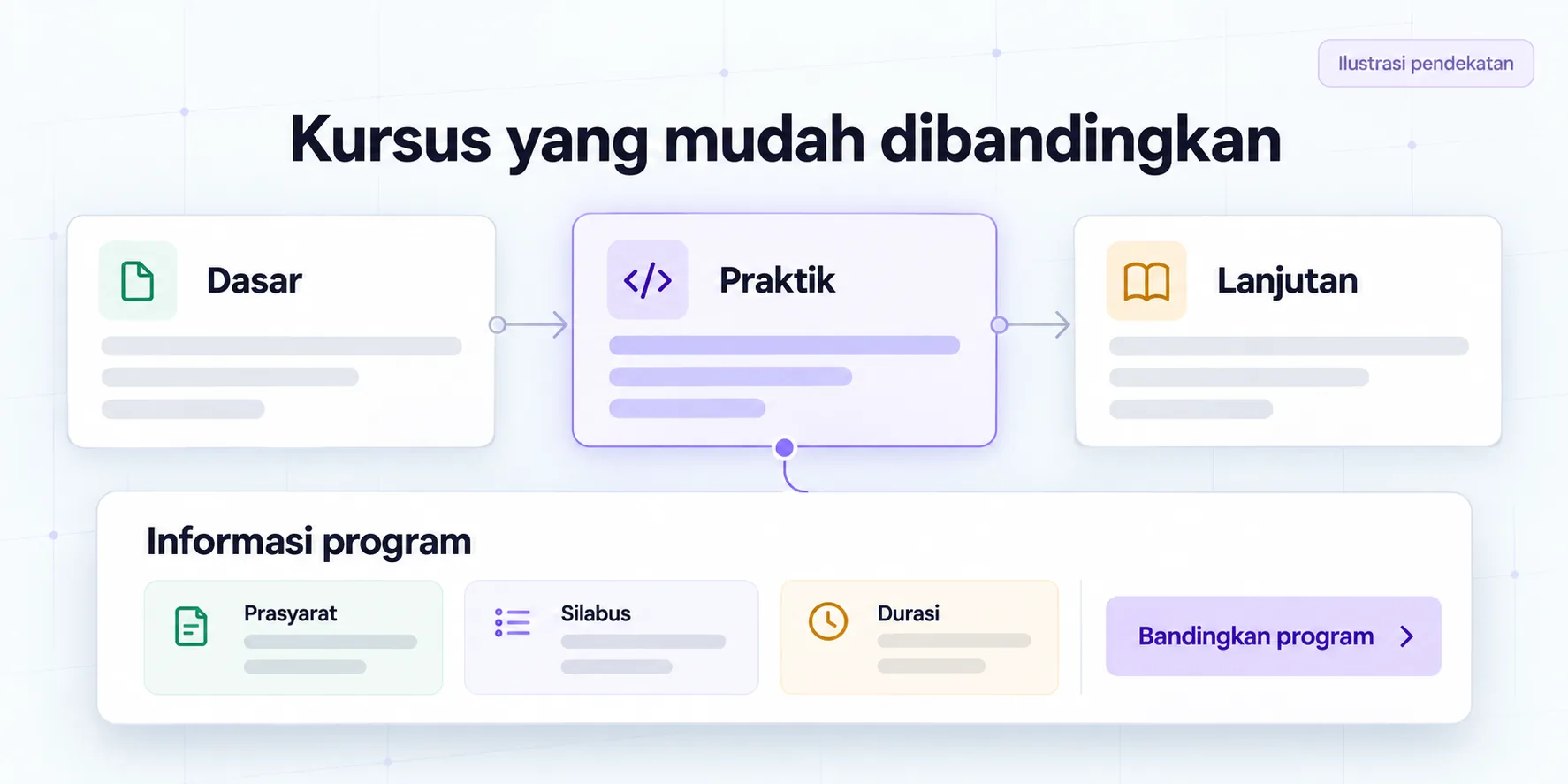
Use consistent attributes: target participants, prerequisites, materials, format, duration, cost, and intended output. Choose things that help the decision, not pile all the details into a table that's hard to read on mobile.
Explain the differences neutrally. Basic and advanced programs can be aimed at different levels of readiness; there's no need to make one option seem like a failure to make another option attractive. If there is overlapping material, explain the parts that are similar as well as relevant differences.
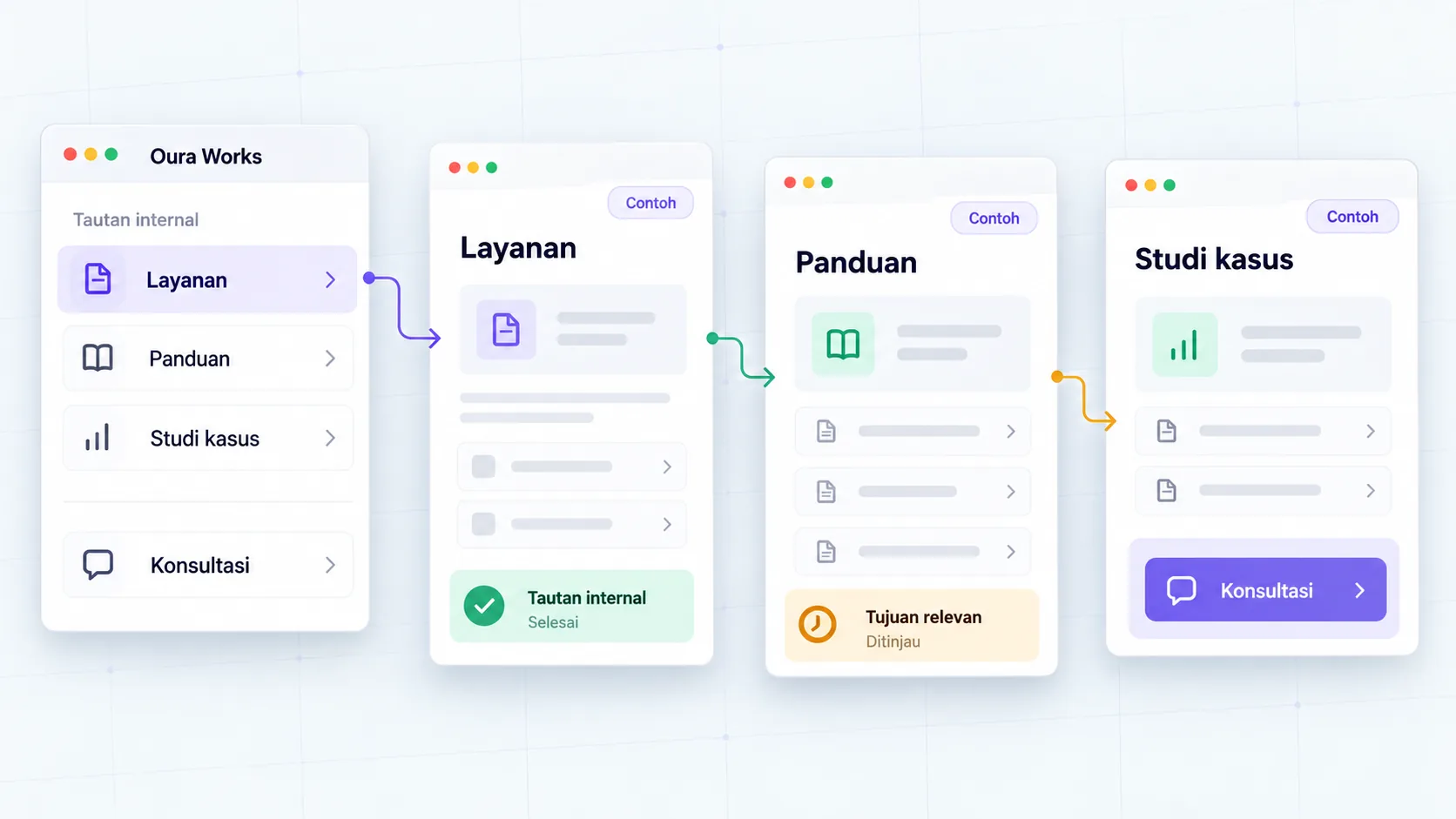
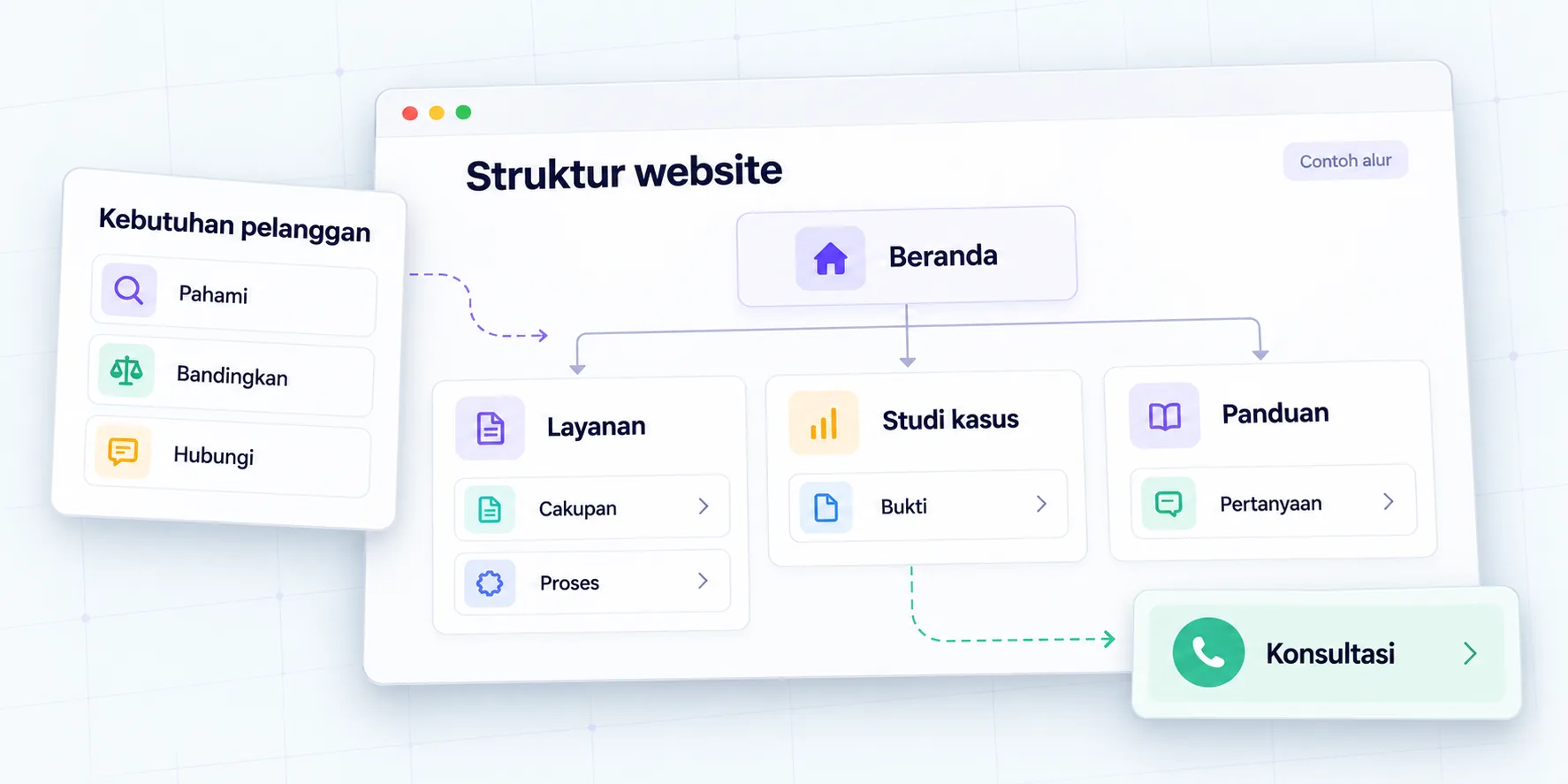
The program listing page helps choose a path, while the program details answer complete questions. Connect the two with clear labels. Website structure guide discuss the role of pages and information relationships before design is carried out.
8. How to structure a clear registration?
Determine the information needed at the initial stage and the information to be collected afterward. The first form does not have to request all documents if the administrative process does not yet require them. Explain the purpose of each request that participants may not understand.
W3C WAI form guide discusses labels, instructions, validation, and success and error notifications. Implement it on the registration form and check its usage via the keyboard as well as the small screen. Mandatory information needs to be clear before users submit.
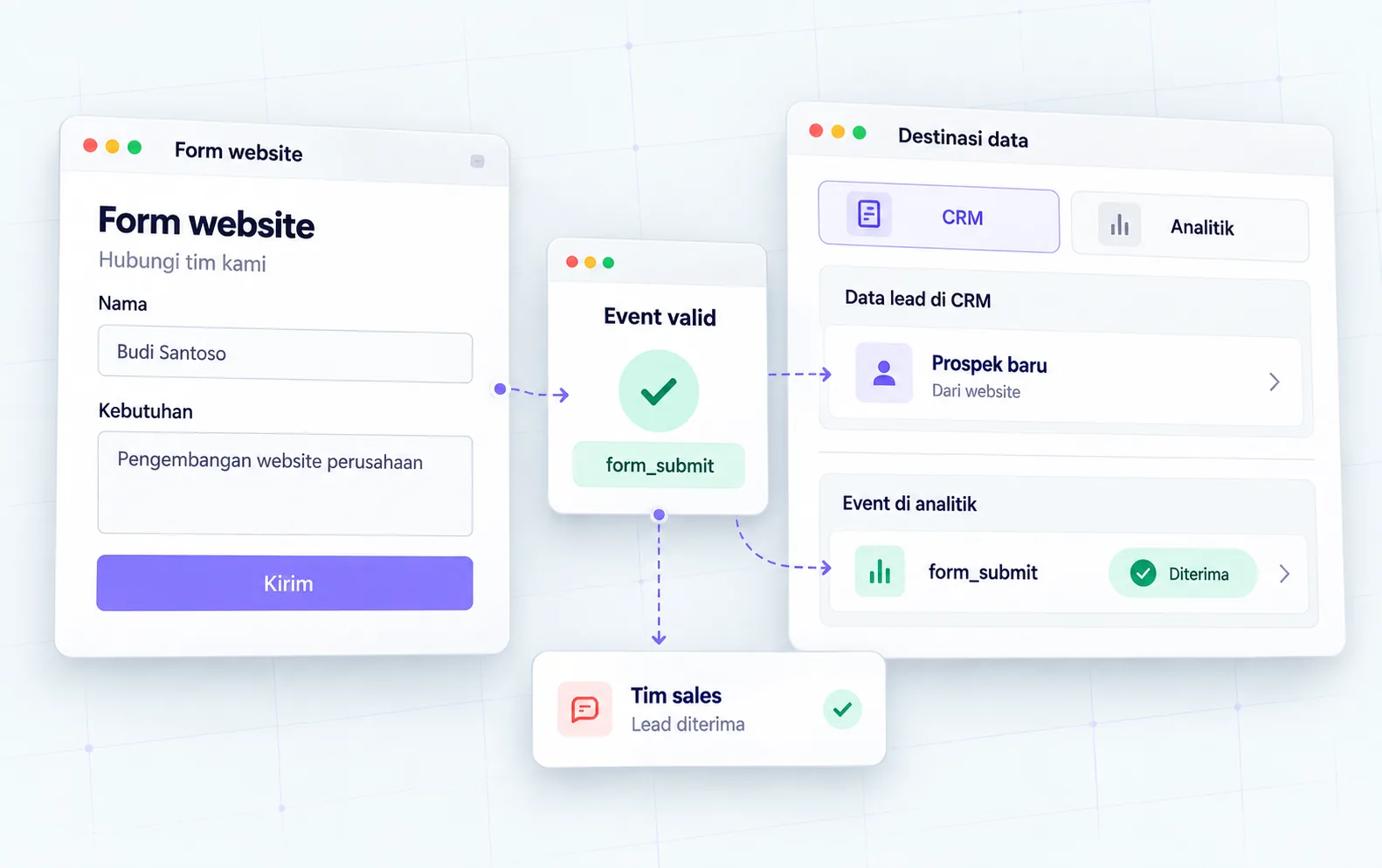
Separate the conditions of the form being received, the data being checked, the registration being approved, and the payment being confirmed if these stages apply. The website must not display a success message that implies the administration process has been completed even though it has just received the request.
9. How to make information easily accessible?
Compose a title that explains the content, a concise paragraph, and a list that helps scanning. Important information such as prerequisites and fees should be available as page text, not just in images or PDFs. Provide appropriate descriptions for supporting visuals.
W3C WAI page structure guide explain the role of regions and headings in helping users navigate content. Use this structure in implementation, then check the reading order and the relationship between the title and content.
Also review the needs of participants in actual activities. W3C WAI events and presentations checklist can be a reference when the program uses materials, meetings, or training. Actual needs need to be discussed with the organizer; The website page does not prove that all activities are accessible.
10. Who updates program changes?
Assign information owners and review points before the page goes live. The schedule is checked operationally, program content by the person in charge of materials, costs by administration, and the acceptance process by the relevant team. One coordinator can put together updates without crowding out the authority of all parties.
| Change | Checked place | Work action |
|---|---|---|
| Schedule changes | Details, lists, brochures, campaigns | Update versions and outstanding links |
| Costs change | Details, forms, offer materials | Match the units and applicable conditions |
| Teachers change | Profile, details, brochure | Check identity and confirm |
| Registration is closed | CTA, form, period information | Describe the status and next path |
Don't just change one label on the main page. Information linkage checks help prevent potential participants from receiving different explanations via old brochures or forms.
11. Example of an analytics training page
Analytics programs have basic and advanced tracks. The basic page states the prerequisites, topics, assignments, and tools that need to be prepared. Advanced pages explain required initial skills and different activities.Simulation:
Program listings demonstrate key differentiators without making claims of certificate recognition. Details display the confirmed schedule, format, costs, and registration steps. Information requests remain available for participants who are unsure which pathway is appropriate.
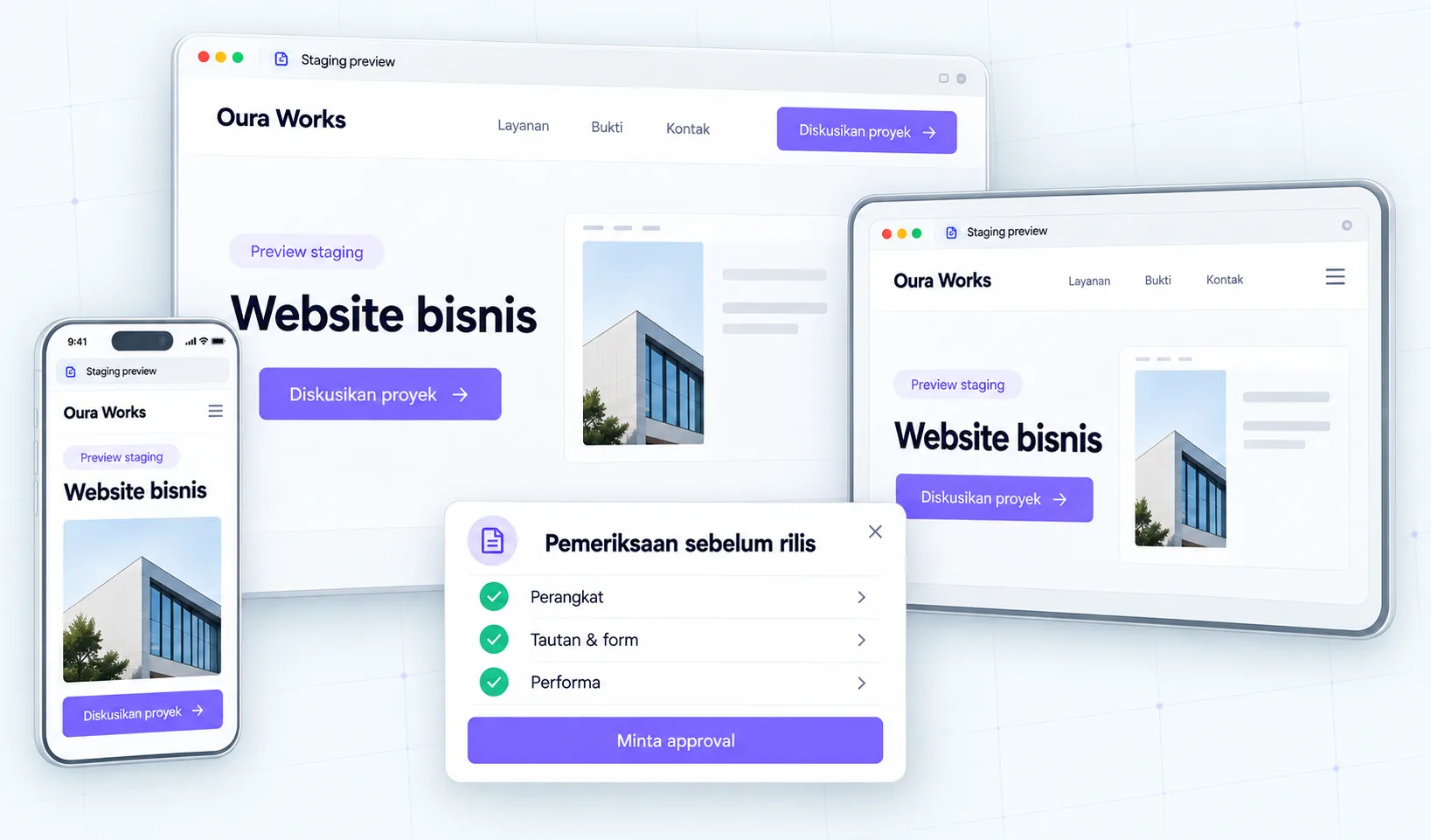
The team checked the success and failure forms, administration confirmations, as well as the brochure version. Page illustrations can show the relationship of program options to prerequisites and enrollment; no need for decorative characters or fake graduation numbers.
Example of decision: prospective participants have not met the prerequisites
Helpful pages don't necessarily encourage everyone to sign up straight away. If an advanced program requires basic skills, explain those needs and relevant options. This helps readers take appropriate decisions and reduces re-explanations by admins.
| Example conditions | Helpful information | Next step |
|---|---|---|
| Prerequisites met | Material, format, and evaluation | Review the schedule and conditions |
| Prerequisites have not been met | Initial skills required | View basic programs when available |
| Readiness is not yet clear | How to ask questions and assessment limits | Contact the admin via the appropriate channel |
This table is a simulation of program information, not an assessment of participant abilities. Avoid tests or recommendations that the administrator does not actually provide. If there is no base program, describe alternatives that can be confirmed, rather than adding fictitious packages. Honest program information helps readers assess suitability without making promises about career outcomes.
Checklist before the registration period
- Target participants and prerequisites have been checked.
- The material and learning outcomes aimed at are in accordance with the curriculum.
- The teacher's identity and assignment status are clear.
- Certificate information follows the basis of issuance.
- Schedule, format, costs and facilities have been approved.
- List and detail pages use consistent information.
- Brochures and documents have appropriate versions.
- The form requests information that is relevant at its stage.
- Labels, error, success, keyboard, and mobile are checked.
- Website messaging does not equate inquiry with final acceptance.
- The owner of registration renewal and closure is determined.
Conclusion: help decision before registration
Clear program pages help potential participants understand fit and commitment, while the administration team has more consistent information. Start from approved content, create an easy-to-follow path, then check out the real-world registration process.
Discuss the program page and admissions flow with Oura. Prepare a list of programs, materials, schedules, and applicable administrative processes. The scope of the website and integration is determined based on needs, systems and available access.
FAQs
Should costs be displayed on the page?
If costs and scope are clear, displaying them helps the decision. For special programs that require a quote, explain the materials needed as well as the route for requesting an estimate. Do not make prices that have not been agreed upon.
How to explain prerequisites without confusing participants?
Separate mandatory needs from helpful knowledge. Provide examples of relevant capabilities or tools and provide a way to ask questions if potential participants are unsure. Use terms that readers can understand.
What to write if the schedule is not final?
State the status according to applicable information and explain how to obtain updates. Avoid example dates that appear to be real enrollment periods. Update all related materials once confirmation is available.
Does the syllabus need to be displayed in full?
Not always. A summary of topics and activities can help decisions, while details are available through appropriate documents. Make sure the explanation is sufficient to understand the fit and does not conflict with the program material.
State the correct type, publisher and requirements. Do not claim accreditation or recognition of other institutions without sources. Program owners need to review the statement prior to publication.
Is a long registration form always necessary?
No. Long follow the information needed at that stage. Consider staggered collection if administration supports it, and explain instructions and status clearly. Test failure and success conditions before use.
Resources
Continue on to guides and stories that discuss similar decisions.
Course page before registration
The syllabus and learning outcomes are laid out for five months.
Website structure based on buyer needs
Determine the role of the page before drafting the design.
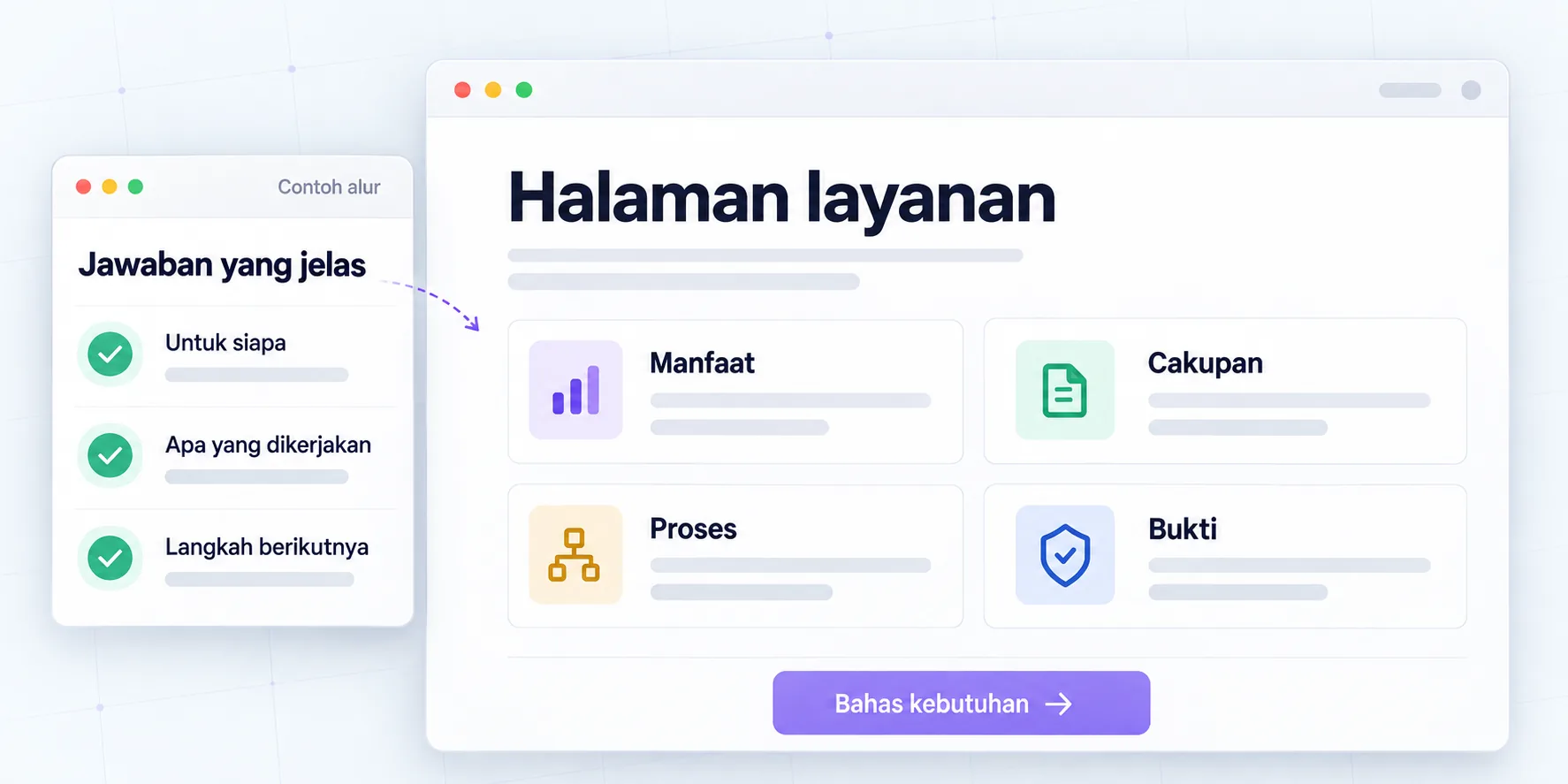
Copy of services before consultation
Clarify benefits, scope, evidence and next steps.
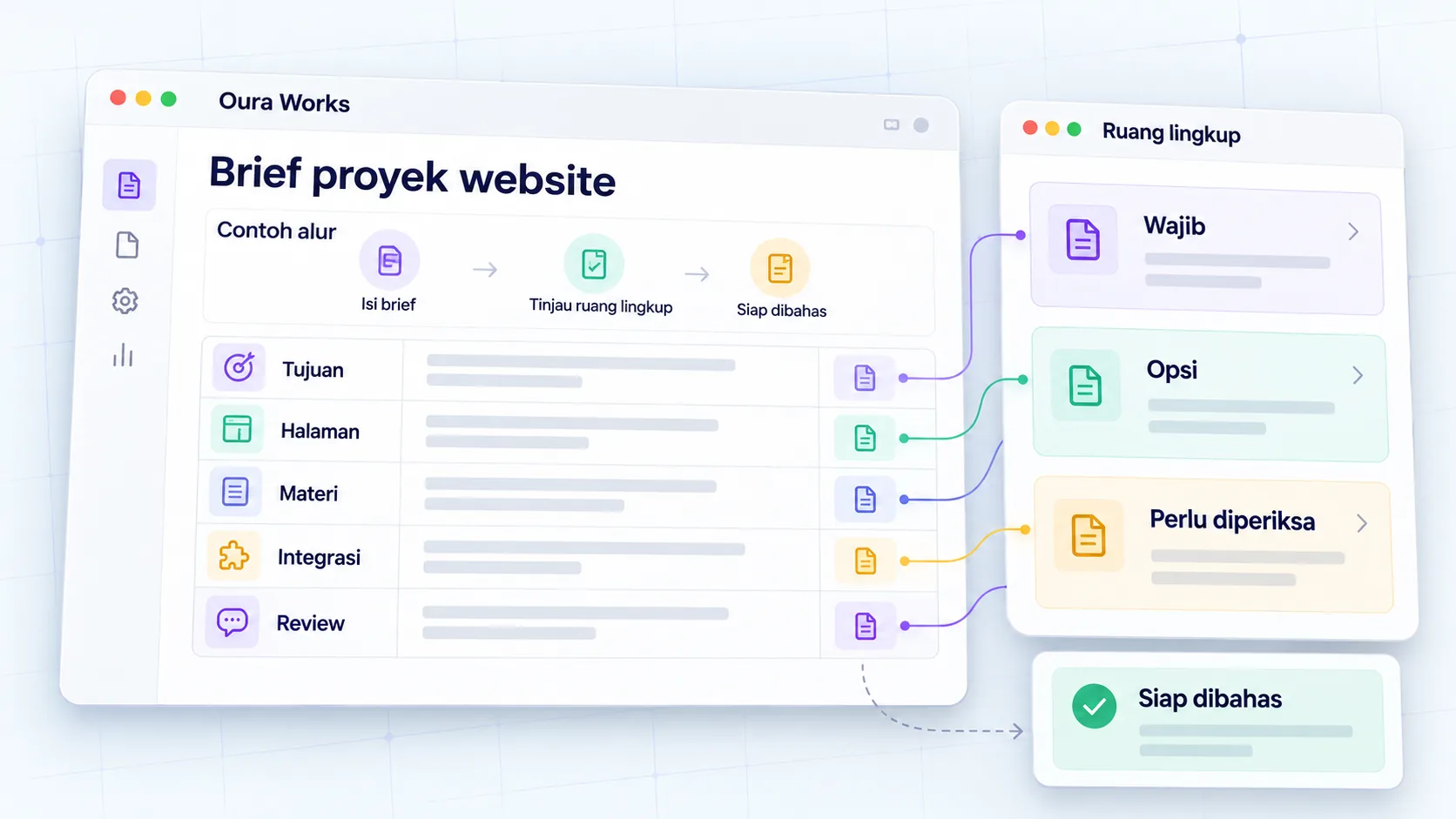
Clear website project brief
Agree on project goals, scope, and decisions.
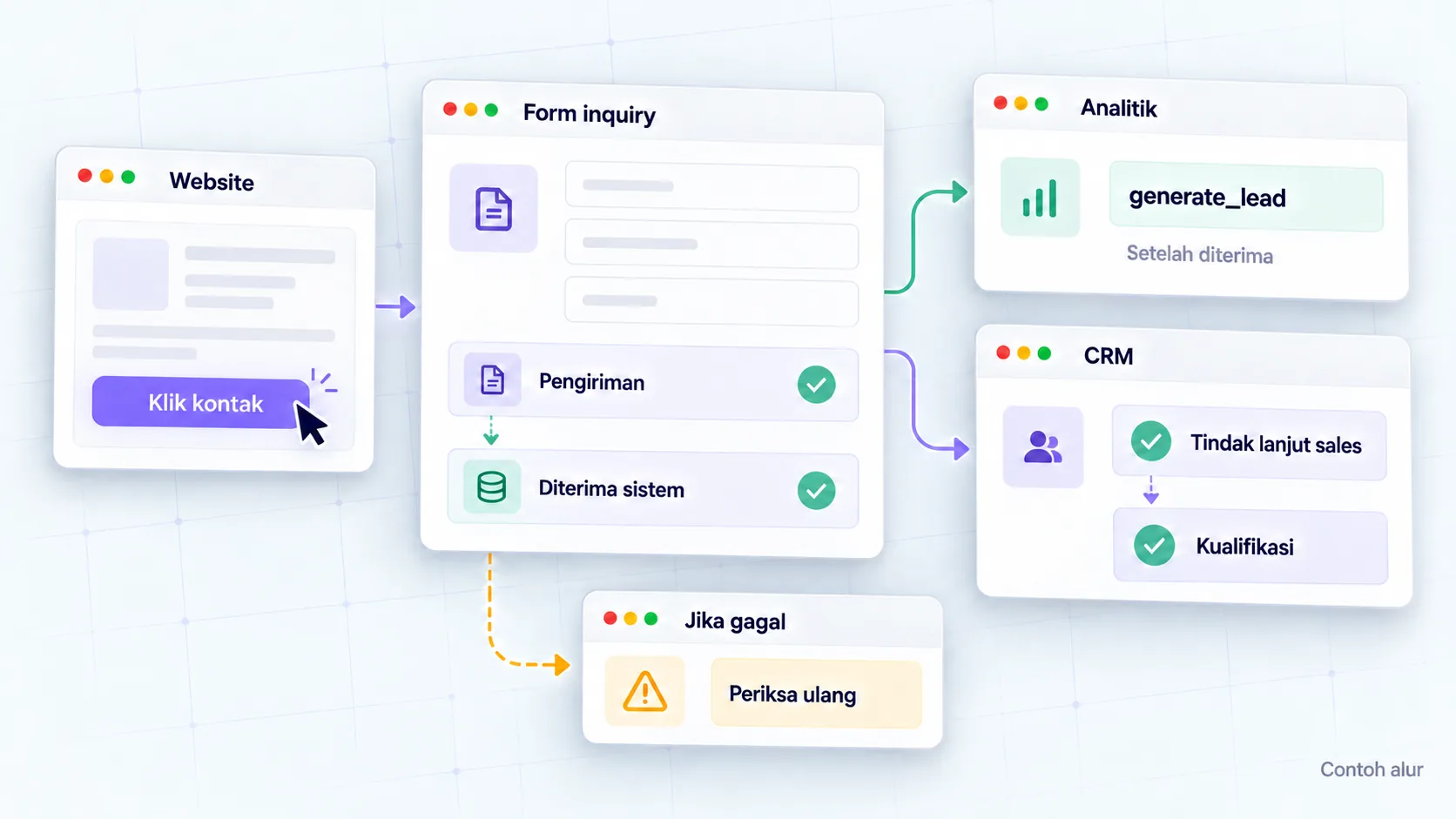
Lead measurement with GA4
Connect website actions to sales context.
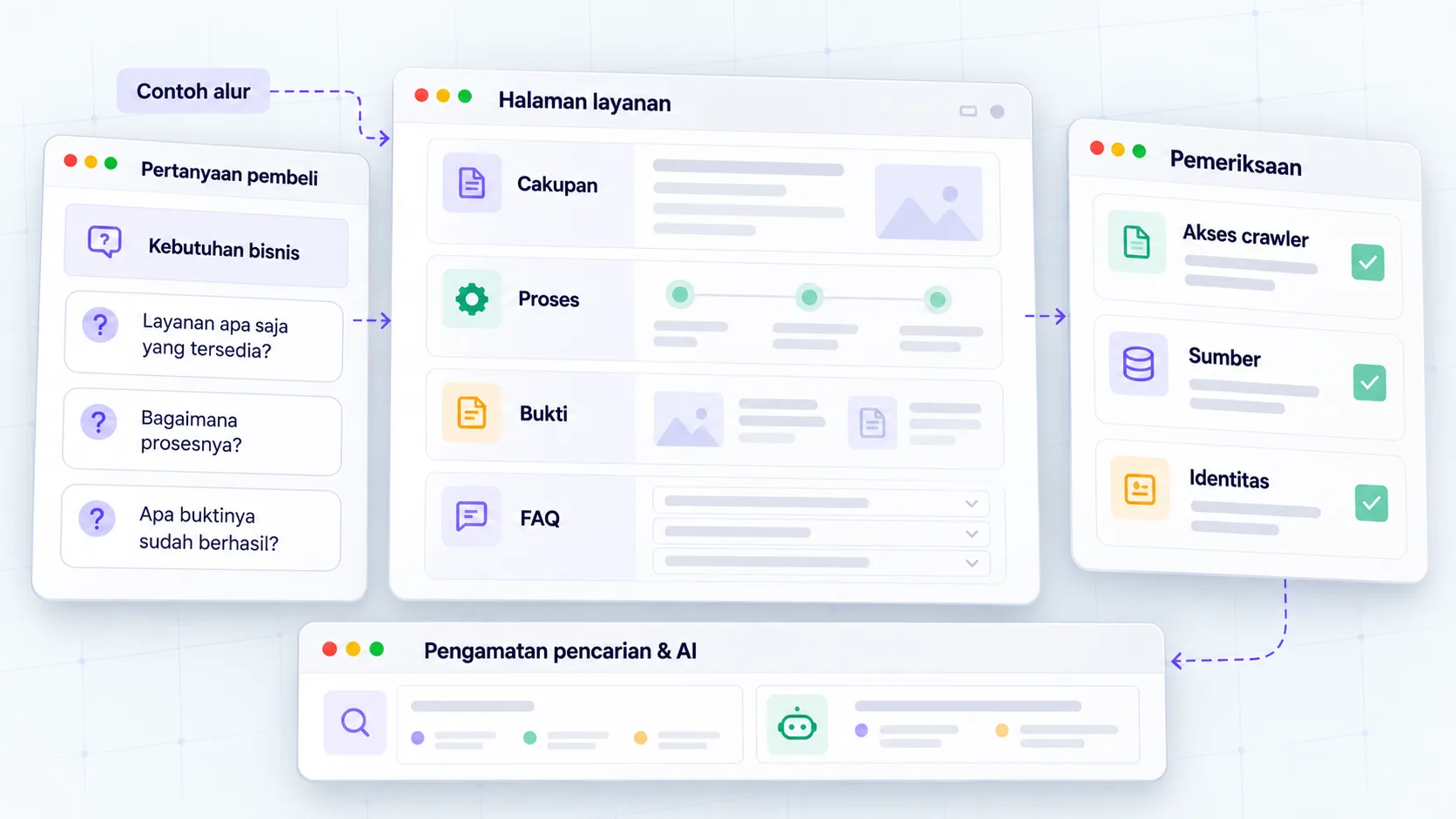
SEO foundation for AI search
Maintain technical access and information that helps readers.