















This guide explains how to test whether business website information appears in Gemini Apps responses. It separates a brand mention, an owned page shown as a source, a related link, and material available only through the tester’s account. Gemini Apps and AI features in Google Search need separate tests and reporting.
Updated 11 October 2026. Examples and simulations are distinguished from measured client results.
Start with a buyer question
Questions about using Gemini differ from buyer questions about your services. Choose needs such as comparing scope, checking locations, or finding service documentation. Illustrative scenario: “What should I check before choosing a CRM integration provider?” tests buying information; “How do I open Gemini?” does not. Do not claim to know most users’ intent without query data.
What do sources and related links mean in Gemini?
| Observation | What it establishes | Limit |
|---|---|---|
| Brand name in response | Mention in the sample | Not a URL citation |
| Source link | URL shown as a source | Check whether it supports the claim |
| Related link | Relevant content offered | Not necessarily the response’s source |
| Uploaded document | Document used in the session | Not public website discovery |
If no source appears, record “no source shown” for that response. One answer without links does not prove a website is blocked, unindexed, or unknown to Gemini. Check site access and indexing separately.
Gemini Apps Help (accessed October 11, 2026) says links may relate to parts of an answer and can come from public websites, uploaded files, or Google Workspace documents and email when an account is connected. Not every response includes sources. Record the context before calling a URL a public website citation.
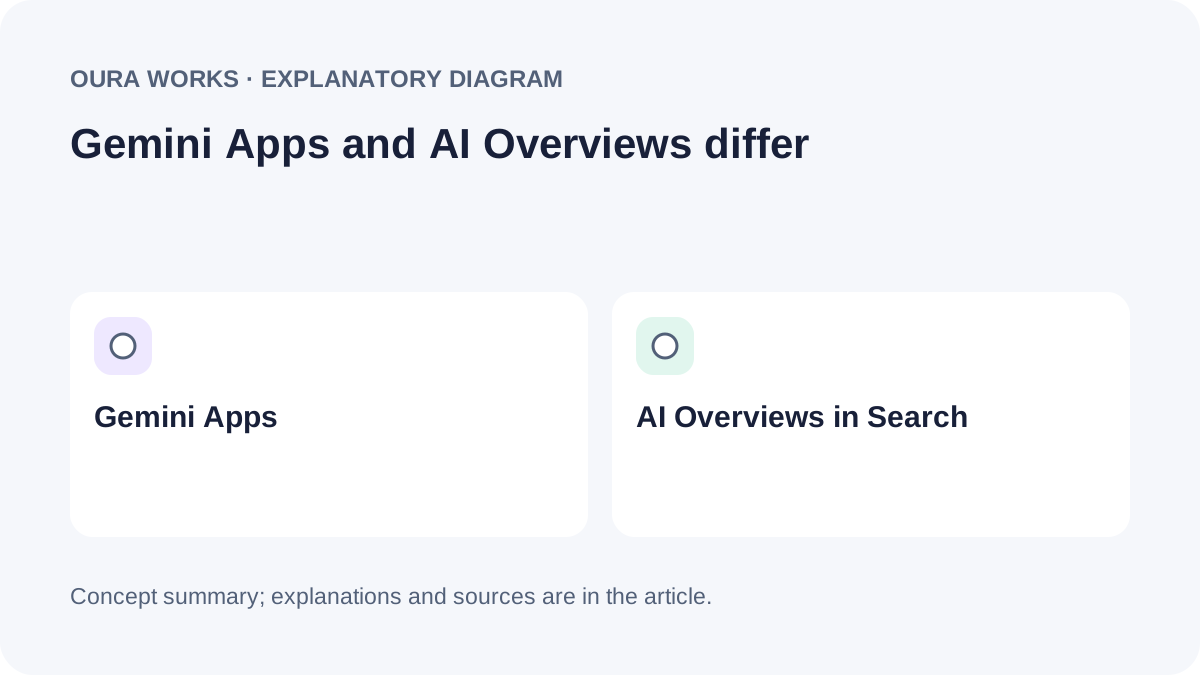
Gemini Apps is separate from AI Overviews and AI Mode in Google Search. Google Search Central says a page must be indexed and eligible to appear with a snippet to be shown as a supporting link in AI Overviews or AI Mode. Google says no AI file or special schema is required for those Search features. This does not guarantee source selection in Gemini Apps (Google Search Central, “AI features and your website”, last updated December 10, 2025; accessed October 11, 2026).
Keep Gemini Apps and Google Search generative-feature logs separate. Test each experience and record its visible links independently. See our guide to Google AI Overviews in Indonesia for Search-specific checks.
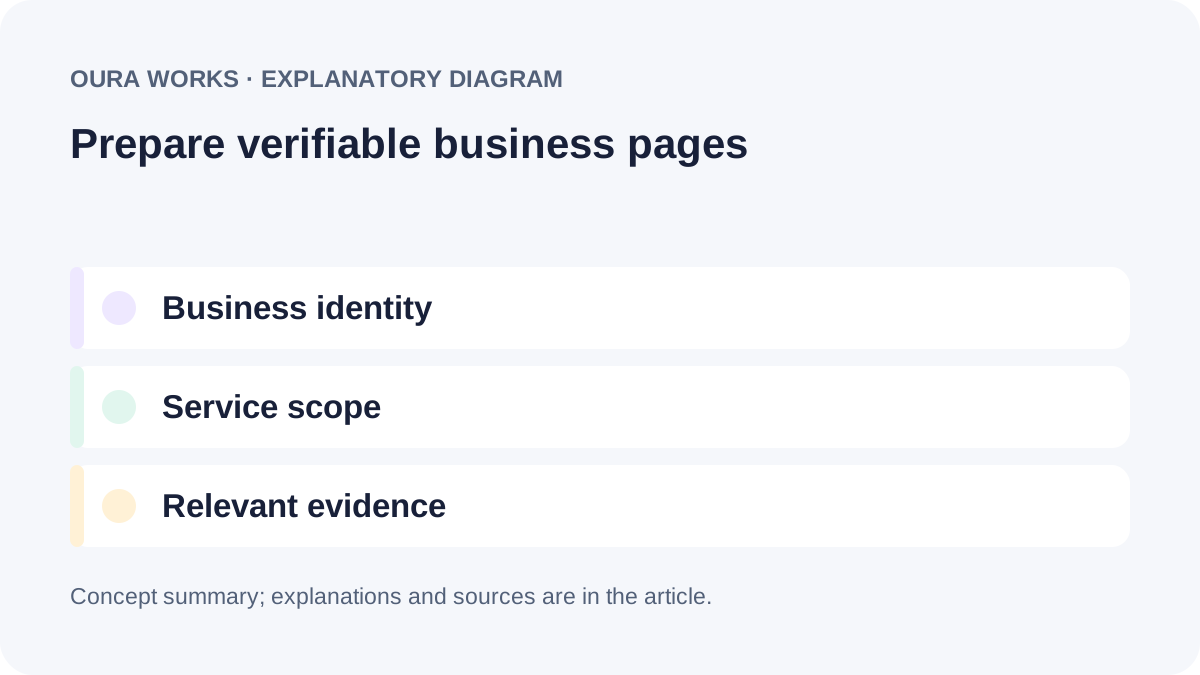
Prepare verifiable public business pages
- Identity: align the business name, legal entity, service area, address, and contact details with official channels.
- Scope: explain who a service suits, what is included, exclusions, prerequisites, and what needs confirmation.
- Evidence: give case studies context and dates. Separate measured client outcomes from examples, simulations, and targets.
- Access: publish key facts as text and link service pages from relevant pages; do not hide the core explanation behind a login.
- Consistency: update information when services, locations, or processes change.
Google Search Central’s guidance on discoverable, text-based content strengthens website foundations but is not a Gemini citation formula. For information architecture, see our business website structure guide and service-content guide.
Explain services without blurring their scope
Explain who the service suits, what is available, and what requires confirmation. Simulation: a CRM integration page states that form synchronization is included, while historical data migration requires a separate review and proposal. A buyer can distinguish these jobs before contacting the provider. Check whether the Gemini response preserves that boundary and which sources it displays; no paragraph length or schema guarantees a citation.
The CRM integration example here is a simulation, not a client result: form synchronization could be in scope, while historical data migration may need a separate review and proposal. State boundaries like these on the service page so a short summary does not turn conditional work into a promise.
Use language buyers understand, explain deliverables and prerequisites, and link to relevant evidence. Avoid duplicate pages that repeat “Gemini,” “GEO,” or “AI SEO” without adding distinct information.
A repeatable Gemini testing protocol
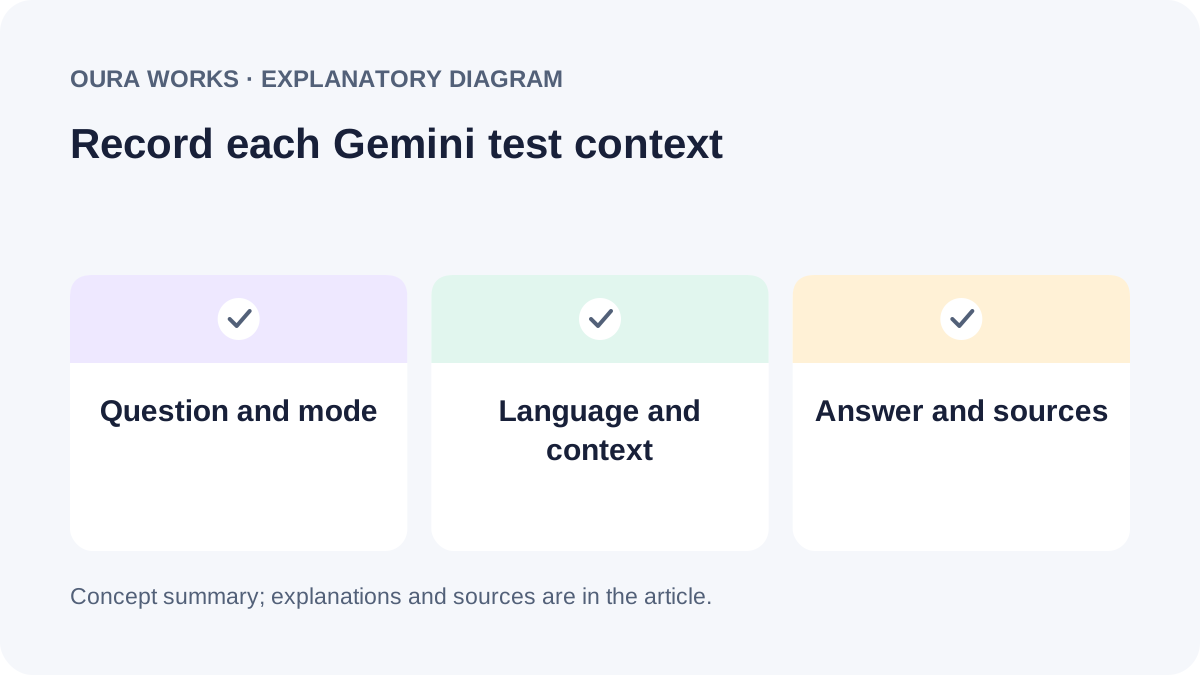
Define the exact question, language, visible model or mode, date, and session context. Separate sessions with uploads or Workspace connections from public-web tests. Save complete responses and associated sources, then label mentions, citations, errors, and answers without links. Keep repetition rules constant; regeneration creates a new observation rather than a reason to retain only the best result.
- Set the objective and exact prompt. For discovery, omit the tested brand name and URL. Record a navigational test that asks for a specific website as a separate scenario.
- Record context: date, language, tester location, visible mode, sign-in state when relevant, and use of history, uploads, or Workspace.
- Capture all evidence: full response, Sources panel, URLs, related links, and results without links. Do not expose account details or sensitive documents.
- Repeat under the same rules: set the schedule and questions in advance, then keep changed answers and responses without a brand mention.
Variation across sessions is part of the observation, not a reason to keep only the best answer. See our B2B customer research guide for ways to develop buyer questions.
Turn test results into business priorities
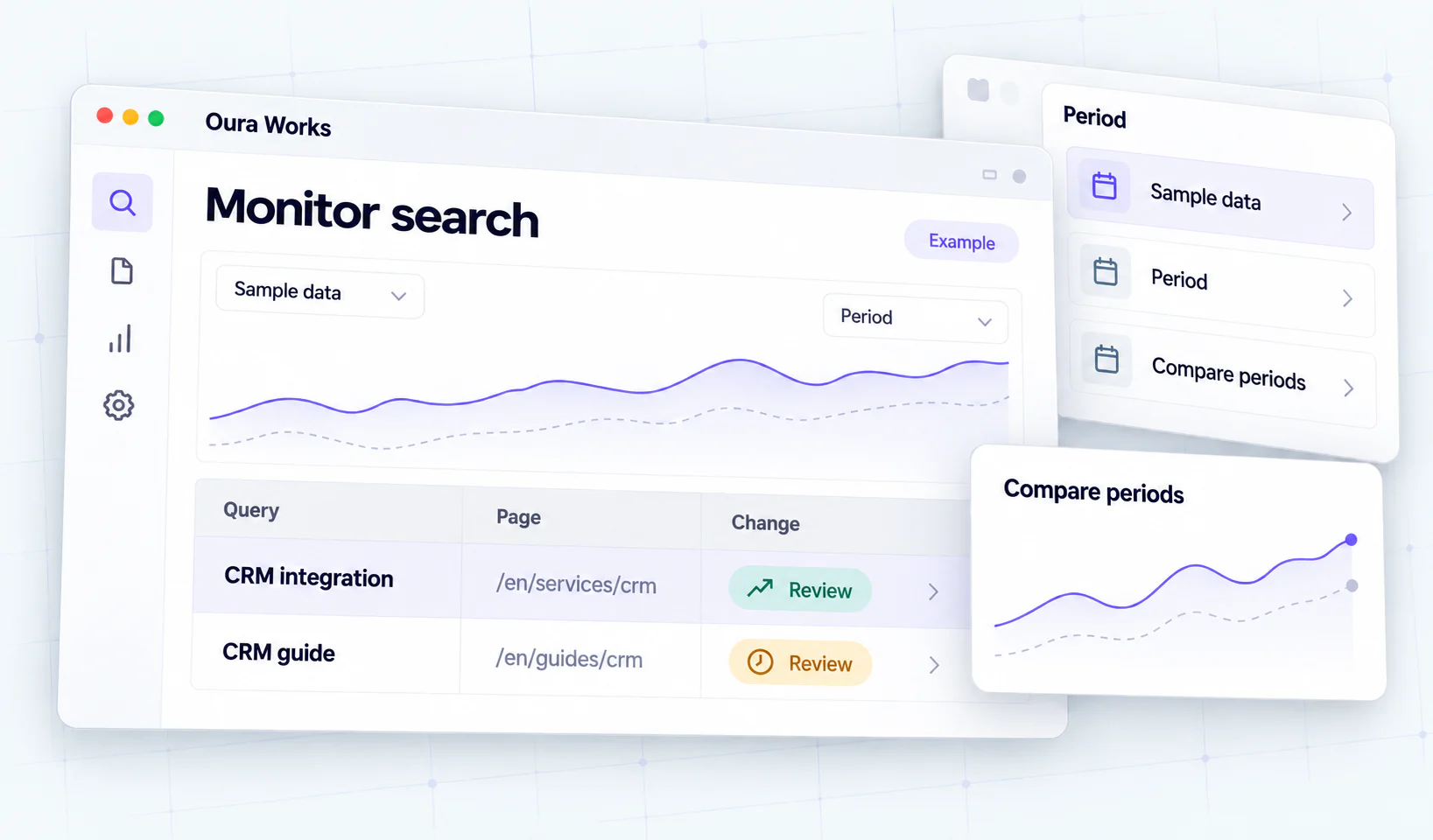
Report counts with their denominator and context. “Three of ten prompts in this group showed an owned URL” is an example format, not Oura data or a market estimate. Separate these signals:
| Signal | What to record | Limit of the conclusion |
|---|---|---|
| Brand mention | The answer names the business. | It does not mean the website was cited. |
| Owned URL | A URL appears in Sources or beside a claim. | Check that the page supports the claim. |
| Related link | An additional link appears around the answer. | It is not automatically a source used to form it. |
| Fact accuracy | Name, services, location, and scope are correct. | One error does not explain its cause. |
| No source shown | No source panel or link appears. | It does not prove the site is blocked. |
If the name or service area is wrong, align About, Contact, Business Profile, and official channels. If service scope is wrong, fix the service page. If a page is absent for a buyer question, check indexation, canonicalization, and internal links. These fixes improve Search foundations but do not guarantee Gemini will select the business.
Use consistent definitions and denominators for each platform, but do not combine Gemini Apps, ChatGPT Search, Perplexity, and Google Search. Our AI Search measurement guide covers sample logging and limitations.
Frequently asked questions
How should I start testing Gemini answers?
Choose buyer questions and record mode, language, context, date, response, and sources. Do not supply your URL first when testing discovery.
How do Gemini and AI Overviews differ?
Gemini Apps is an app experience; AI Overviews is part of Google Search. Use separate tests and report labels.
Does schema guarantee a Gemini source link?
There is no such guarantee. Structured data should match visible content and its markup purpose rather than imply control of answers.
Do I need a Gemini-specific article?
Only if it answers a real need. Clear service information and evidence are often more useful than repetitive pages named after products.
How do I measure Gemini visibility?
Separate brand mentions, source URLs, related links, and identifiable visits. Disclose the sample and context rather than treat one evidence type as all visibility.