
















Measurable impact • E-commerce • 6 months • Updated October 2, 2026
Tidying up a large catalog to get priority pages back to work

Oura Works

Audits of indexation, category structure, and page performance direct work on products that are important to the business.
This story refers to an anonymous engagement published by Oura. The analysis, decision matrix, illustrations, and checklist below are editorial implementation guidelines; not copies of client documents or additional unattested results.
Summary of work and evidence
| Aspect | Publication summary |
|---|---|
| Sector | Ecommerce |
| Period | 6 months |
| Initial conditions | The catalog contains more than 1,200 SKUs. Organic growth was stagnant, with thin pages and competing categories for similar questions. |
| Jobs | The team archived or merged duplicate pages, clarified paths from categories to products, and improved the performance of twelve priority pages. Eight content groups support product information. |
| Results reported | The published PageSpeed score went from 62 to 92 over six months. This figure is the test score reported in the case, with the respective implementation conditions. |
| Evidence label | Measurable impact, following Oura publication |
Oura engagement source. Raw data and all test conditions are not available in the public summary. These results need to be read with the initial period and conditions; is not an estimate of results for other businesses.
Large catalogs require decisions, not just additional descriptions
Over 1,200 SKUs can generate multiple URLs from categories, filters, variants, and campaigns. Some URLs help buyers, while others repeat almost the same listing. Teams need to understand the function of each group of pages before deciding what to update, merge, or archive.
In this case, the publication mentions thin pages and competing categories for similar questions. Internal competition is not a reason to automatically delete a page. Check whether buyers need the distinction, whether the products displayed are different, and whether the URL brings visits or transactions that need to be retained.
Useful audits link inventory URLs to product catalogues. Without that connection, pages can be removed due to low traffic even though they are important for high-value products or sales materials. The decision needs to be reviewed by the catalog owner and technical team.
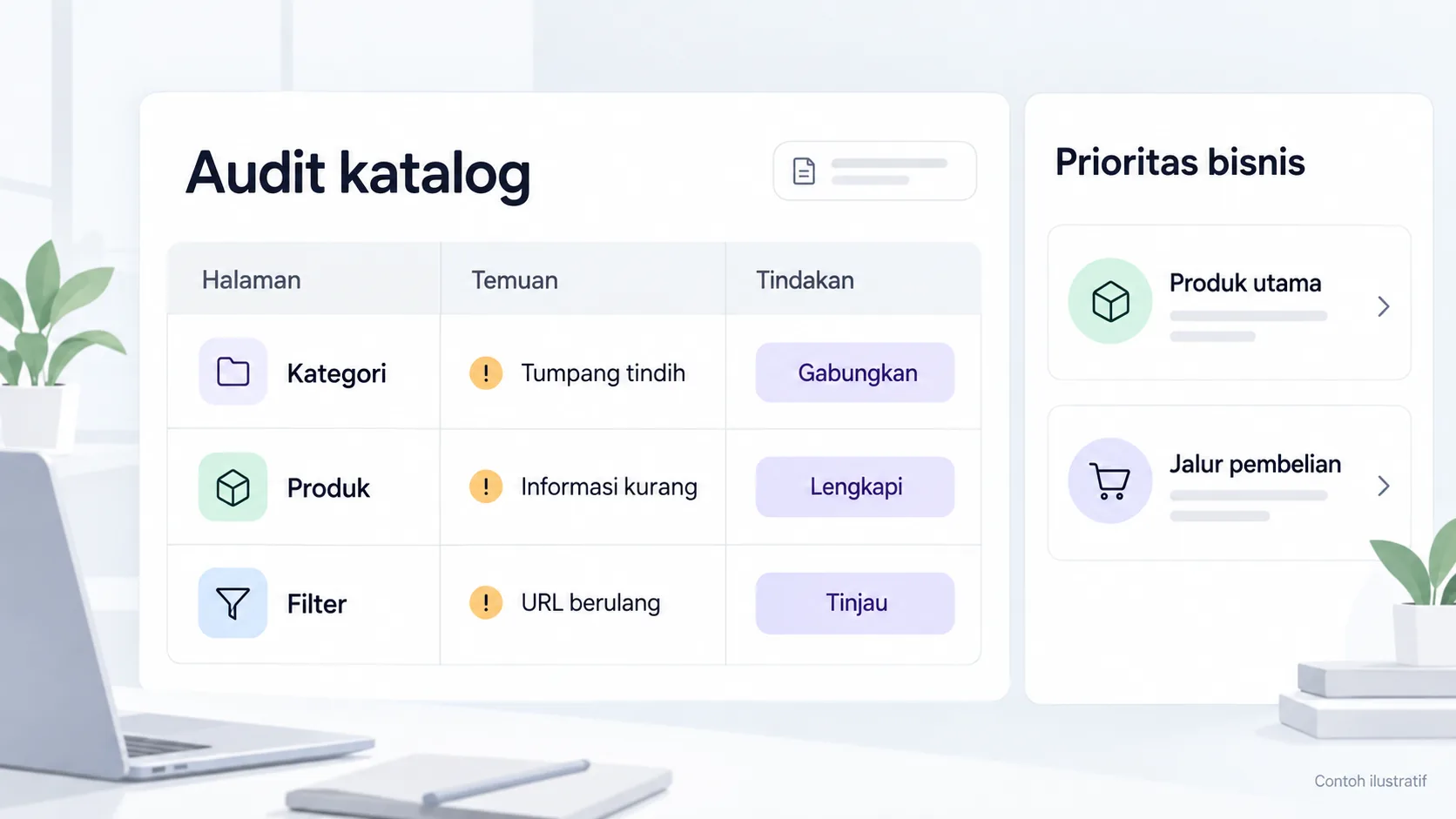
Example of a catalog URL decision matrix
| Condition | Examination questions | Actions that may be considered |
|---|---|---|
| Categories overlap | Are the needs of the buyer and the product the same? | Clarify functions or combine them after review |
| Minimal product information | Are specifications available from the data owner? | Complete the priority page |
| The filter produces many URLs | Does the combination help different searches? | Review access, indexation, and navigation |
| Product not available | Temporary or completely discontinued? | Explain the status and relevant alternatives |
| The old URL has a link | Where do the readers' needs move? | Plan the migration destination accordingly |
A matrix is an operational example. Redirect, canonical, and crawl settings have different functions; don't use everything as a delete duplicate button. Each change needs to be tested on a sample URL and reviewed before being applied to the entire catalog.
Select twelve priority pages
The case concentrates performance improvements on twelve pages. A phased approach helps teams see the impact of changes before expanding them. Priority pages can be selected based on business value, buyer needs, content weaknesses, and observed technical obstacles.
Don't determine priorities just from keyword volume. Products with special technical needs may have fewer searches but more relevant inquiries. On the other hand, popular categories can bring in a lot of visitors who aren't ready to buy.
Establish category-to-product relationships with clear labels. Buyers need to know product differences, availability of information, and steps to ask or buy. The eight content groups mentioned in the source support product information; the summary does not include a complete list of topics.
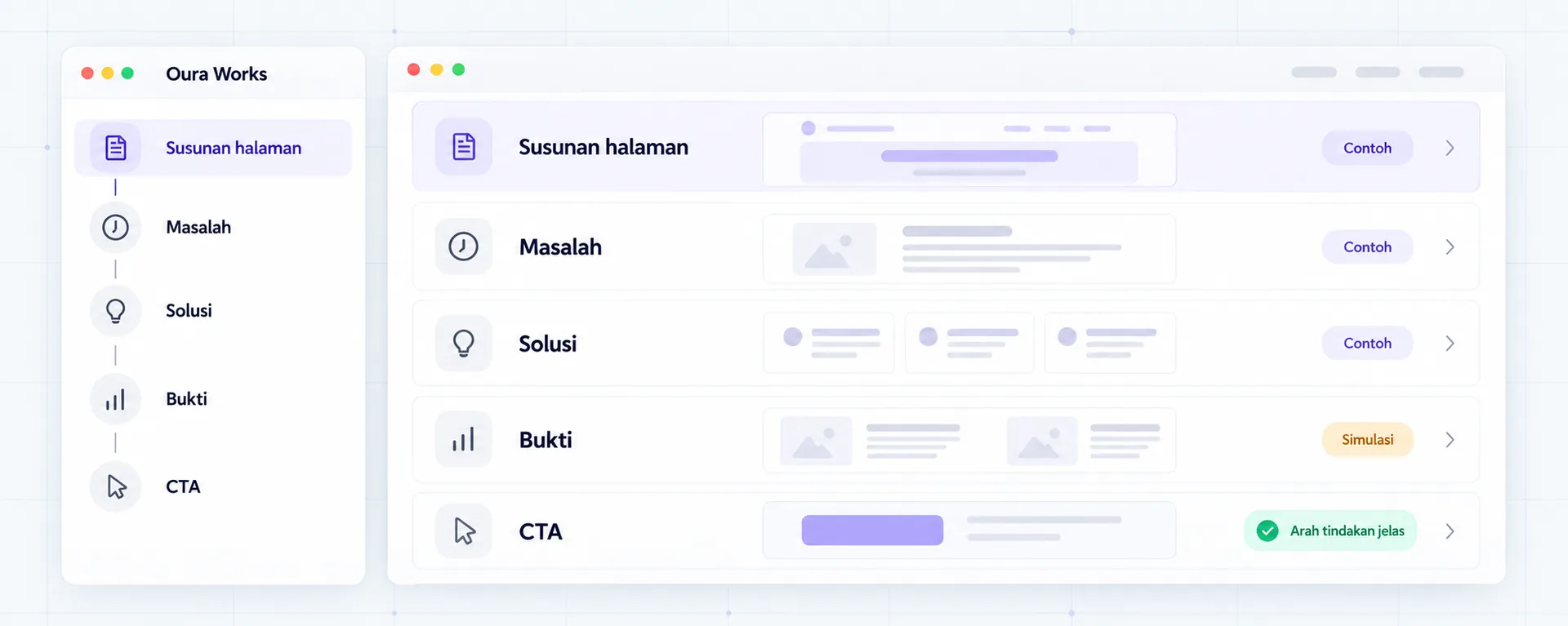
Product information helps the correct choice
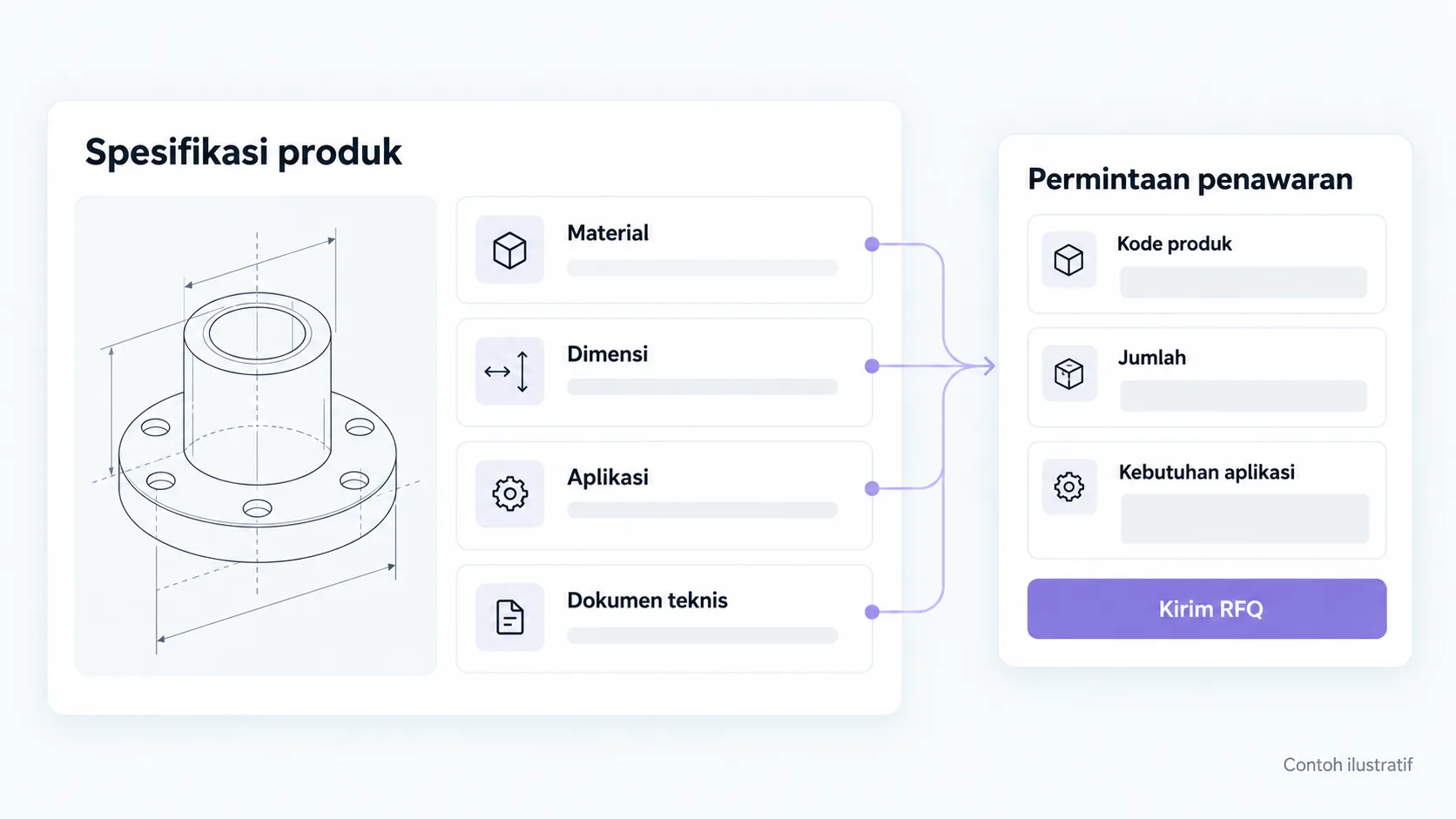
The description does not need to be filled with keyword variations. Starting from the attributes that differentiate the choices: size, material, compatibility, use, and variant rules according to category. Avoid drawing conclusions about compatibility if the manufacturer's specifications are not sufficient.
Information originating from a PDF can be summarized in HTML with links to supporting documents. Set data versions and owners so that prices, stock, or specifications do not conflict. For transactions, shipping and payment rules need to follow the system actually used.
The CTA form follows the business model. Online stores can lead shoppers to transactions, while B2B catalogs can prompt initial needs. Don't display checkout if actual operations still require offer verification.
PageSpeed 62 to 92: what does it mean?
The published PageSpeed score went from 62 to 92 over six months. This score helps observe test conditions, but is not a percentage increase in sales or proof that all users experienced a fast page.
Lab results are influenced by the simulation device, connection, URL, and state of the page when tested. Core Web Vitals field data looks at real user experiences when available. Both sources need to be read with a clear period and method, not combined into one success figure.
| Examination | Function | Limits |
|---|---|---|
| Lab testing scores | Discover possible technical obstacles | May change between tests |
| Field data | Read real user experiences | Not always available for every URL |
| Transaction success | Check operational processes | Not proven performance scores |
| Priority page indexation | Review access and search status | Does not guarantee ranking or demand |
Changes such as image processing, script reduction, or caching need to be measured on comparable pages. The case source does not contain details of all technical actions, so the following illustration is an example of how to prioritize audits, not a list of implementations claimed to be performed on the client.
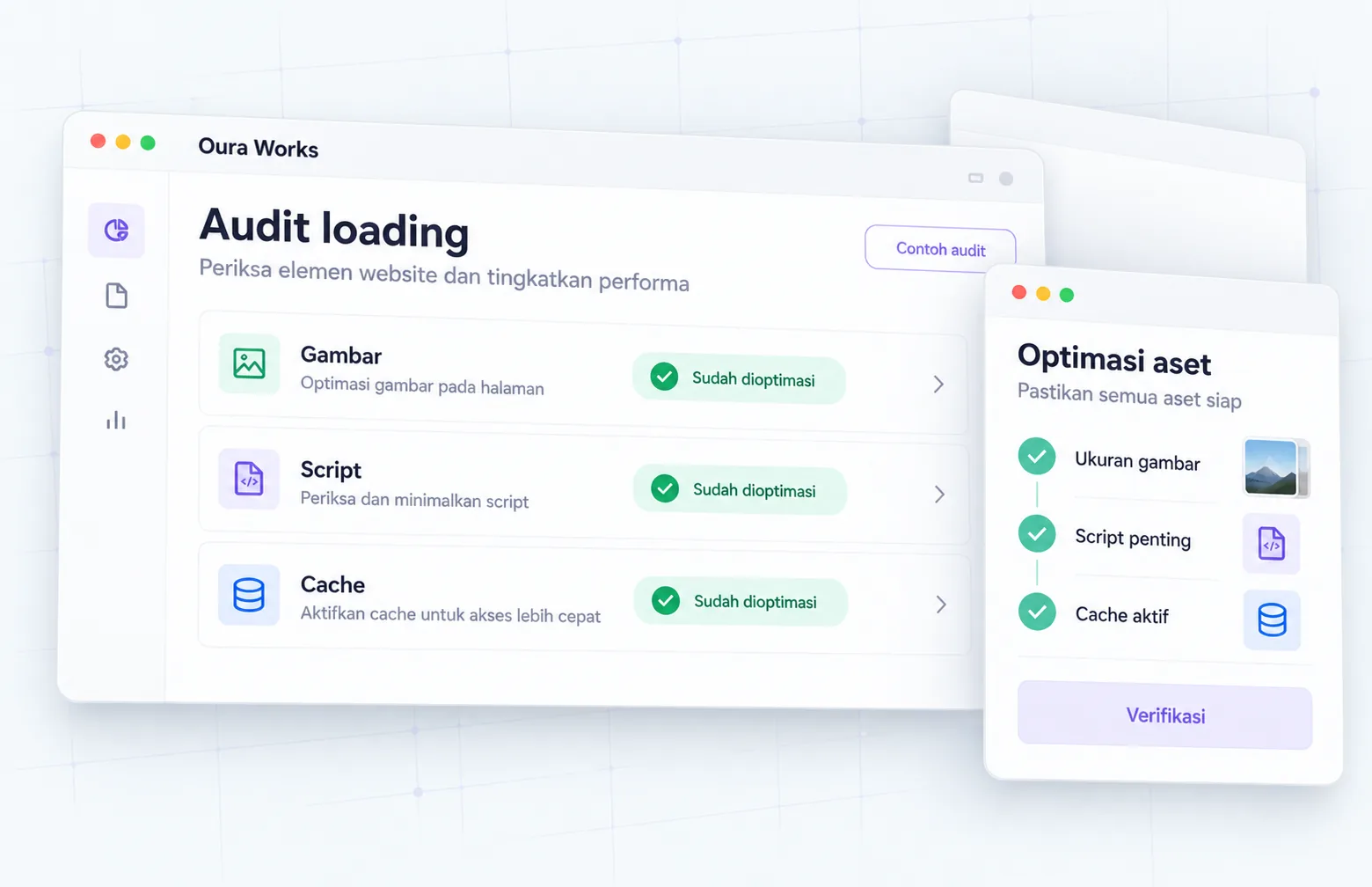
Staged rollouts reduce catalog errors
Test small groups of pages before mass changes. Check category relationships, legacy links, product views, and purchase or inquiry paths. Keep a list of URLs that changed and the reasons for their decisions so that downgrades can be traced.
If categories are merged, navigation links and campaign materials will also need to be updated. A technically correct URL can still lead to options that don't match the visitor's intent. Checks should use real purchase scenarios, not just a list of HTTP statuses.
After release, monitor errors, priority pages, and requests received. Allow observation time according to the volume of data, then differentiate technical issues from seasonal, stock or promotion changes. Avoid stating that one optimization is the cause of all traffic changes.
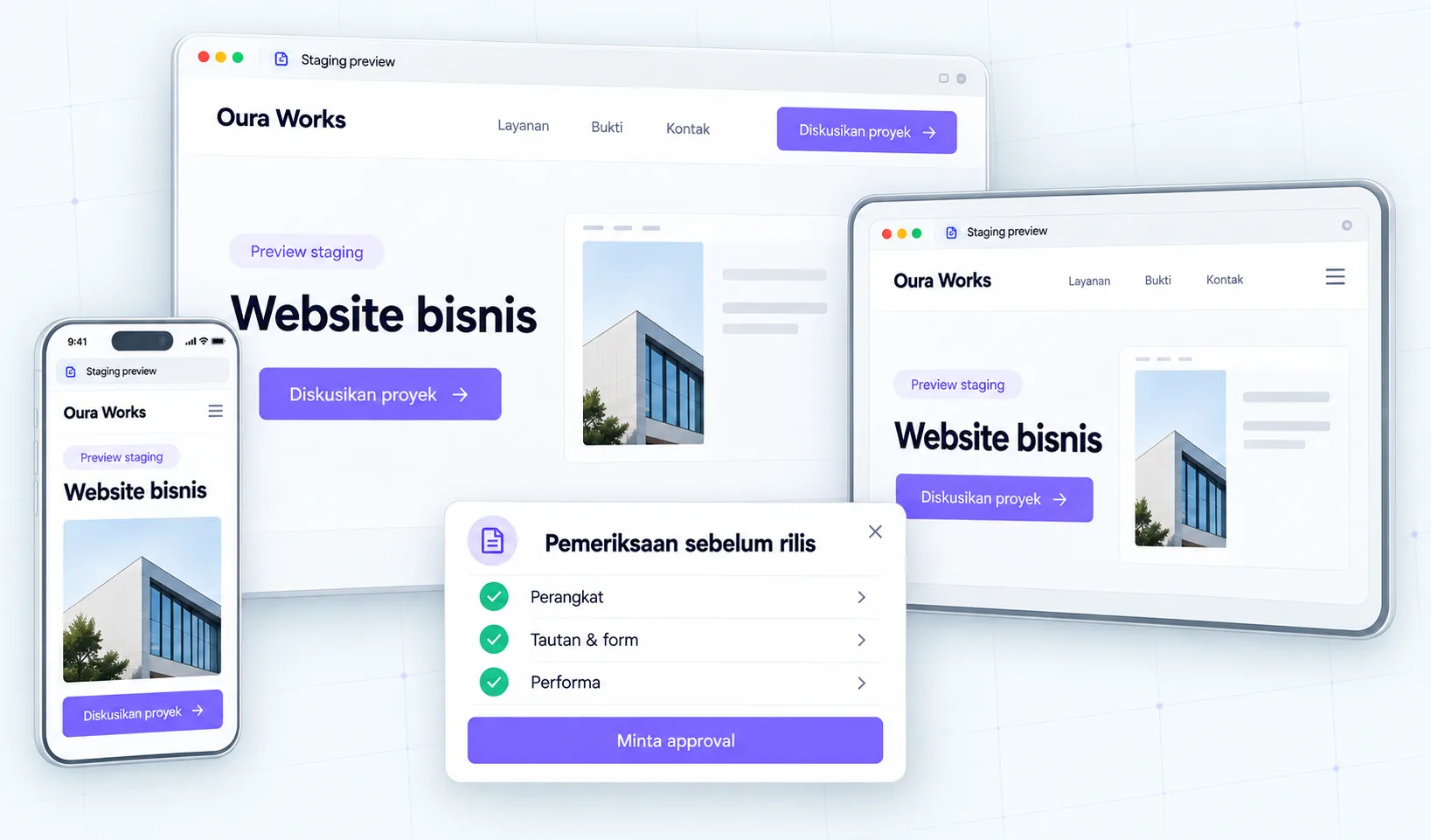
Pre-audit checklist applied to a large catalogue
- Associate URLs with categories, products, and data owners.
- Note the reasons for retaining, repairing, merging, or archiving pages.
- Set up legacy URL mapping and relevant destinations before migration.
- Separate performance testing, indexation, and business process success.
- Review samples in staging before changes are expanded.
Discuss catalog audits with Oura. Bring examples of categories, products, filters and commercial priority lists so the work starts with clear business needs.
FAQs
Should all low traffic pages be removed?
No. Check page functionality, product value, incoming links, and buyer needs. Pages can be important for sales or special products even if the traffic is small. Deletion without appropriate purpose can cut off the reader's path.
Do similar categories always need to be merged?
Not always. If buyer and product needs differ, clarify the role of each category. If both repeat the same function, a merger can be considered after data review and URL mapping.
Does a score of 92 mean all users experience a fast website?
No. Lab scores describe testing under certain conditions. Read field data when available and check key processes on relevant devices. Performance scores do not prove conversion or checkout success.
Can the information in the PDF still be used?
May be used as a supporting document. The core information needed to compare products should be available on the page, with a clear version and source. Do not change specifications when summarizing without data owner review.
Why start with a few priority pages?
So teams can examine decisions, migration risks, and impact of changes before deploying them to many URLs. The number of priorities follows the catalog conditions and review capacity, not a number that must be the same as in this case.
References and source limits
- Oura catalog case for context and reported scores.
- Core Web Vitals at web.dev for user experience reading.
- Google SEO Guide for website content and structure.
Source checked October 2, 2026. Launch matrix and flow are editorial analysis; Specific technical changes require an audit of the website in question.
Continue on to guides and stories that discuss similar decisions.
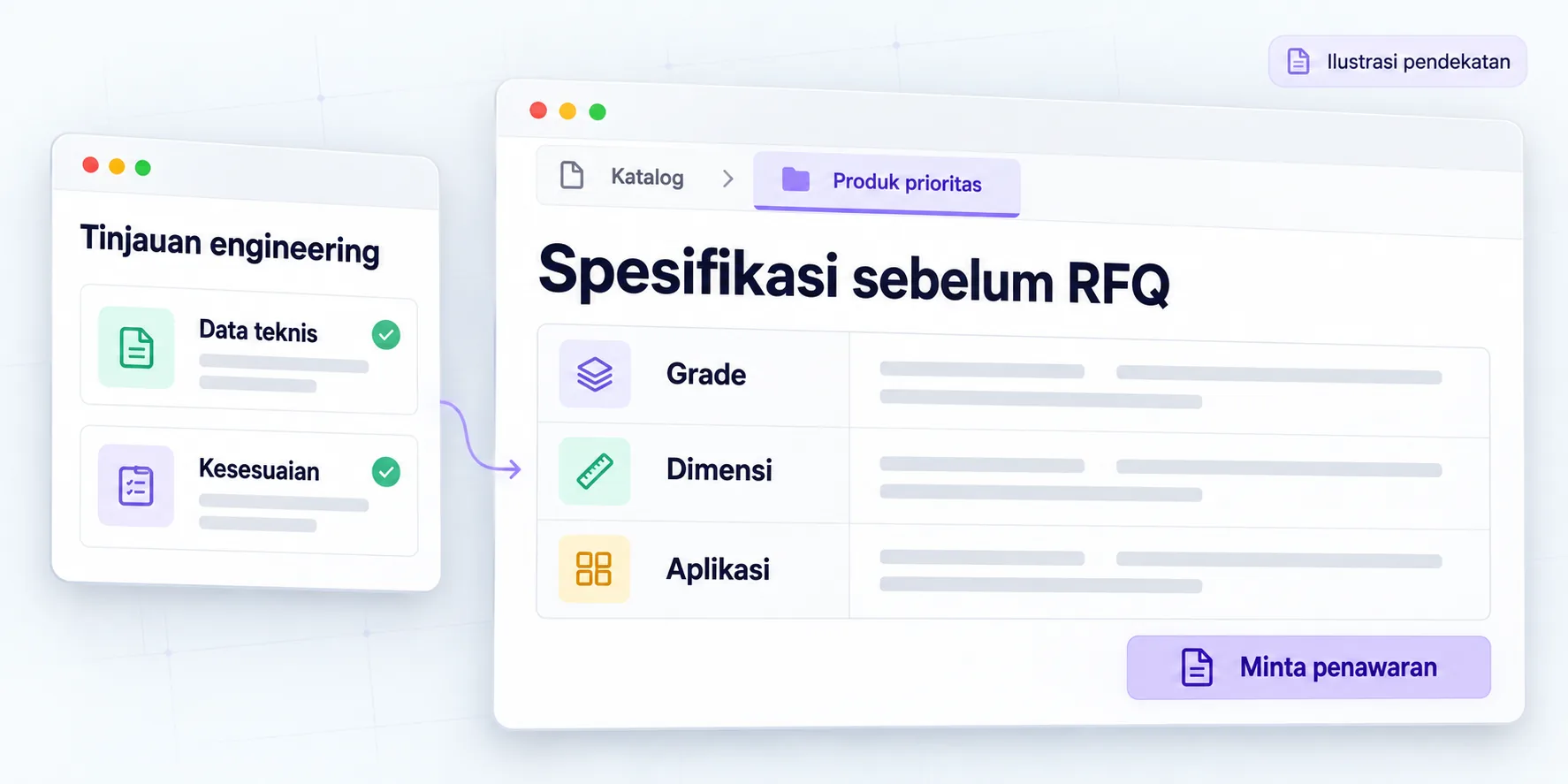
B2B specifications before RFQ
Technical product pages are structured over a seven-month engagement.

Website structure based on buyer needs
Determine the role of the page before drafting the design.

SEO foundation for AI search
Maintain technical access and information that helps readers.
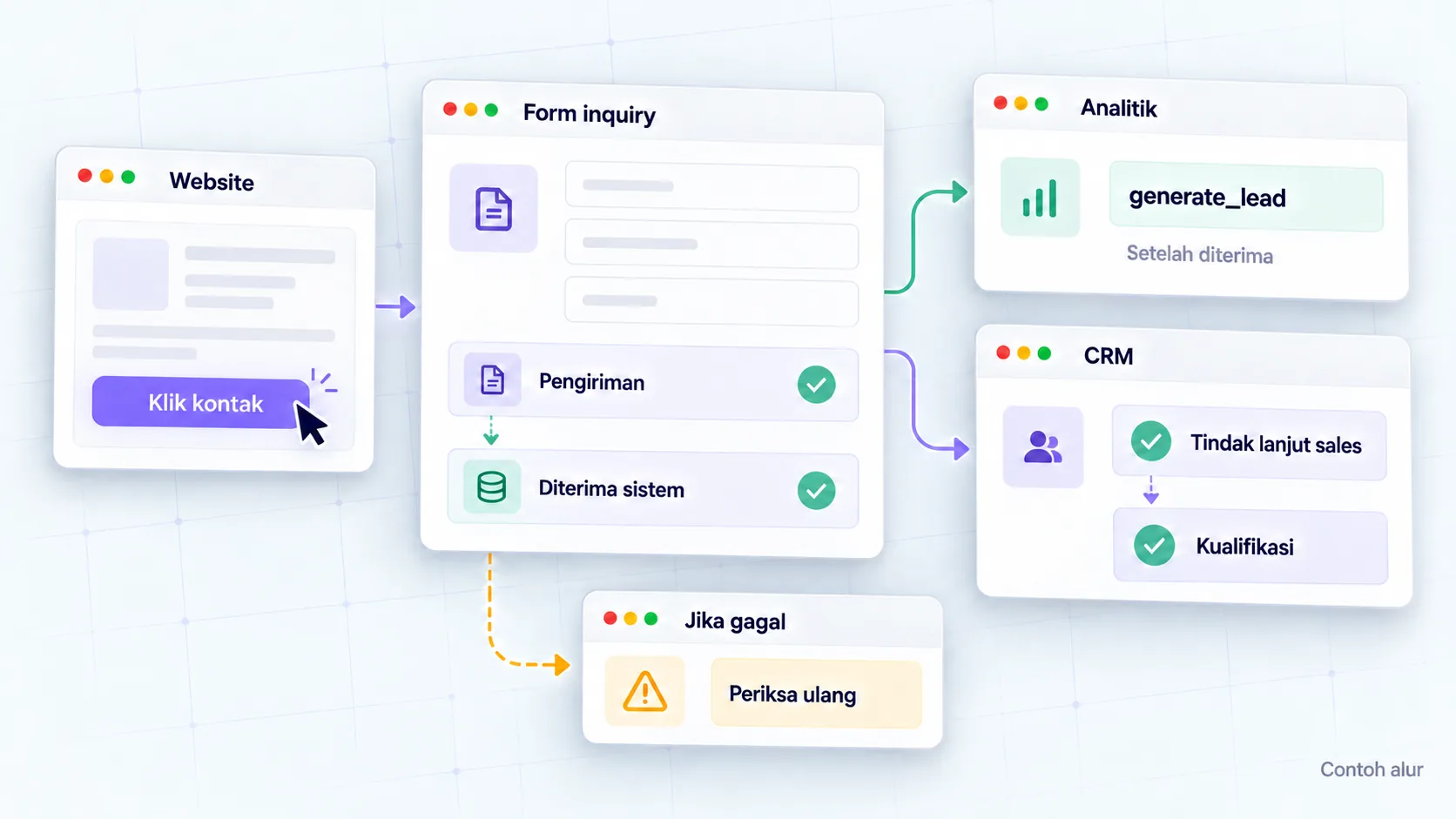
Lead measurement with GA4
Connect website actions to sales context.

Clear website project brief
Agree on project goals, scope, and decisions.

Copy of services before consultation
Clarify benefits, scope, evidence and next steps.